11
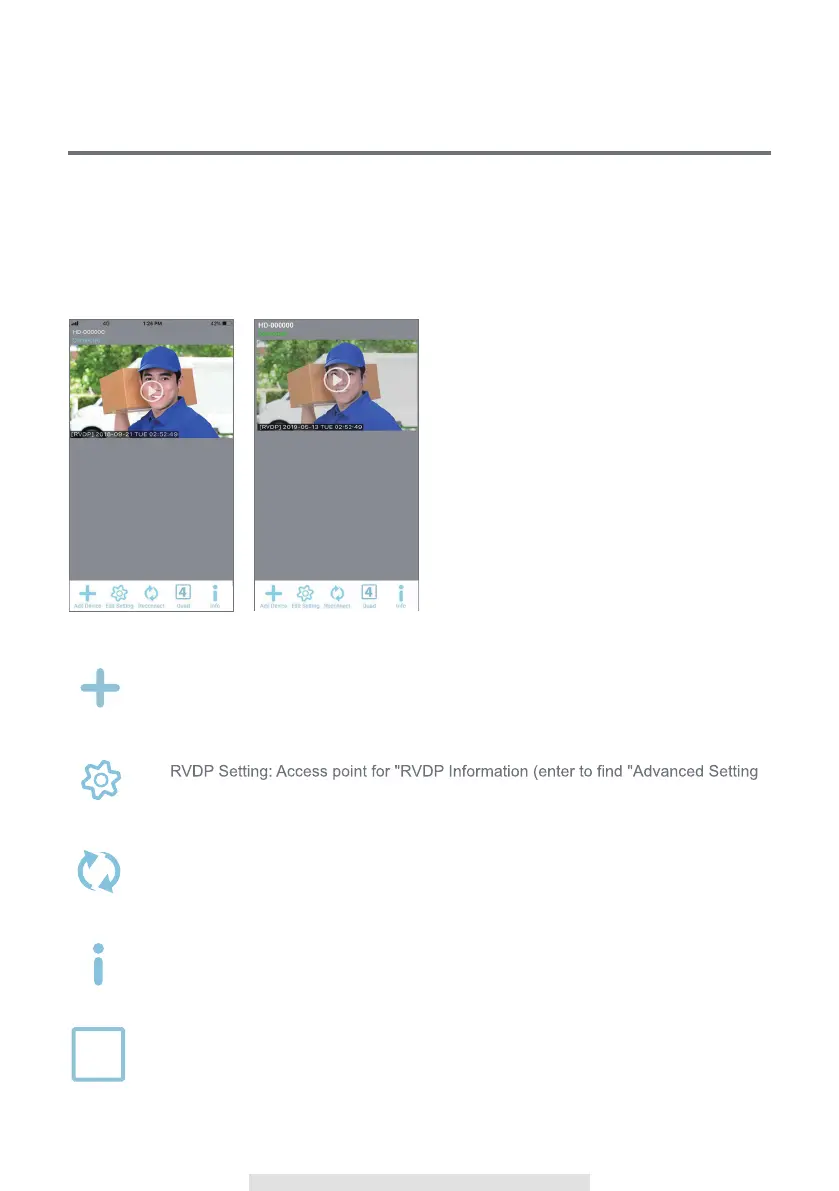
List of all registered RVDP. You can quickly
access preferred RVDP in the list even when
multiple RVDP are registered by scrolling the
list up or down.
Tap the camera to enter Live-View.
The Connection Status (Connected or
Disconnected) is indicated for each RVDP in
the list.
(iOS) (Android)
MAIN PAGE OVERVIEW
The MAIN PAGE section offers you an overview for RVDP and access to different management
functions.
MAIN PAGE
Add RVDP: To add RVDP.
Add Device
g
Section" and "Wi-Fi Reset), "RVDP Delete" and "Event List".
Edit Settin
t
Refresh: Refresh connections of all the RVDP in the list.
Reconnec
Information: Access RVDP/App firmware version information and app PIN Lock
setup.
Info
Quad:Select the devices and click the icon to combine the devices liveview into
same image(It is available for more than 1 devices).
4
Quad



 To Next Page