19
ADVANCED SETTING
This chapter explains the advanced settings for administrator. Administrator is the one who owns
the administration password and has the full control to the WAPP camera. The administrator can
access all WAPP functions and settings, while general users can receive the surveillance images
for live view/screen capture/video recording and may not manage the camera settings.
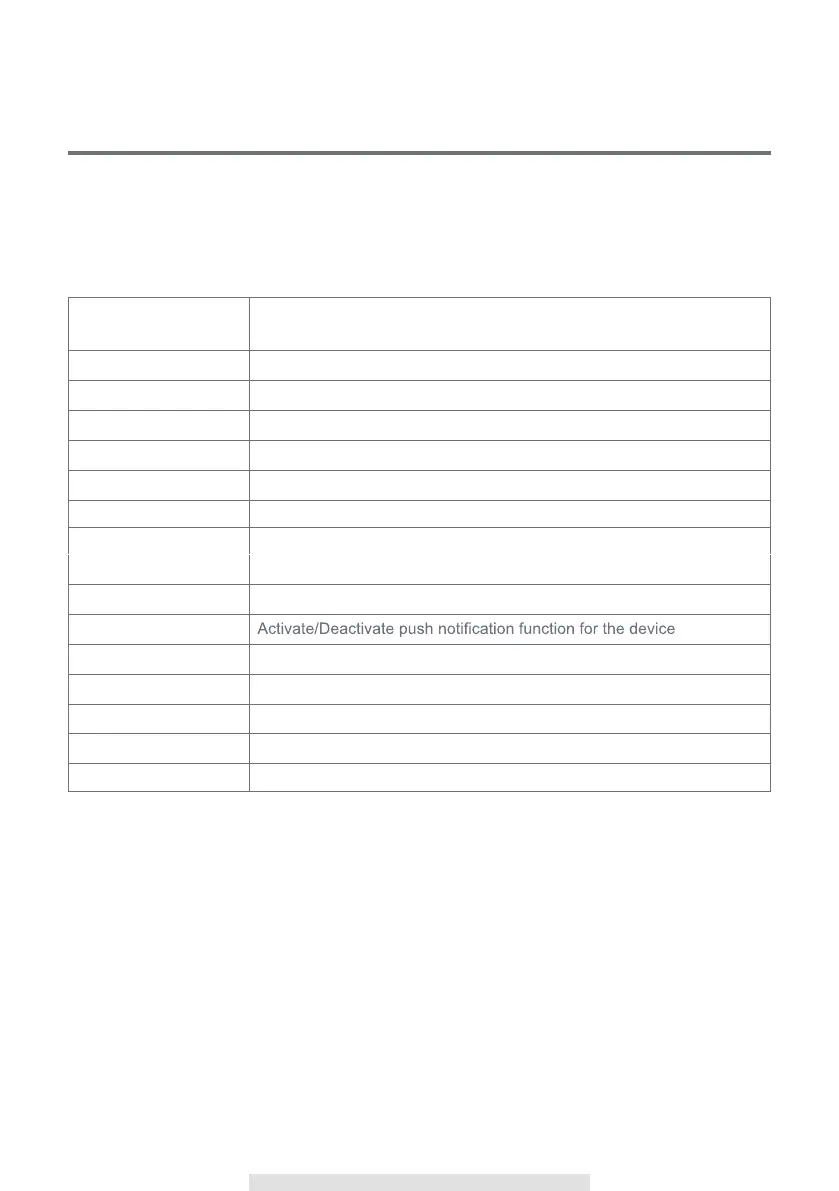
Admin Password The security code required to enter Advanced Setting for system setting
management
Device Security Code Setup/Change the password for remote access
Time Zone Setup the appropriate time zone
Sensor Setup Setup the doorchime or other sensor devices
Wi-Fi Manage your Wi-Fi Network
Time Stamp Select a color for the tab of time
E-mail Setting Setup your email account for E-mail alert
Video Setting Configure the video quality and local power frequency, and low light
enhancement.
Sensitivity Setting Setup the doorbell sensitivity for motion detection
Push Notify Settings
SD Card Settings Format/Setup overwrite the SD card
Melody Setting Mange doorbell melody and volume
Doorchime Setting Setup the door chime type
Unlock Duration Setup the length of time the trigger
About Device Check the App and API Kernel version



 To Next Page