20
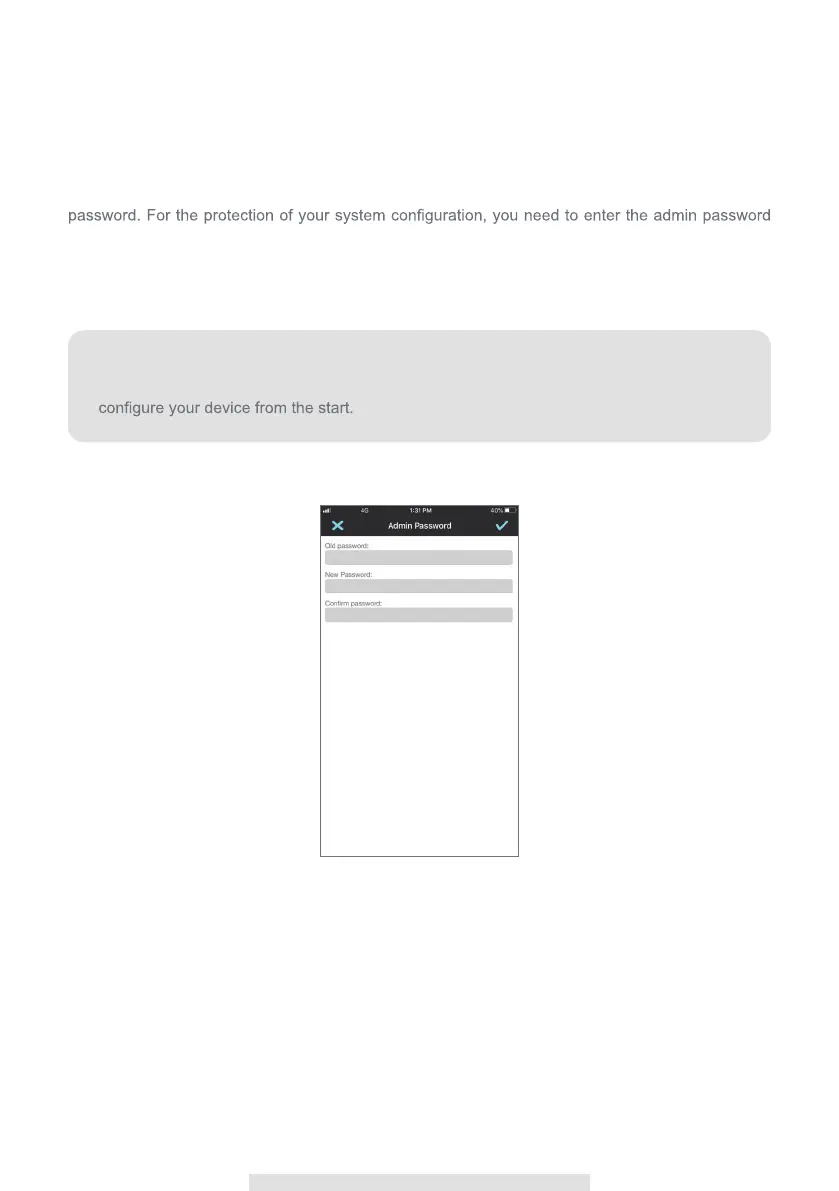
Admin Password
The Admin Password is a specific security code for the administrator to change the advanced
settings. The default admin password is 123456.
This function allows you to change the default admin password into your personal admin
when changing the advanced settings. We strong suggest that you change the admin password
periodically.
Note:
If you forgot admin password, press and hold the reset button for 5 seconds to
restore the device to factory default setting. (referto the product overview section). And



 To Next Page