21
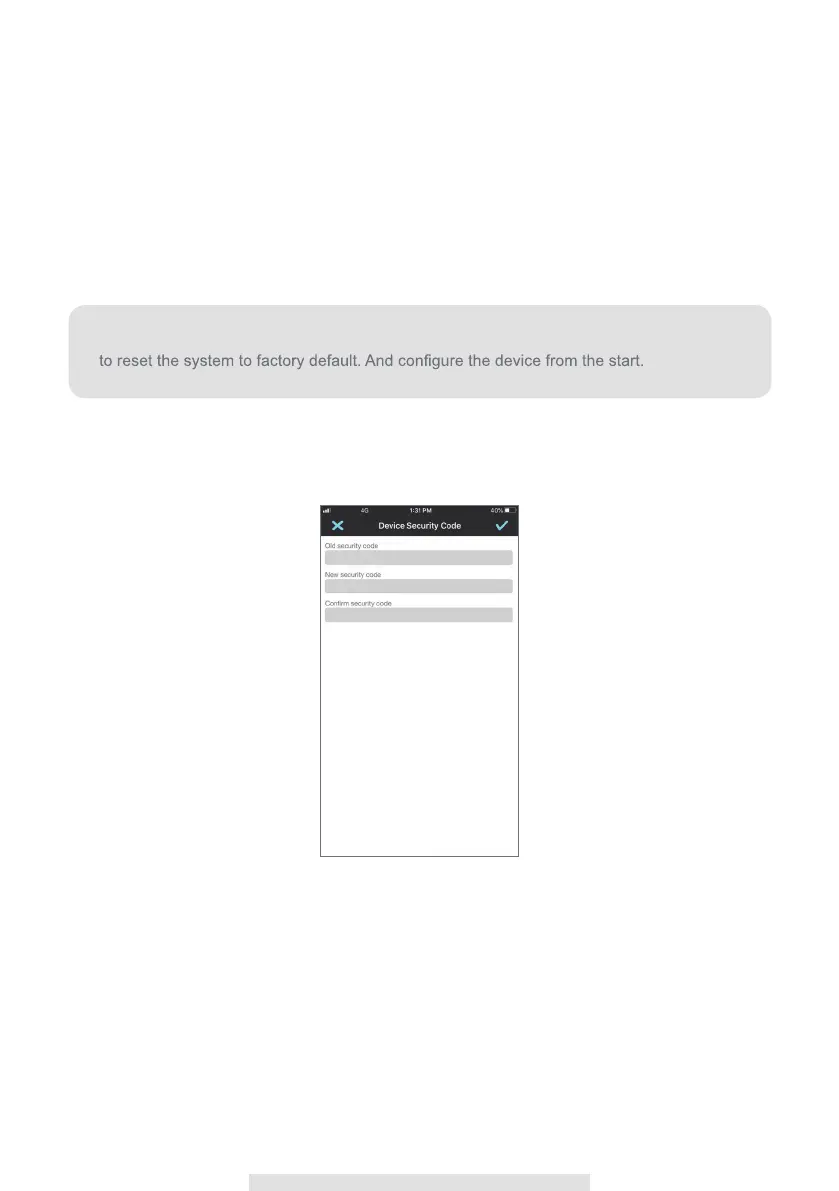
Device Security Code
This section allows you to setup the security code, limiting who can access to the device form
aremote location.
The default password of the camera is 123456, you can enter character a~z, A~Z, 0~9, “_”, “-“, “!“,
“#“, “$“, “%“, “*“ with max 31 characters.
Please use this function to change the default password into your personal security code.
Note:
If you forget the Device Security Code, press and hold the reset button for 5 seconds



 To Next Page