Chapter 3 Commands
■To Set Constant Mode Time
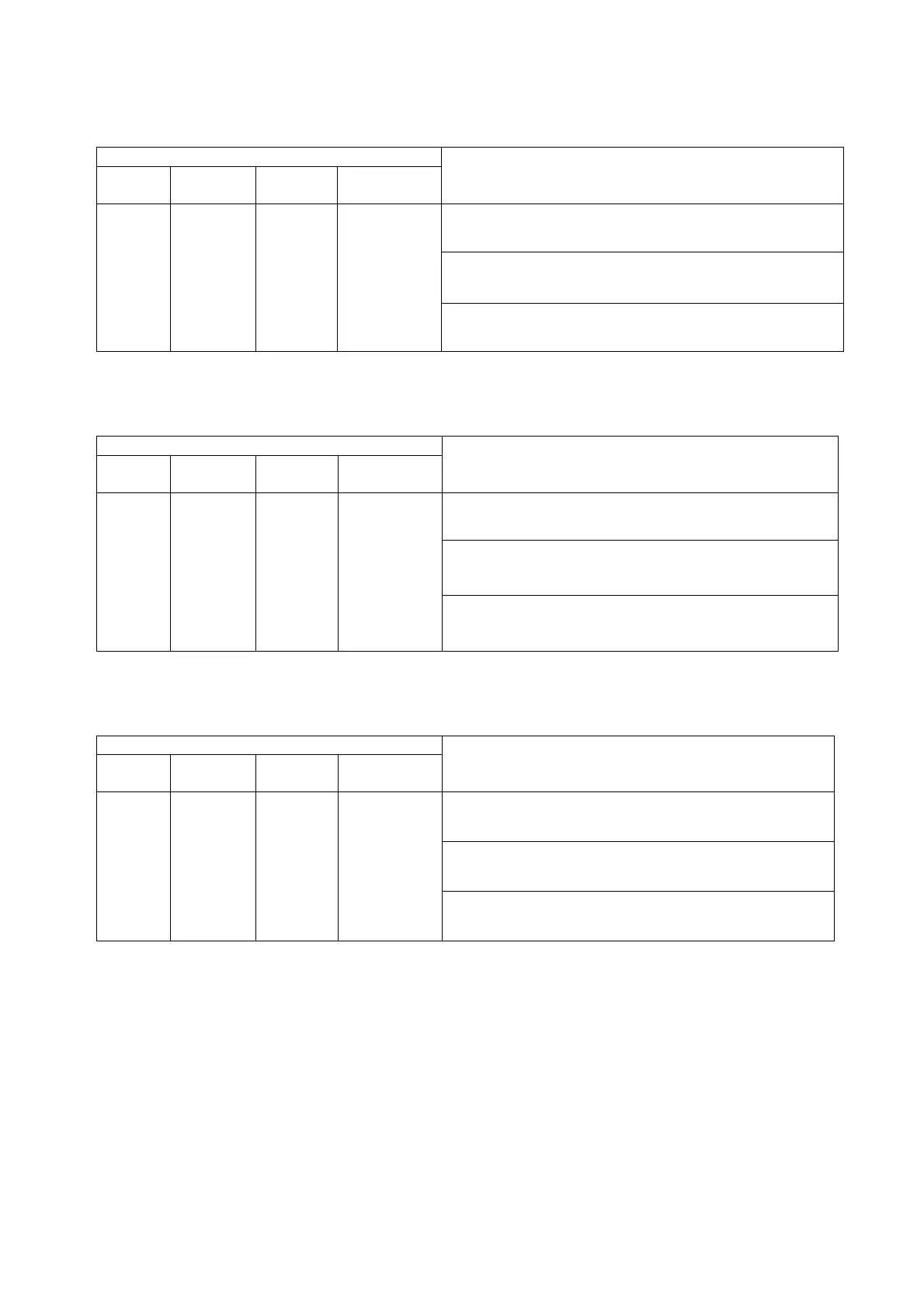
Table 3.
32
Constant mode time setting command
Setting command
Address
Main
command
Optional
parameter
Setting data
Description/Setting data format/Example command
<
Description
>
Sets only the time for constant mode operation.
<
Setting data format
>
“time”
1 to 16 TIME
−
Time setting
<
Example command
>
“1,TIME,200.0”
■To Set Program Mode Pattern No.
Table 3.33
Program
mode pattern No. setting command
Setting command
Address
Main
command
Optional
parameter
Setting data
Description/Setting data format/Example command
<
Description
>
Sets a pattern No. for program mode operation.
<
Setting data format
>
“pattern No.”
1 to 16 PPAT
−
Pattern No.
<
Example command
>
“1,PPAT,4”
■To Set Program Mode Step No.
Table 3.34
Program
mode step No. setting command
Setting command
Address
Main
command
Optional
parameter
Setting data
Description/Setting data format/Example
command
<
Description
>
Sets a step No. for program mode operation.
<
Setting data format
>
“step No.”
1 to 16 PSTP
−
Step No.
<
Example command
>
“1,PSTP,5”
35



 To Next Page