ADD TO YOUR COMMUNICATION POWER
Essence|VT Easy Start
42
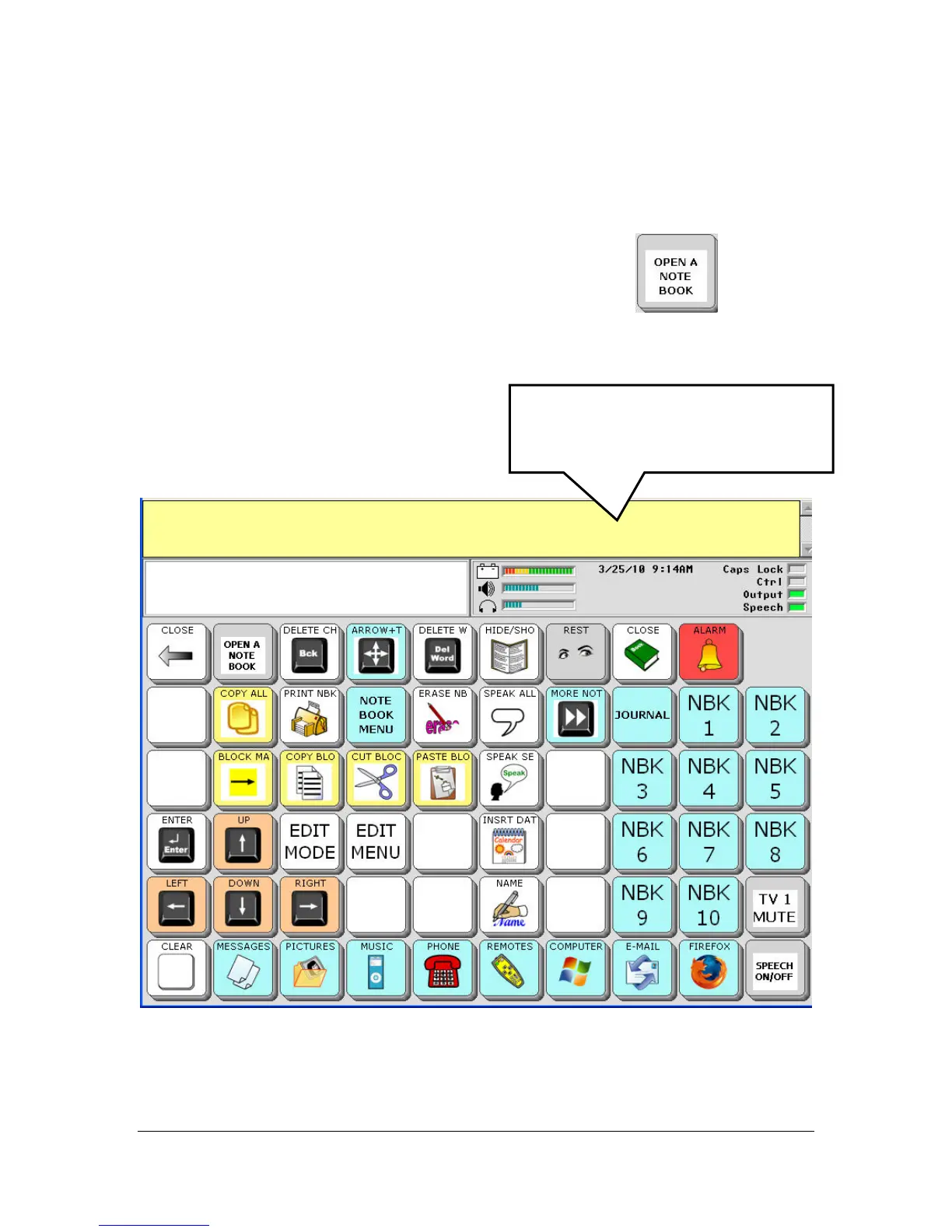
Using this page allows you to access all the options and functions in a
Notebook.
To open a Notebook, select the OPEN A NOTEBOOK
key.
You see a list of all the Notebooks that are available to use.
For now, select the Notebook 1 key.
You see your NOTEBOOK page.
Notice that the Text Display Area is now yellow. Yellow indicates that
you are using a Notebook.
When a Notebook is open, this area
is yellow.



 To Next Page