ADD TO YOUR COMMUNICATION POWER
Essence|VT Easy Start
43
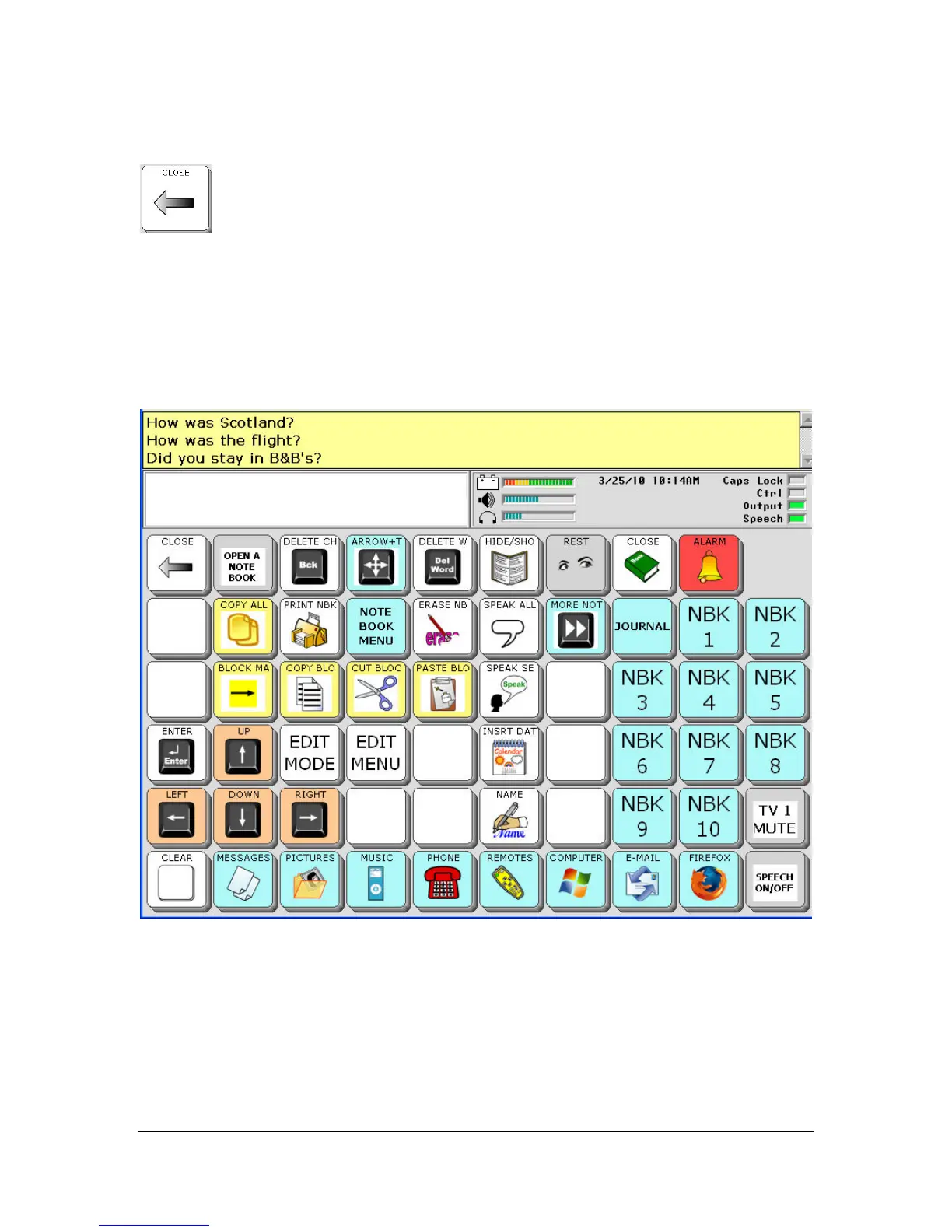
To write in your Notebook, go to your keyboard page. (Select the CLOSE
key to go back to your spelling keyboard.)
Using your keyboard, type some text into your Notebook and then select the
NOTEBOOKS key again from your overlay or from the DIRECTORY.
Use the UP, DOWN, RIGHT and LEFT arrow keys to move through the
text in your Notebook.
The EDIT MODE key allows you to navigate through your text character-
by-character, word-by-word, or sentence-by-sentence.



 To Next Page