ADD TO YOUR COMMUNICATION POWER
Essence|VT Easy Start
45
When you select one of these keys you will open that Notebook. Let's select
NBK 1
.
You see that this is the Notebook you used earlier with all your text in it.
Notice that when a Notebook is open, the Text Display Area is yellow.
When you close it, the Text Display Area returns to white.
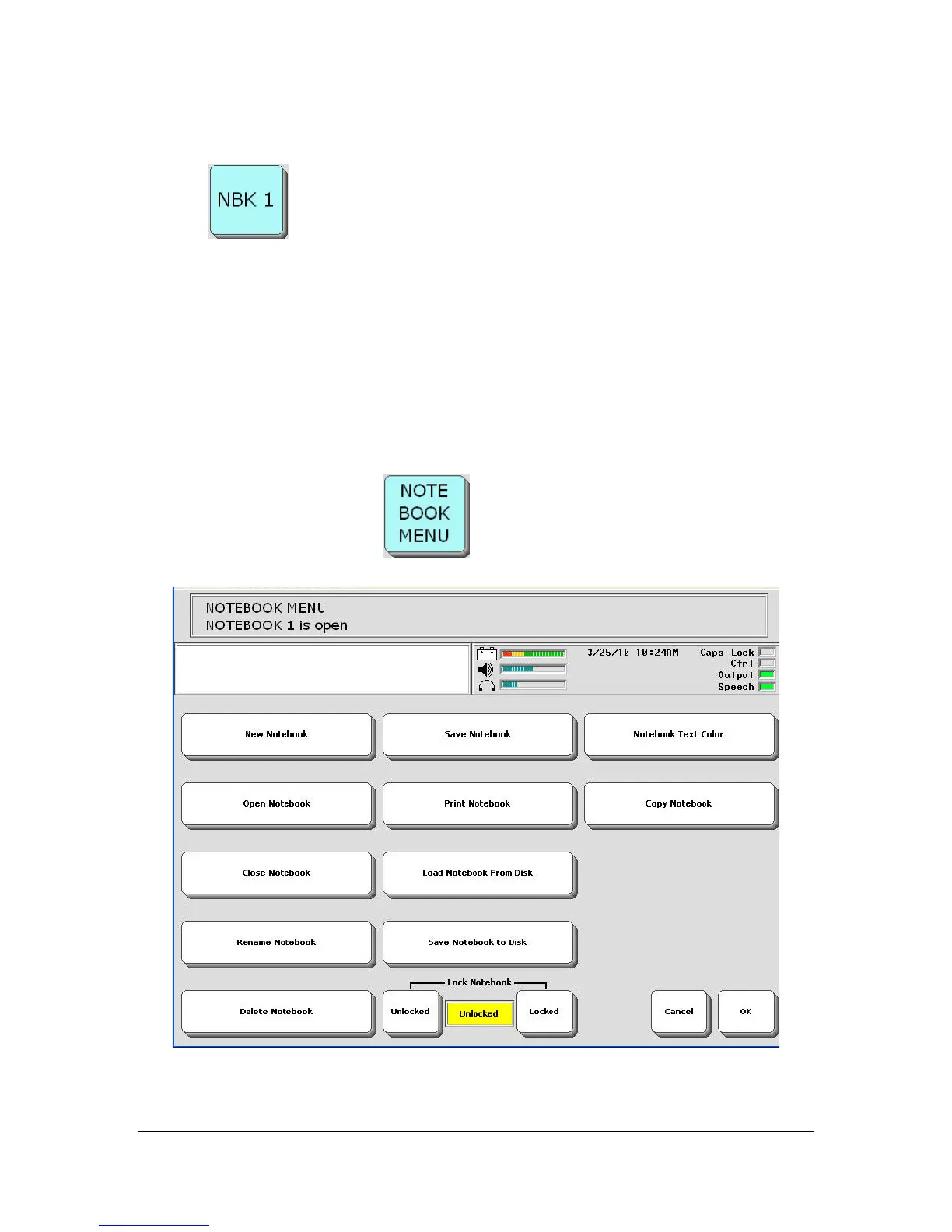
About the NOTEBOOK MENU
The NOTEBOOK MENU
gives you more Notebook options.



 To Next Page