CUSTOMIZING ESSENCE
Essence|VT Easy Start
51
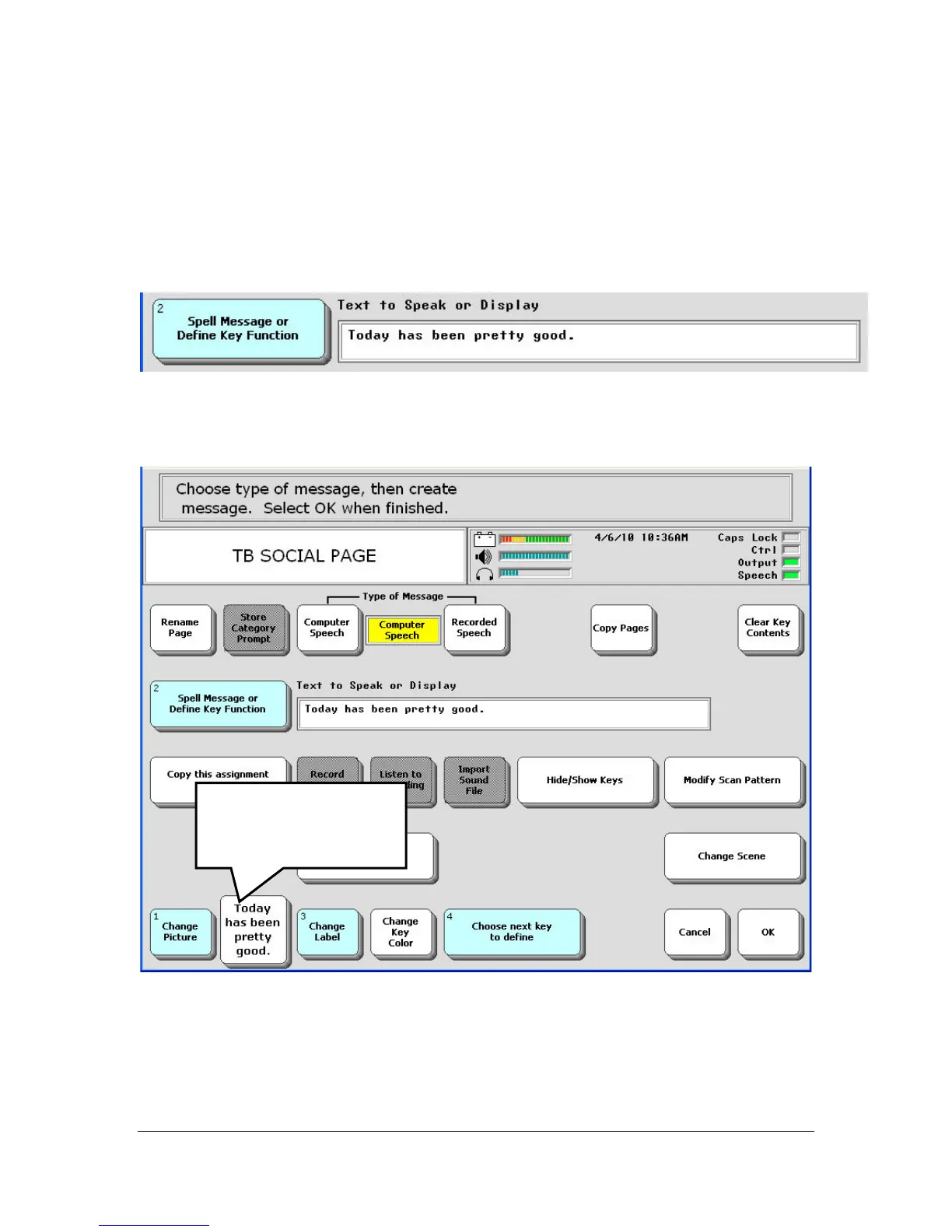
You return to the Setup menu and see your message. If it is not what you
want or if you made a mistake, just select the Spell Message… key and start
over.
Notice your example key now has the new message on it.
You can leave it that way, or you can select the Change Label key to
change it if you want to.
Your message
appears as the label
on the key



 To Next Page