CUSTOMIZING ESSENCE
Essence|VT Easy Start
63
The 60 Template has all the normal keyboard keys already programmed for
you.
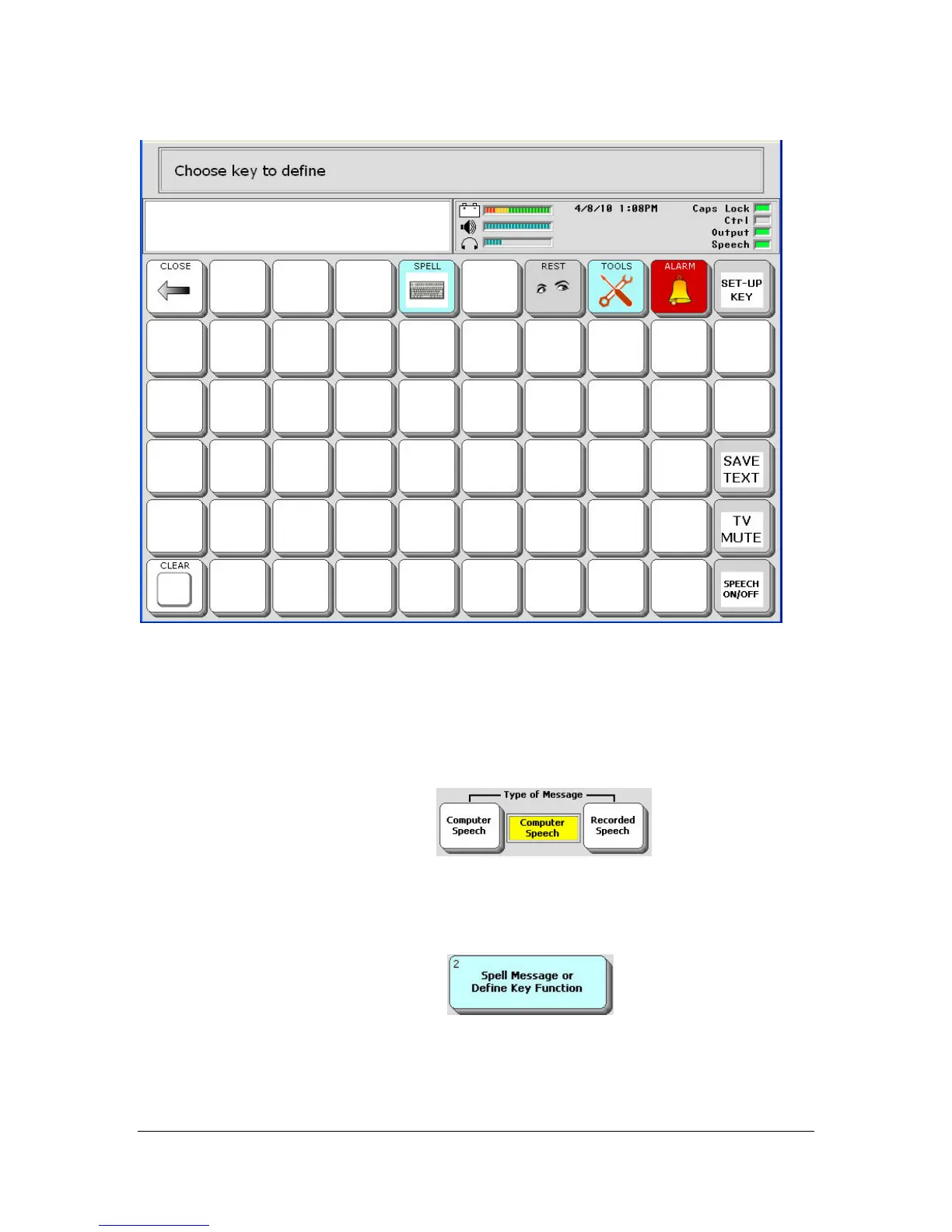
Select a blank key to define.
You see the Setup menu.
Make sure Computer Speech
option is set in
the Type of Message option.
Perhaps there are snacks at this meeting. You can ask them to be passed to
you.
Select the Spell Message…key
Now you can type your message. For our example you might type,
"Please pass the donuts my way!"



 To Next Page