SPECIAL FEATURES
Essence|VT Easy Start
96
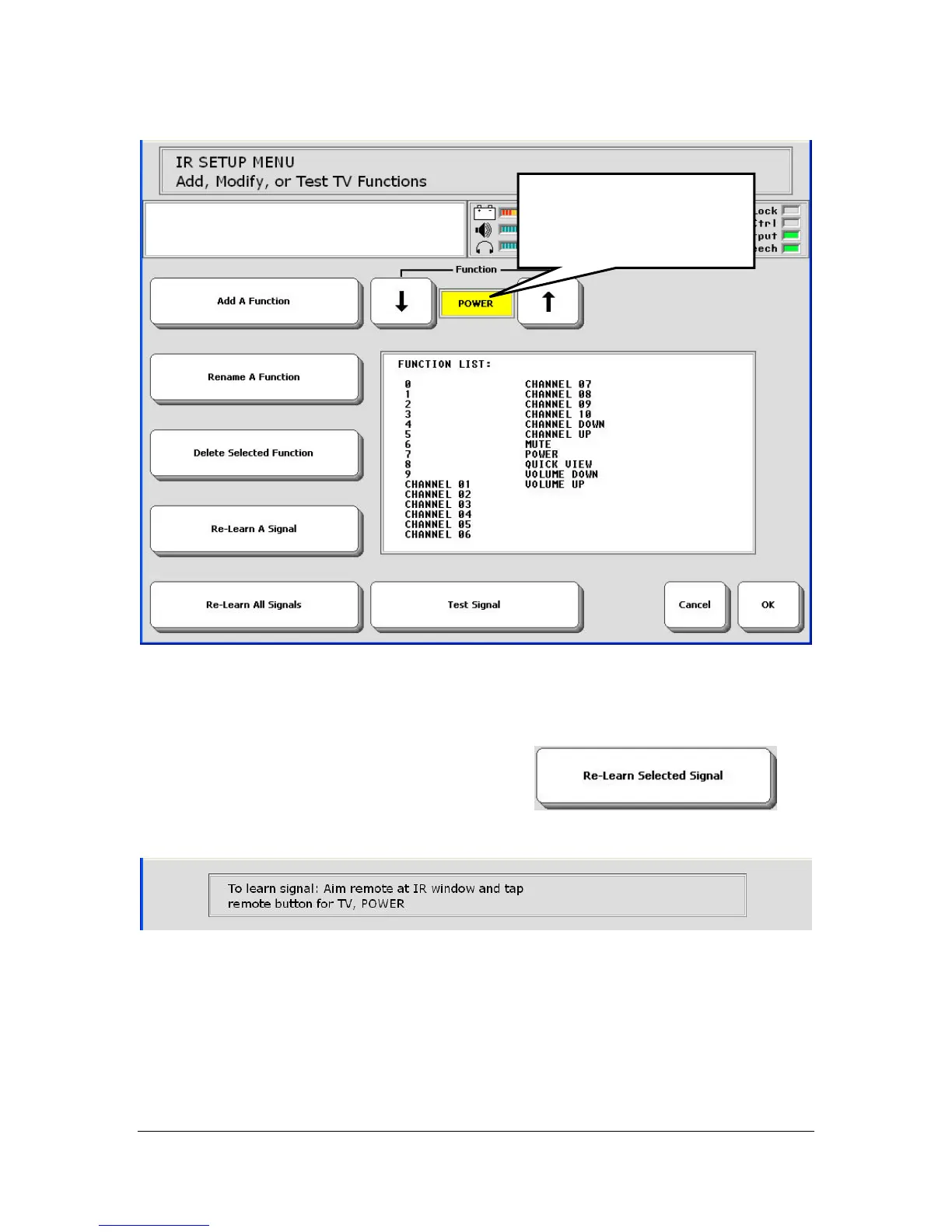
3. In the Function option, use the arrow keys until you see the function you
want in the yellow box. In this example you want the POWER function
(TV On/Off).
4. Select the Re-Learn Selected Signal key
.
Follow instructions in the Text Display Area.
5. Aim your remote control at the IR window on the top back of your VT.
6. Press the "Power" (or On/Off) key on your remote control.
Use arrow keys until you
see the function you
want to teach.



 To Next Page