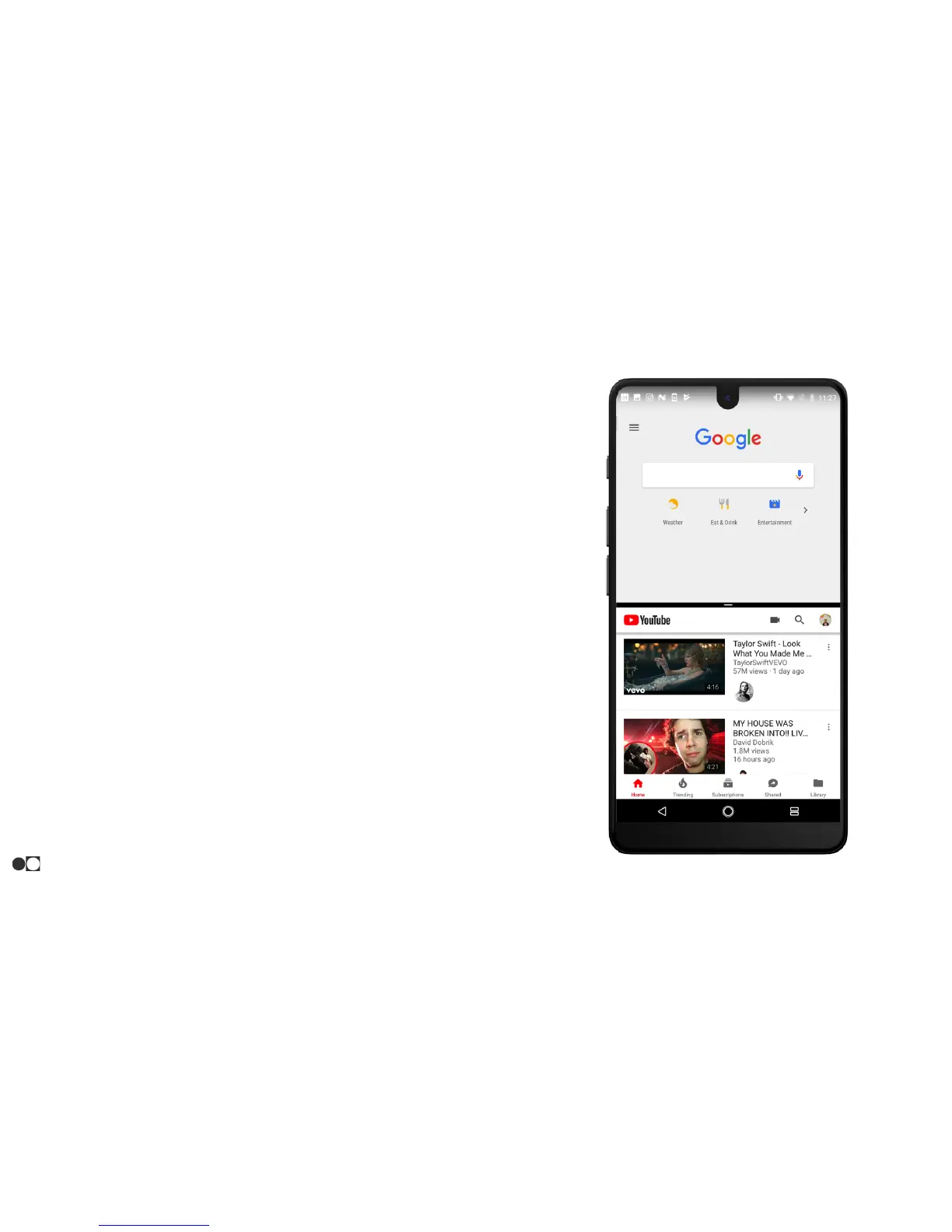
Split Screen
Multitask by running multiple applications at the same time. Apps that
support Split Screen display together in a multiwindow view. You can
switch between the apps, adjust the size of their display on the
screen, and copy information from one app to the other. Split Screen
is not available for all apps.
1. Open both apps and minimize them to the background by
touching the Home icon.
2. From any screen, tap the Overview icon in the bottom right
corner.
3. Touch and hold one of the apps until it allows you to drag it to
the top of the screen.
4. Drop the first app and select the second app from the list
available at the bottom.
○ The phone will state if the app does not support Split
Screen.
To end Split Screen, drag the bar separating the apps to the bottom of
the screen.
Navigation
20



 To Next Page