View Calculator History
You can view and clear your Calculator history:
1. From the Calculator app, tap the icon.
2. Select “History”
To return to the calculator, tap the Back icon.
To clear the calculator history, tap “Clear” in the menu.
Apps
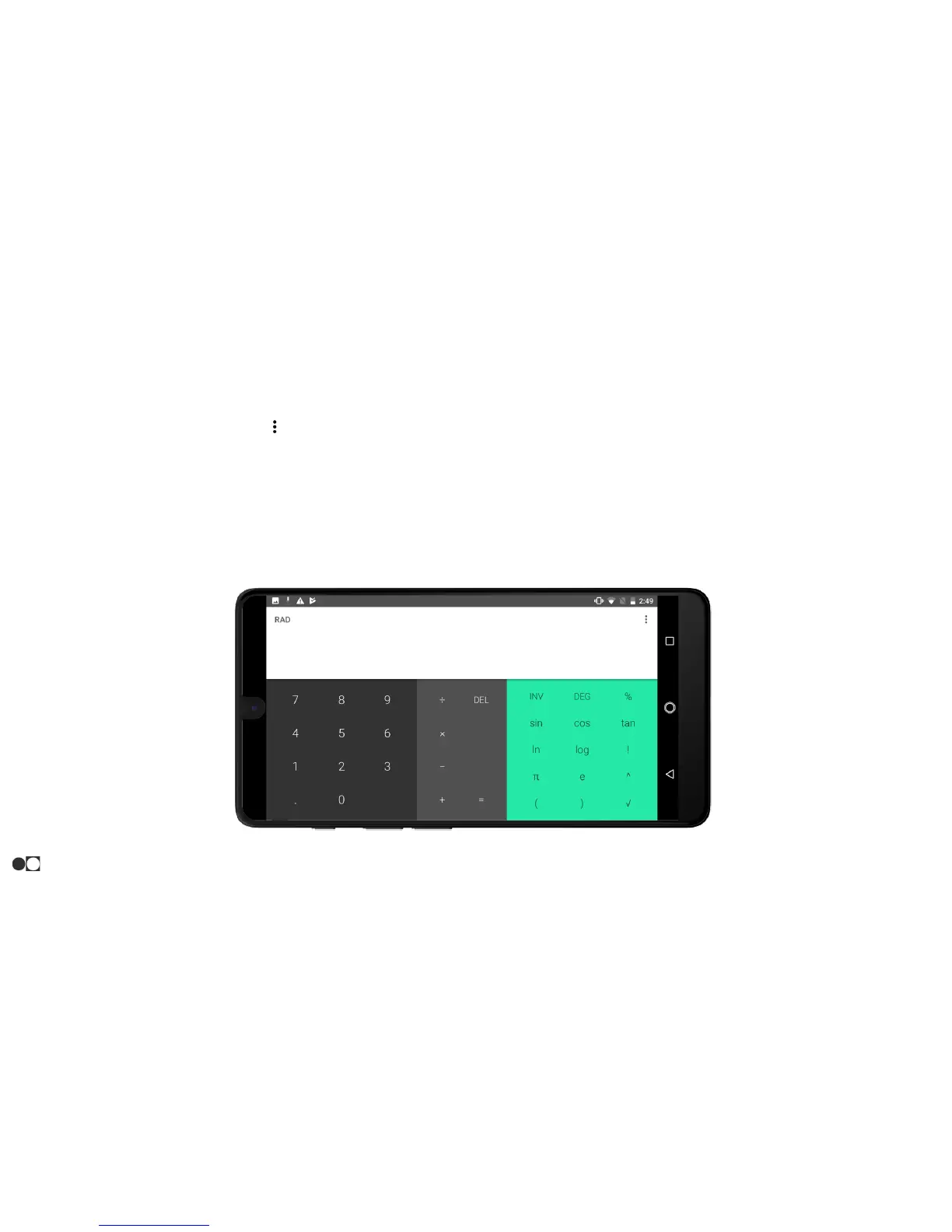
Scientific Calculator
The Calculator app also provides advanced arithmetic functions:
1. From the Calculator app, rotate the phone into landscape view
to reveal the additional functions.
Autorotate must be enabled.
26



 To Next Page