Create an Alarm
Set an alarm to ring at a specific time. You can set alarms for a single
use or to recur on specific days of the week. You can also choose
options for how to be notified.
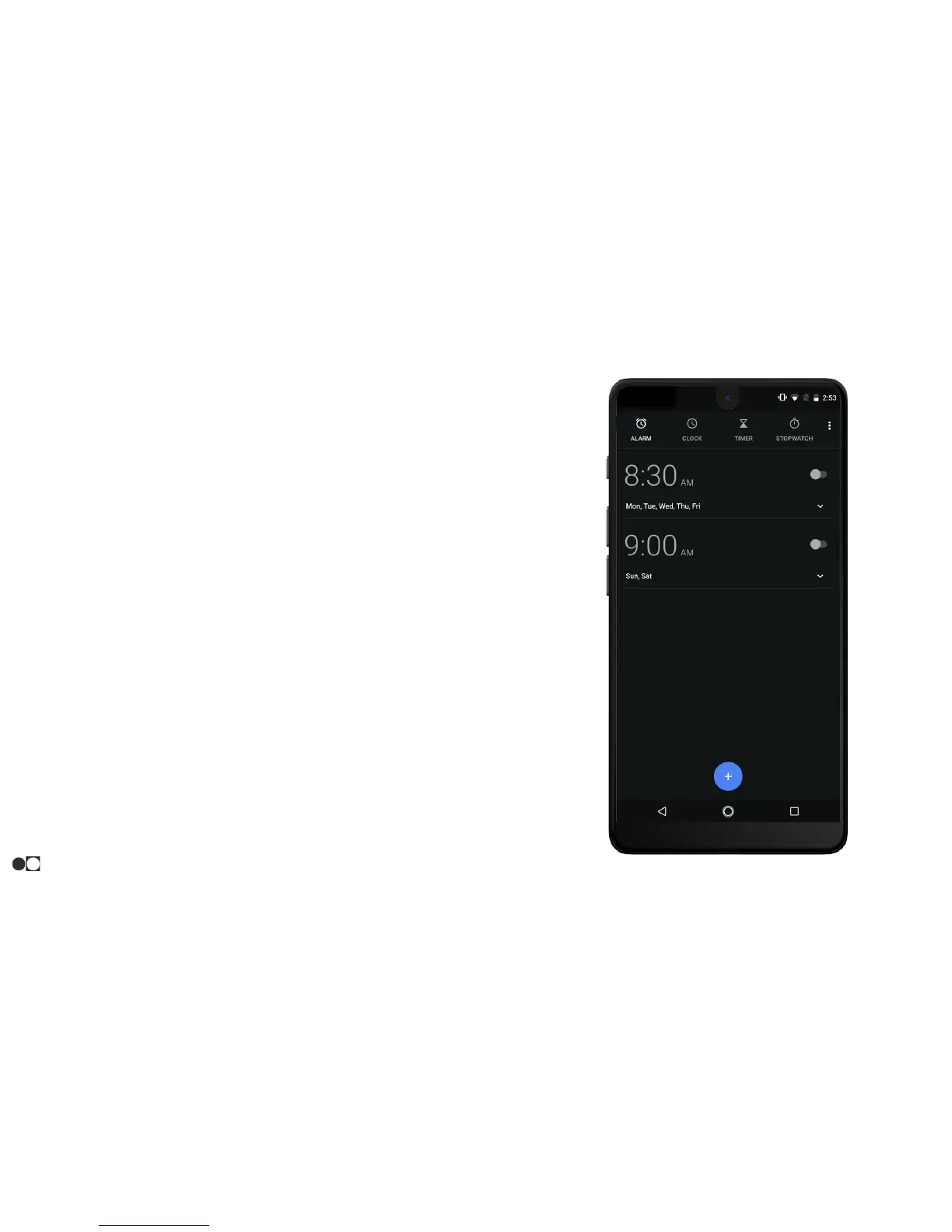
1. Open the Clock app and tap the Alarm icon at the top.
2. Tap the “+” icon at the bottom of the screen.
3. Select the desired time and tap “OK.”
○ After the alarm is created, it will be listed as a one-time
event.
○ Additional options can be selected such as recurrence,
ringtone, and label after the alarm is created.
○ The alarm can be switched on or off using the toggle to
the right or deleted by tapping the Delete icon.
Apps
30



 To Next Page