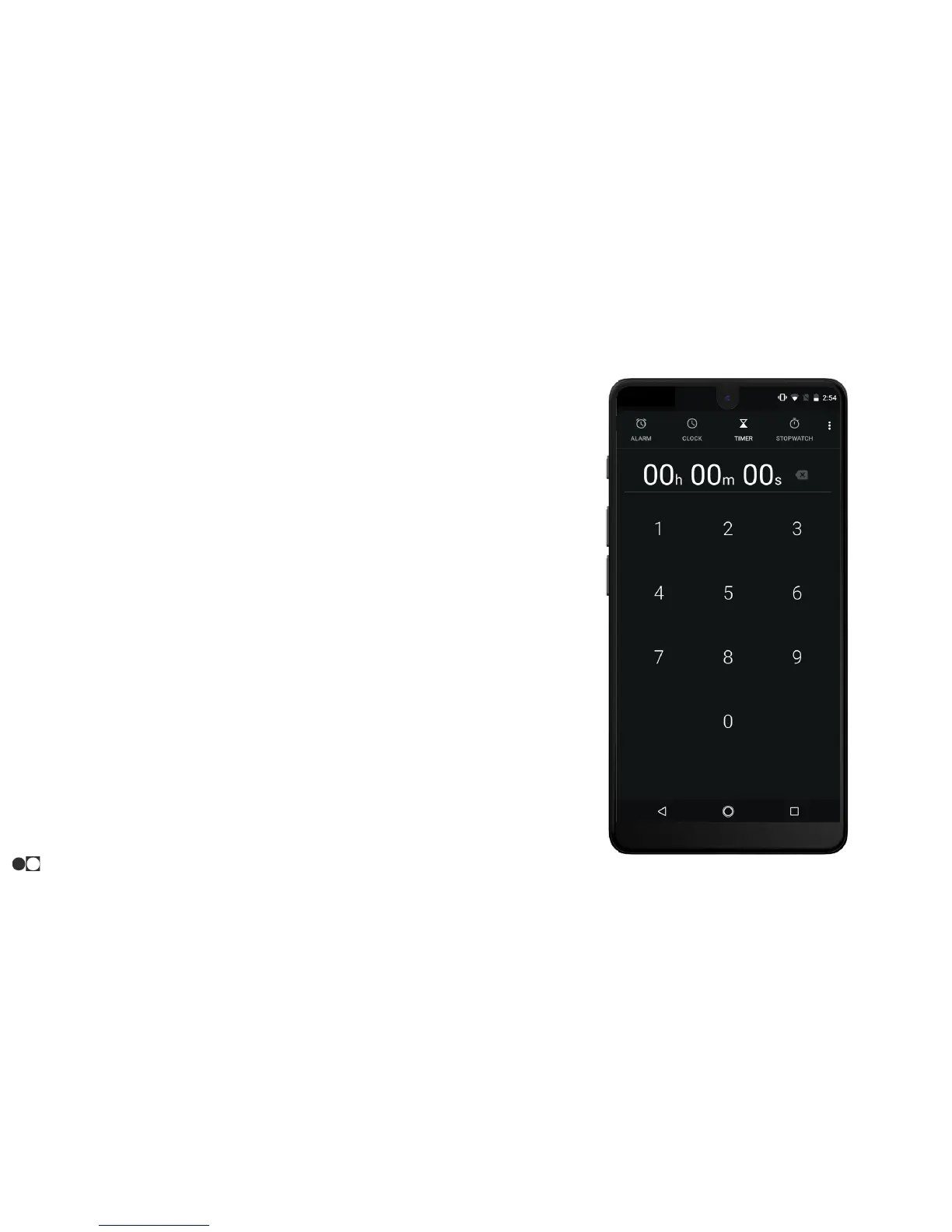
Timer
The timer provides a countdown timer for up to 99 hours, 99 minutes,
and 99 seconds (100 hours, 40 minutes, and 39 seconds).
1. Open the Clock app and tap the Timer icon at the top of the
screen.
2. Using the keypad, enter the desired length of time, starting
with the two-digit hour followed by the two-digit minutes and
two-digit seconds.
3. Tap the Play icon at the bottom of the screen to start the timer.
4. While the timer is running, the following options are available:
○ + 1:00: Add an additional minute to the timer.
○ ADD TIMER: Add an additional timer while the first runs
in the background.
○ DELETE: Delete the timer in view.
○ Pause: Pause the timer.
○ Play: Resume the timer when the timer is paused.
○ Reset: Reset the timer when the timer is paused.
5. Swipe up and down the screen to see timers running, paused,
or available to start.
Apps
31



 To Next Page