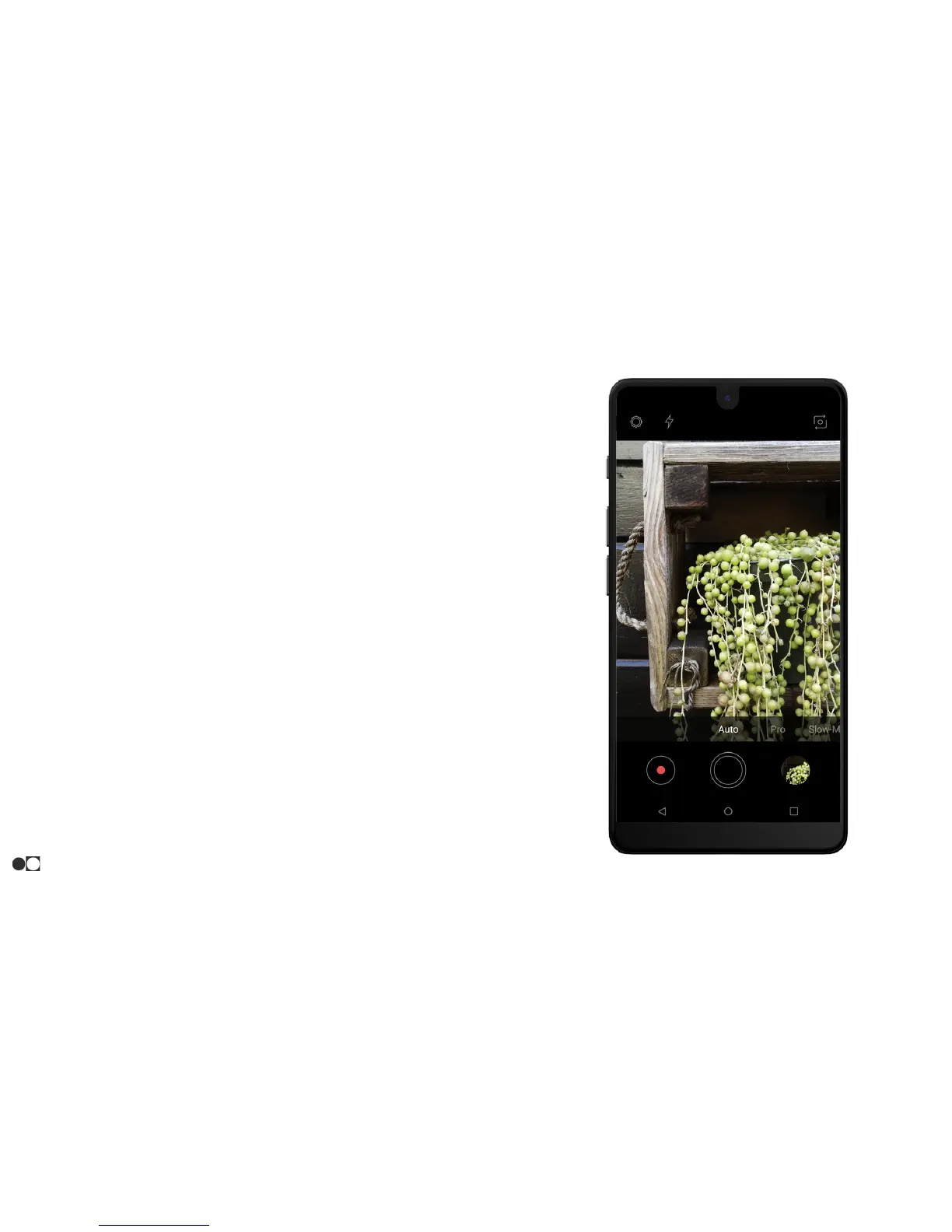
2. Tap the Shutter button (Double Circle) above the Home icon to
take a picture.
○ Pressing and holding the icon will take a burst of
pictures.
○ The Volume Up and Volume Down buttons can also be
used to take a picture.
Record Videos
Record high-quality videos using your phone:
1. Open the Camera app and aim the camera at the subject. Tap
the Record icon (circle with red dot in the middle) to record.
2. The following actions are available:
○ Tap the Double Circle icon to capture a picture while
recording.
○ Tap the Pause icon to pause recording.
○ Tap the Record icon to resume recording when paused.
○ Tap the Stop icon to stop recording.
Apps
28



 To Next Page