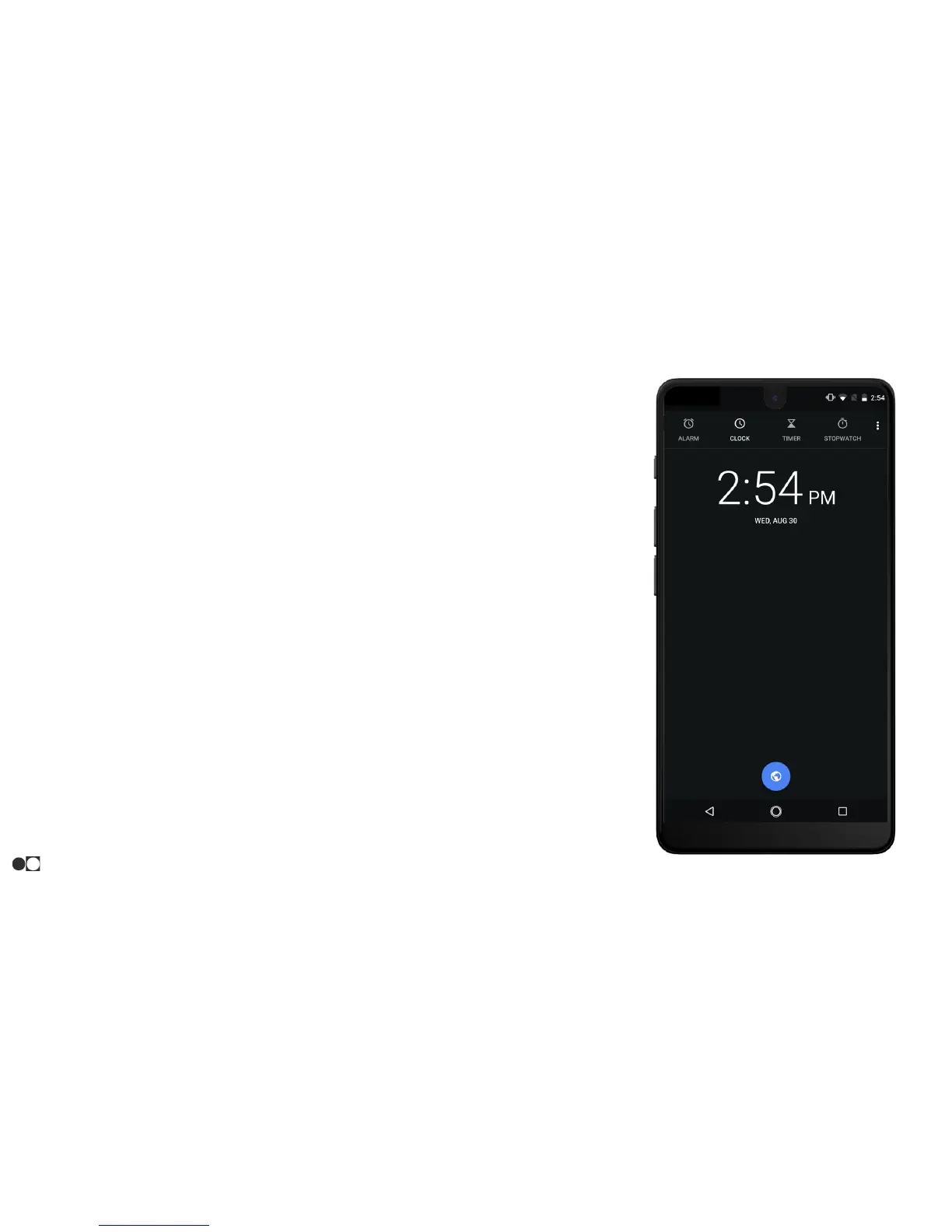
Clock
The Clock app offers features for keeping track of time and setting alarms:
1. Open the Clock app and tap one of the icons at the top to use a feature:
○ Alarm: Set an alarm to ring at a specific time.
○ Clock: View the time of day or night in other parts of the world. The world clock
displays time in hundreds of different cities within all 24 time zones around the
world.
○ Timer: Use a timer to count down to an event based on a present time length
(hours, minutes, and seconds).
○ Stopwatch: Measure intervals of time.
The world clock lets you keep track of the current time in multiple cities around the globe.
To list a city on the main clock screen:
1. Tap the Clock app and tap the Clock icon at the top of the screen.
2. Tap the Globe icon at the bottom of the screen.
3. Scroll down the list to search or type in the name of the desired city.
4. Tap the boxes next to the city’s name.
5. Tap the Back icon to return to the previous screen.
To remove a clock from the list, go back to the Globe menu and tap the highlighted boxes that
are no longer desired.
Apps
29



 To Next Page