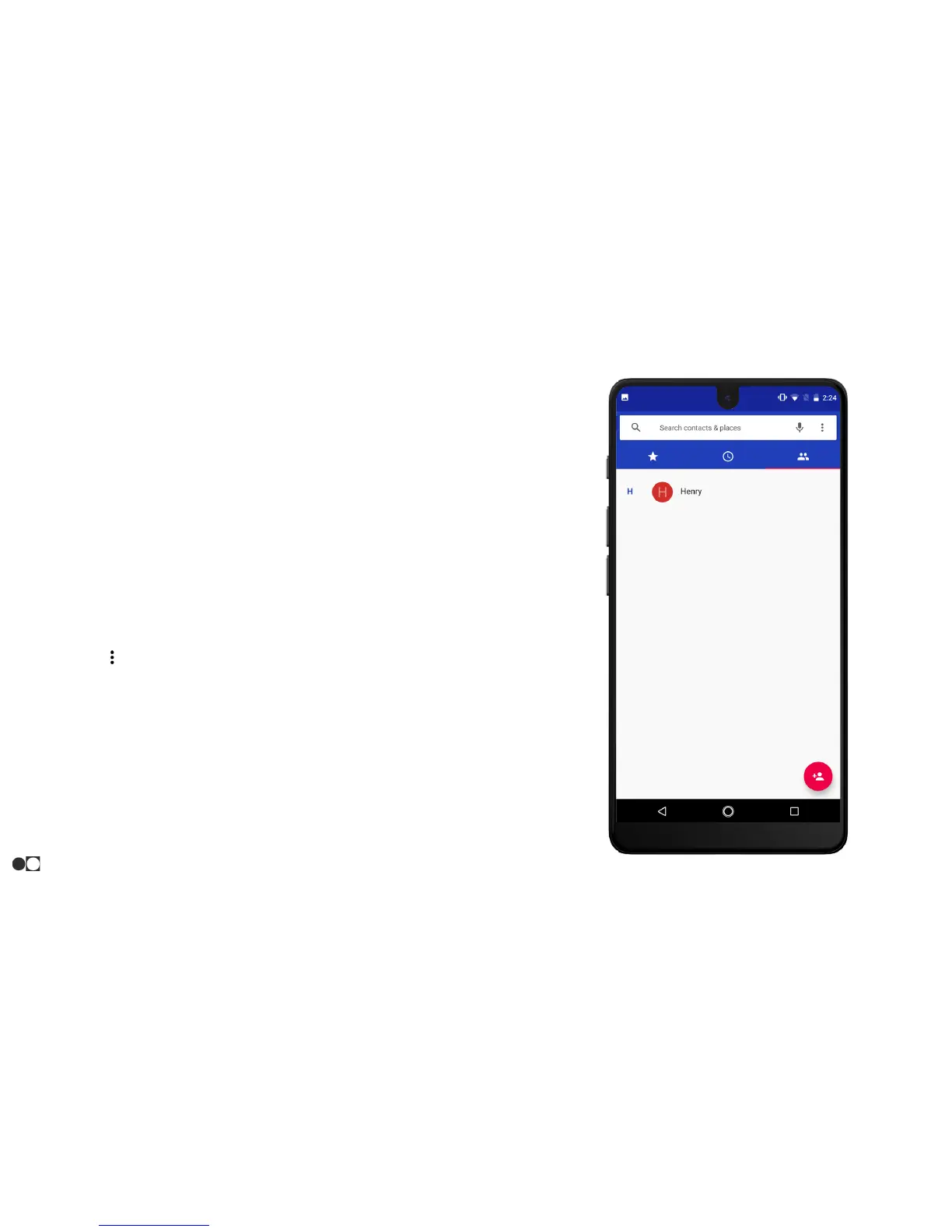
Edit a Contact
When editing a contact, you can tap a field to change or delete the
information, or you can add more fields to the contact’s list of
information.
1. Open the Contacts app and tap a contact to select it.
2. Tap the Pencil icon on the bottom right corner of the screen.
3. Tap any of the fields to add, change, or delete information.
4. Tap “SAVE” in the upper right corner of the screen to save the
changes. Tap the “X” in the upper left corner of the screen to
cancel.
Share a Contact
1. Open the Contacts app and tap a contact to select it.
2. Tap the Menu icon in the top right corner of the screen and
select “Share.”
3. Choose a sharing method and follow the prompts.
Apps
36



 To Next Page