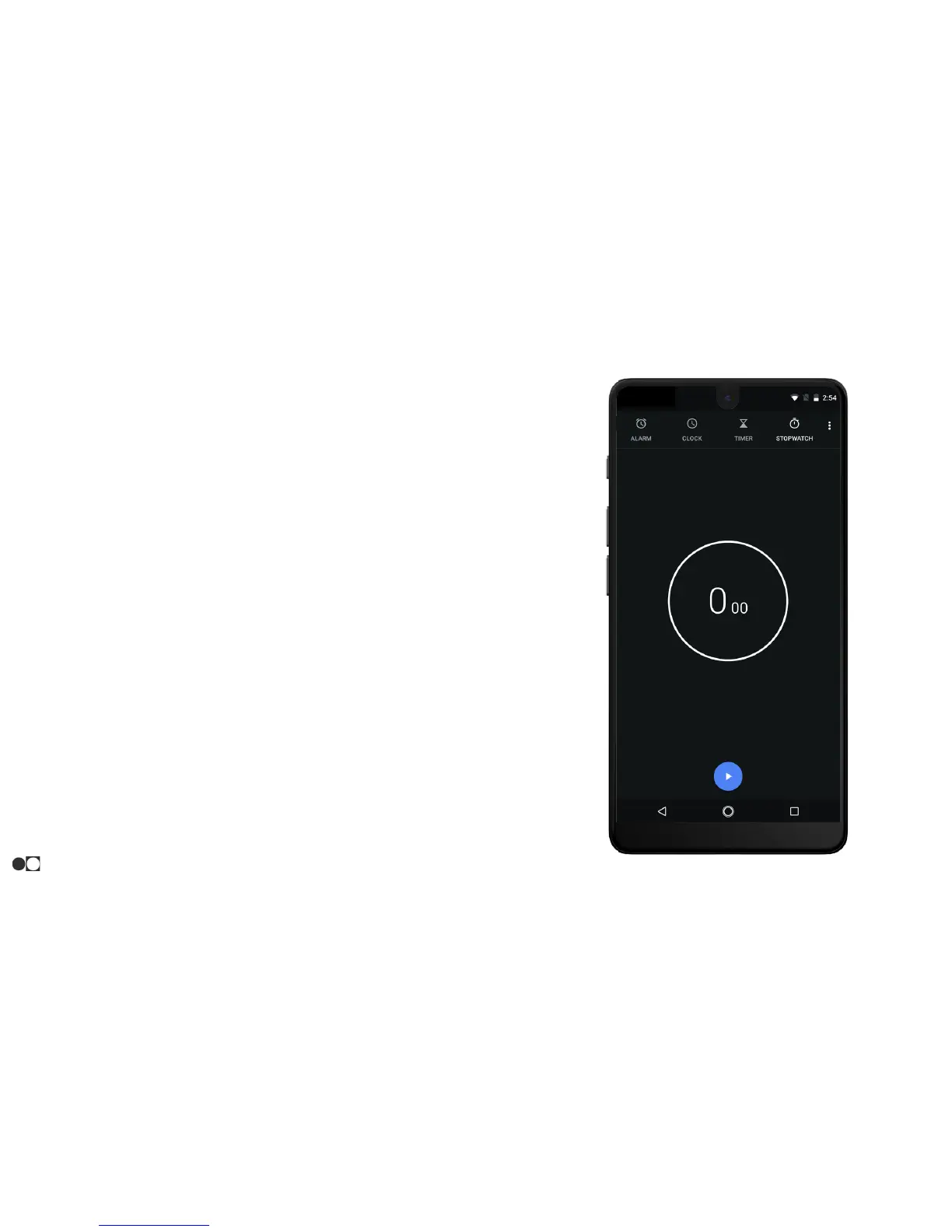
Stopwatch
The stopwatch lets you time events down to a hundredth of a second.
1. Open the Clock app and tap the Stopwatch icon at the top of the screen.
2. Tap the Play button to begin timing.
3. While the stopwatch is running, the following options are available:
○ Lap: Keep track of lap times.
○ Pause: Pause the stopwatch.
○ Play: Resume the stopwatch when the stopwatch is paused.
○ Reset: Reset the stopwatch when the stopwatch is paused.
○ Share: A window pops up with various ways to share the current
saved time(s).
Apps
32



 To Next Page