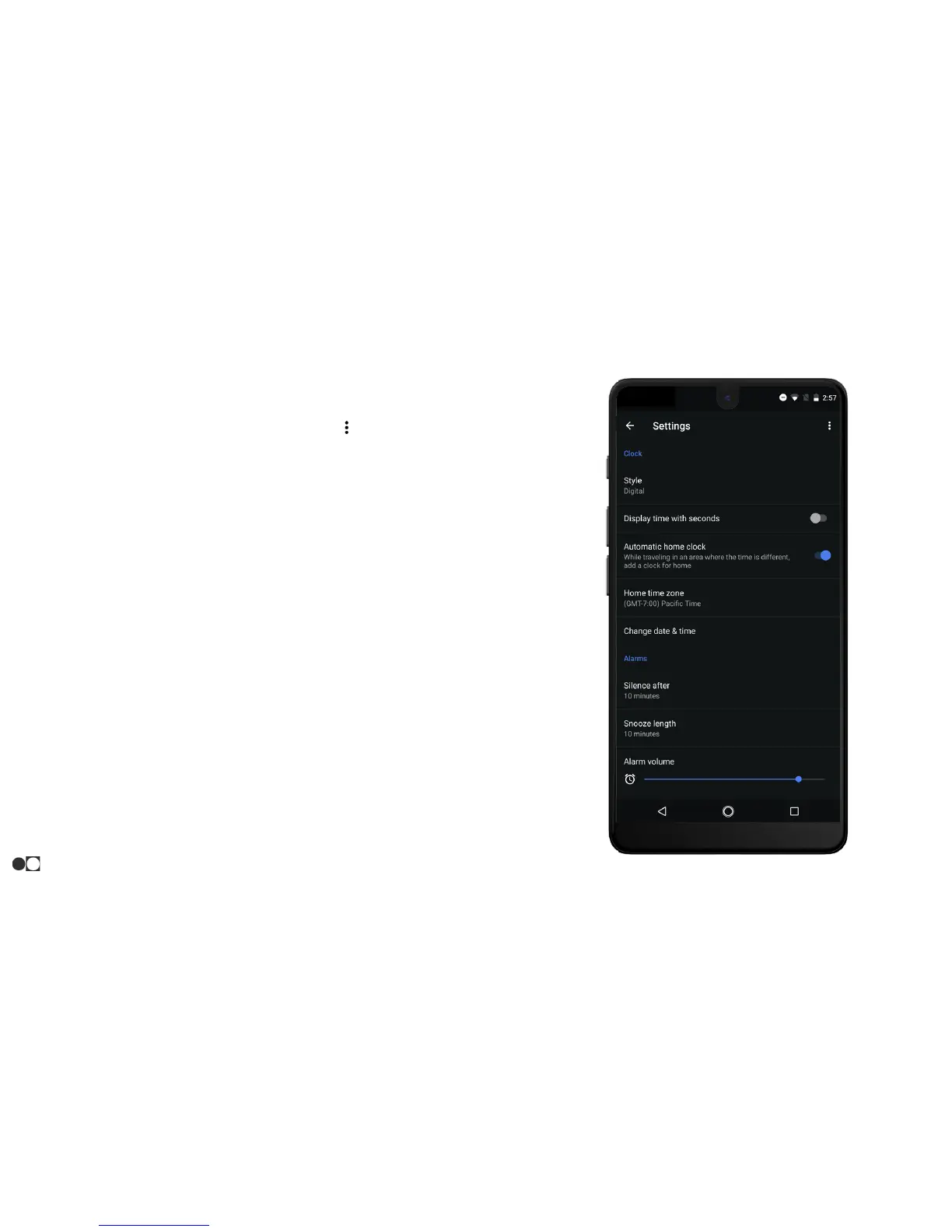
Settings
The Settings menu controls settings for all elements within the Clock app.
1. Open the Clock app and tap the Menu icon ( ) in the top right corner
of the screen. Select “Settings” from the list.
2. Clock settings:
○ Style: Digital or Analog.
○ Display time with seconds: Yes or no toggle.
○ Change date & time: Quick link to System Settings > Date &
time.
3. Alarm settings:
○ Silence after: Select amount of time before alarm stops
sounding.
○ Snooze length: Select amount of time to snooze.
○ Alarm volume: Slider for alarm-specific volume.
○ Gradually increase volume: Select the amount of time the
alarm will take to reach full volume selected.
○ Volume buttons: Select function of volume buttons during
alarm (Snooze, Dismiss, or Control volume).
○ Start week on: Select the day the week begins.
Apps
33



 To Next Page