In the actual processing, operator user pedal switch to control the shearing
process. Because of the SINGLE page has simple and direct parameter, it more
suitable for the shearing operation just only one-step.
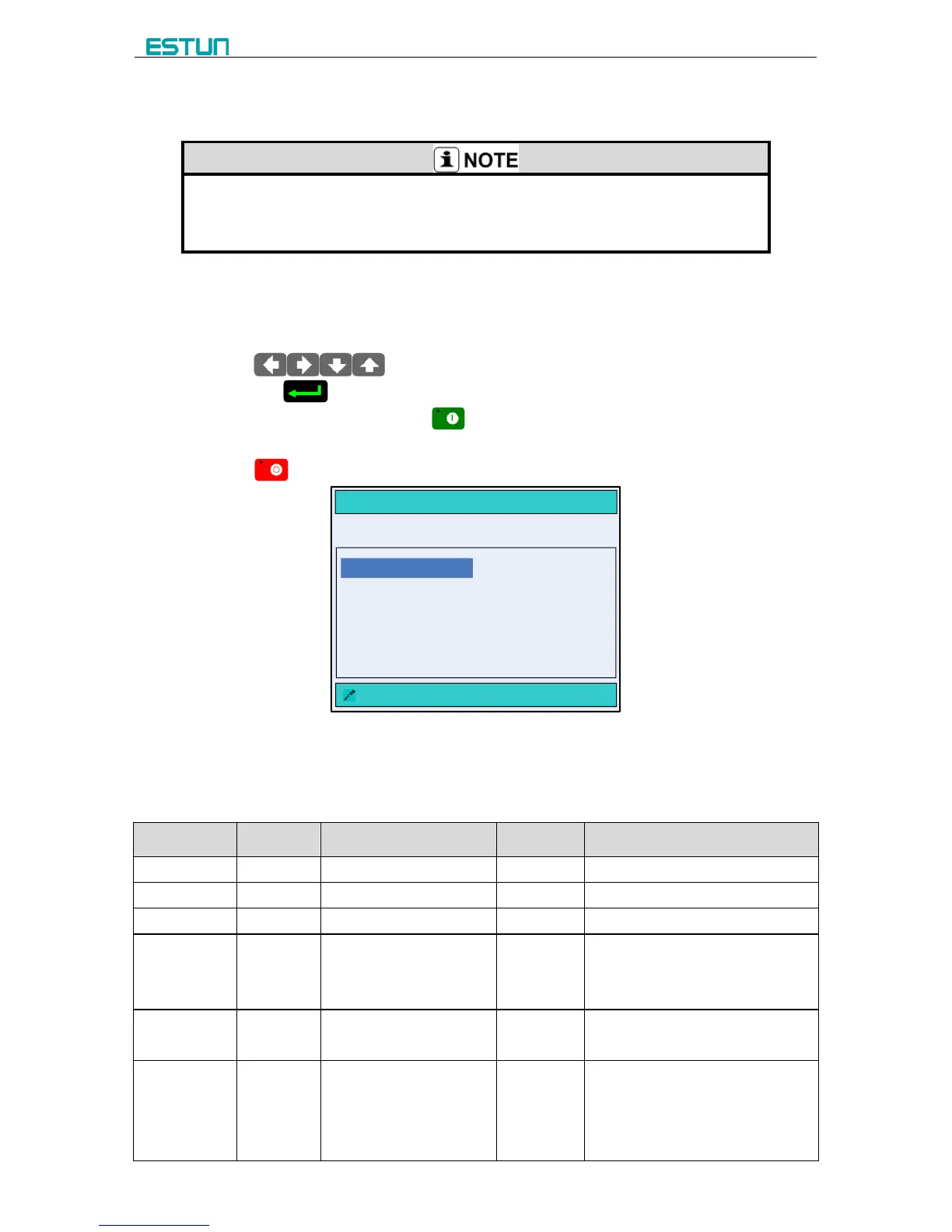
When the E200PS device is electrified, wait a few seconds into the SINGLE page (Default
page), as shown in Figure 3-2.
[Operation guide]:
Press to select the parameter you want to modify, input the value
and press to finish the operation.
After finishing the editing, press to run the device, the page on the device enters
to RUN page.
Press to stop the machine. the page on the device enters to SINGLE page.
SINGLE
:DestPos Of Axis X Unit:mm
X = 100.50 G = 1.05
XP = 55.00 GP = 0.00
DX = 0.00 CL = 80
PP = 0 CP = 0
XP = 55.00
Figure 3-2 The SINGLE page
The description of the SINGLE parameters is as shown in Table 3-1.
Table 3-1 The description of the SINGLE parameters
Program position of X axle.
Program position of Y axle.
Retract distance of X axle.
Actual time of the cut length =
Max time of the cut length ×
CL
The number of processing
workpiece in this program.
PP=0: this value is the
current work piece.
PP>0: this value is the
remain work piece.



 To Next Page