5
Chapter 2 Operation Example
2.1 Single-Step
2.1.1 Background
Now, There is1 block of metal material, needs to be processed into workpieces with same
length, the require as following:
Length of each workpiece is 100.00mm
Gap is 1.00mm
Distance of retracting is 5.00mm
Time for the backgauge retract waiting is 2.00s
Workpiece is 10.
2.1.2 Analysis
According to the actual situation to set.
2.1.3 Procedure
Step 1 When the E200PS device is electrified, wait a few seconds into the SINGLE page
(Default page).
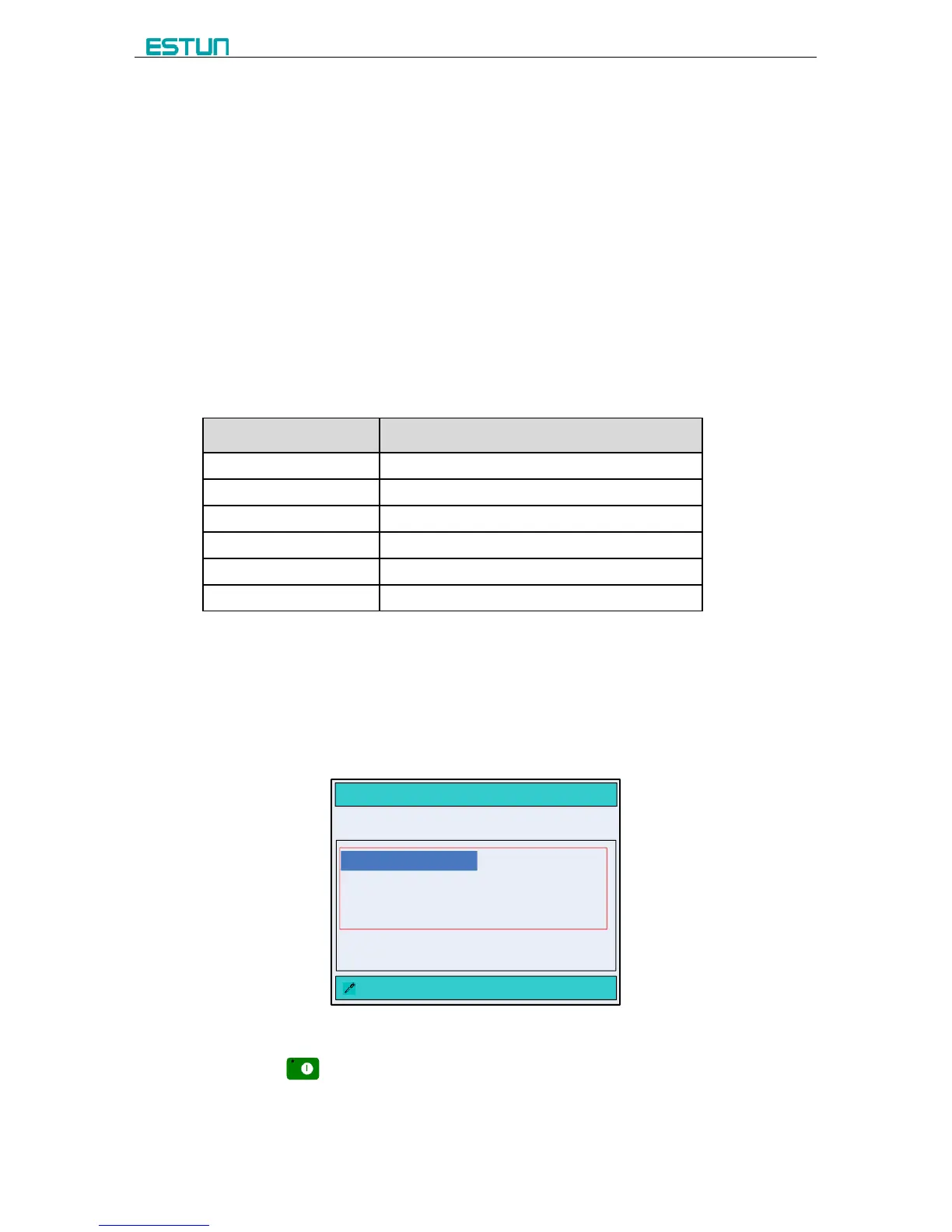
Step 2 According to the analysis, press the arrow keys and number keys to modify the
corresponding parameters, as shown in Figure 2-1.
SINGLE
:DestPos Of Axis X Unit:mm
X= 10.00 G = 2.00
XP = 80.00 GP = 1.00
DX = 5.00 CL = 80
PP = 10 CP = 10
XP = 100.00
Figure 2-1 Single-Step example configuration
Step 3 Press to run the device, the device will enter the running page.



 To Next Page