In the actual processing, operator user pedal switch to control the shearing
process. In PROGRAM page, you can finish the complex operation with carefully
programmed.
Step 1 When the E200PS device is electrified, wait a few seconds into the SINGLE page
(Default page).
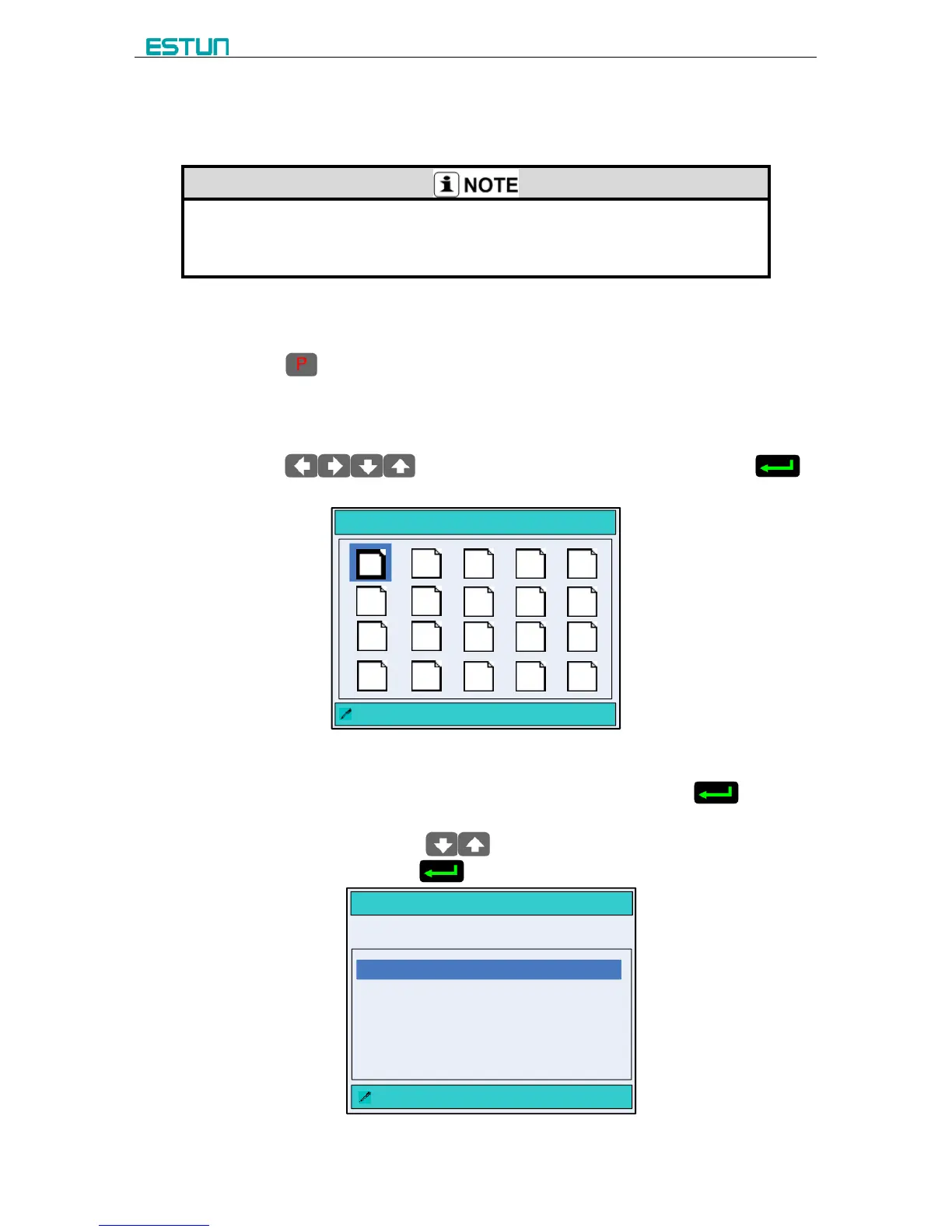
Step 2 Press to enter the PROGRAMS page, as shown in Figure 3-3.
[Operation Guide]
- Program-Number is used for storing Multi-Step programming, in order to work again.
E200PS CNC device provide 40 Program-Number to user.
- Press to select the target Program-Number and press
to enter, and then the editorial content is automatically saved in this program.
PROGRAMS 0 P
: 1program 1 ST
1
2 53 4
11
12 1513 14
6 7
108 9
16
17 2018
19
Figure 3-3 The PROGRAMS page
Step 3 Select the target Program-Number, such as 2program and press to enter
PROGRAM page, as shown in Figure 3-4.
[Operation Guide]: Press to select the parameter you want to modify,
input the value and press to finish the operation.
NO.2 PROGRAM
:Total Step
X= 10.00 G = 1.00
ST: 3 STEP
PP: 50 PIECE
CP: 50 PIECE
Figure 3-4 The PROGRAM page



 To Next Page