12
The description of the PROGRAM parameters is as shown in Table 3-2.
Table 3-2 The description of the PROGRAM parameters
Step 4 After finishing the setting of the PROGRAM page, press to enter STEP page,
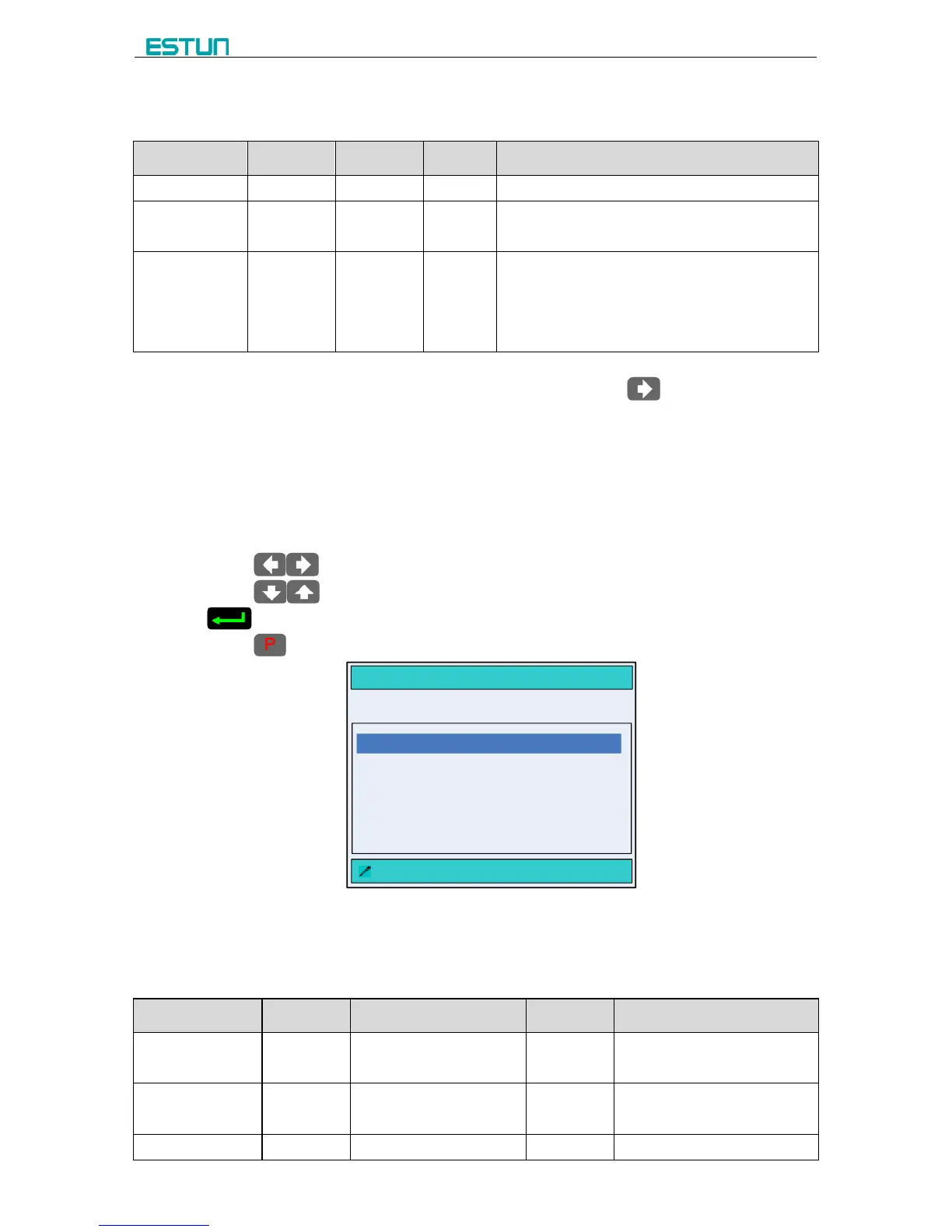
as shown in Figure 3-5.
[Operation Guide]:
It automatically makes the step number, according to the value of parameter ST on the
PROGRAM page.
Please pay attention the sequence of the step, e.g. 1 / 3ST: 1 indicates the current step,
3 indicates the total step. The machine will run in sequence.
Press to enter each step page for editing.
Press to select the parameter you want to modify, input the value and press
to finish the operation.
Press back to PROGRAM page.
Figure 3-5 The STEP page
The description of STEP parameters is as shown in Table 3-3.
Table 3-3 The description of Step parameters



 To Next Page