ETC Installation Guide
ColorSource PAR v1.5
ColorSource PAR v1.5 Page 5 of 12 ETC
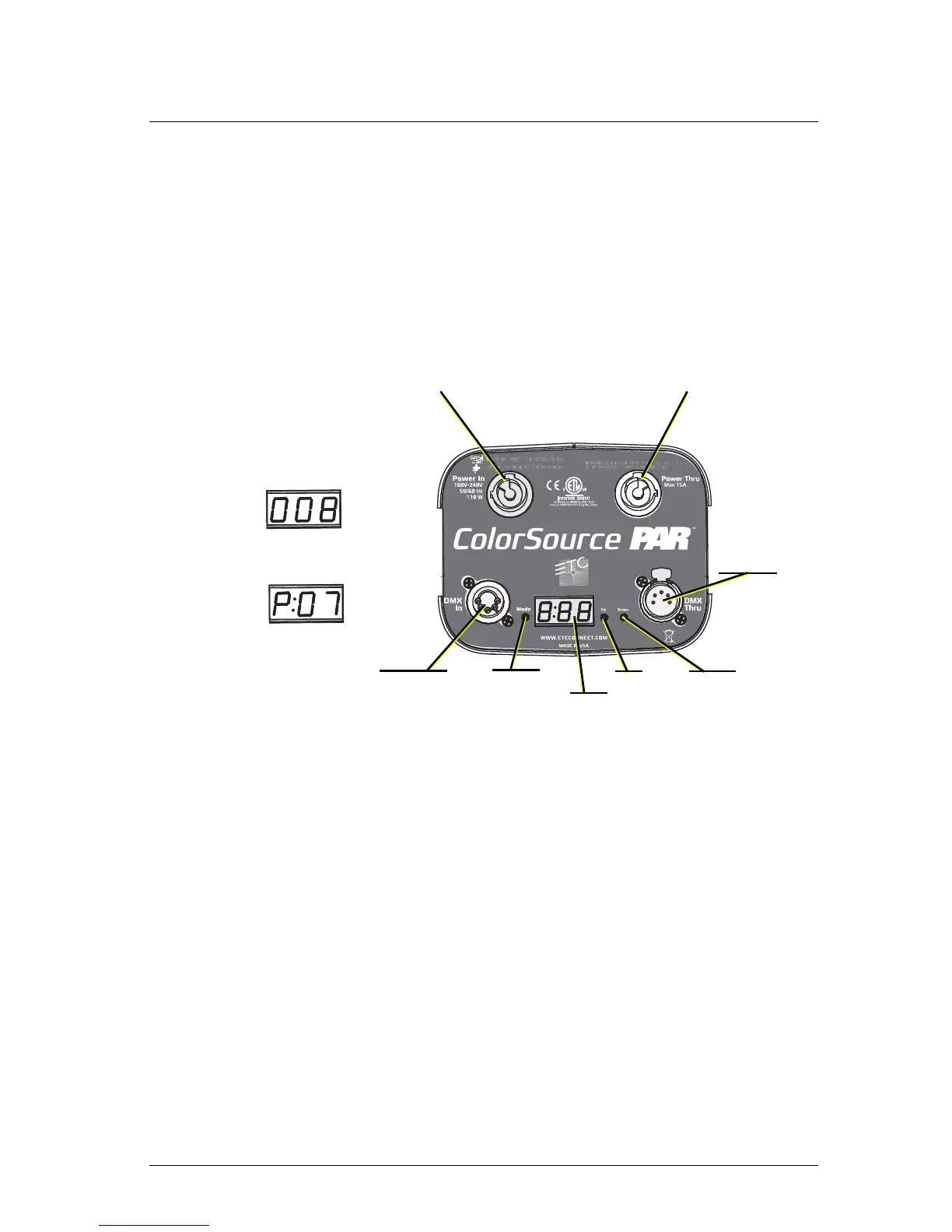
Mode button
Pressing the Mode button activates the Preset/Sequence menu; the last active
preset or sequence plays automatically. Pressing the Mode button a second
time deactivates the selected preset or sequence. The display will revert to
show the DMX start address.
• If DMX data is present, the current preset or sequence plays in the
background and DMX data continues to take priority.
• If DMX data is lost and a preset is active in the background, the last
selected preset or sequence automatically plays.
Setting the DMX address
1: Press the Mode button until the DMX address is displayed.
2: Use the Up and Down buttons to select the DMX address for the
fixture.



 To Next Page