ETC Installation Guide
ColorSource PAR v1.5
ColorSource PAR v1.5 Page 8 of 12 ETC
Changing the DMX control mode
You can set the DMX control mode for the fixture to one of four available
mode options.
1: Press the Mode button until the DMX address is displayed.
2: Hold the Mode button for 3 seconds. The display shows the current
DMX control mode.
3: Press the Up and Down buttons to change the DMX control mode.
• : 5-channel mode (intensity, red, green, blue, and strobe)
•
: Direct emitter control (intensity, red, green, blue, lime, and
strobe)
• : Single-channel mode controls the intensity of preset 1
(defaults to 3200K White)
•
: RGB mode (red, green, and blue)
4: Press the Mode button to confirm your selection.
The fixture will automatically return to the DMX address after 10 seconds of
inactivity without saving edits to the DMX control mode. This cancels unsaved
changes.
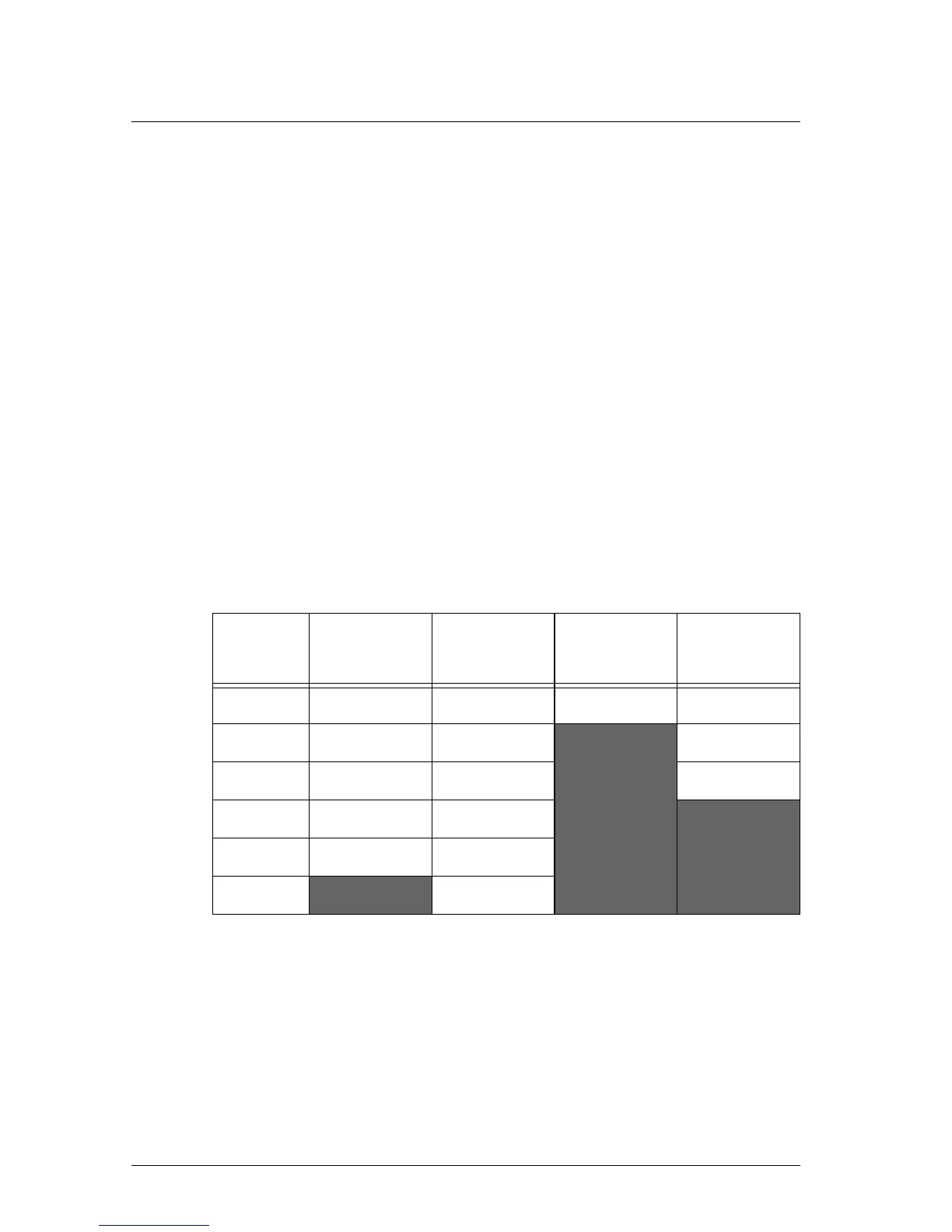
DMX control channels
*Original ColorSource PAR v1.5 fixture uses blue in channel 4; Deep Blue
ColorSource PAR v1.5 fixture uses indigo in channel 4.
DMX
Channel
(5 Channel)
(Direct)
(1 Channel)
(RGB)
1 Intensity Intensity Intensity Red
2 Red Red Green
3 Green Green Blue
4 Blue Blue/Indigo*
5 Strobe Lime
6
Strobe



 To Next Page