Handheld Touchscreen and Wireless Accessories User Manual 11
MeshConnect Overview and Setup
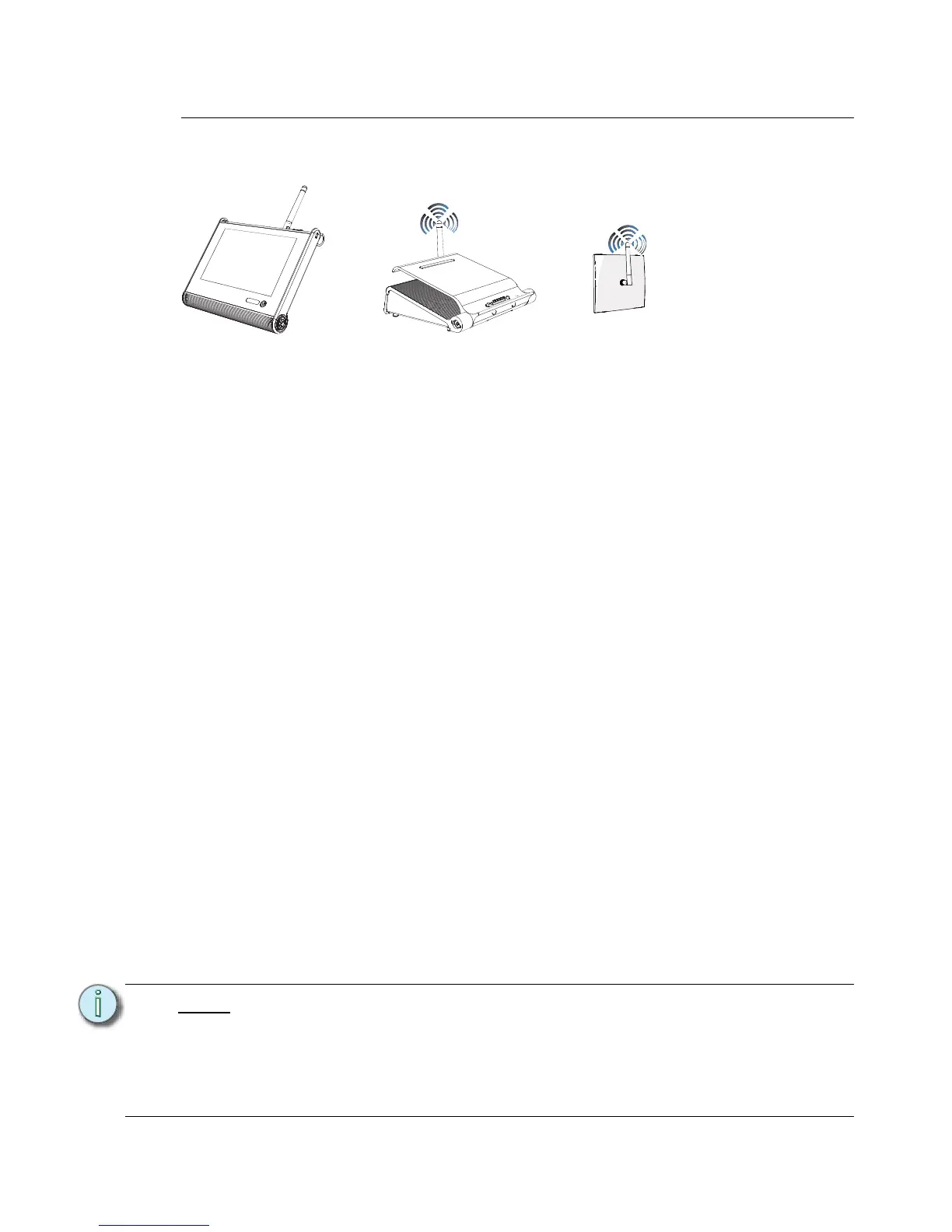
MeshConnect is the wireless control network used with the Handheld Touchscreen for
communication with a Docking Station or Wireless Access Station.
Wireless communications uses Zigbee wireless communication radio (IEEE 802.15.4).
Power for the Handheld unit is provided from the built-in rechargeable battery. You will need
to fully charge the unit before use. Reference Charging the Handheld Touchscreen, page
37.
Installation and Configuration Requirements
Prior to connecting your Handheld Touchscreen using MeshConnect, the following
requirements must be met:
• All components used including the Handheld Touchscreens, Docking Stations and
Wireless Access Stations must exist in the LightDesigner configuration.
• All station Neuron IDs should be added to the LightDesigner configuration.
• The LightDesigner configuration should be uploaded to the connected Paradigm
Architectural Control Processor(s).
• Docking Stations have been assigned compatible IP Addresses. Reference page 13 for
instructions to assign the IP Address.
• The Docking Station must also be associated by Neuron ID to the configured device in
LightDesigner. The Neuron ID is available from the Dock (see page 33) tab in the Setup
menu when a Handheld Touchscreen is docked. It can also be found on the product
label or from the Network view of LightDesigner.
• The “Wireless” property of the Handheld Touchscreen station is configured within the
LightDesigner Property Editor for use with the wireless accessory.
• The Wireless HF Channel property for all wireless devices must match. By factory
default this setting is HF Channel 10.
• To configure the HF Channel property for the Handheld Touchscreen, reference
Select HF Channel, page 23.
• To configure the HF Channel for the Docking Station and Wireless Access Station,
reference the Paradigm Architectural Control Processor Configuration Manual or
reference the LightDesigner online help system.
Note:
A Handheld Touchscreen can be associated to multiple Docking Stations and/or
Wireless Access Stations within a configuration. The displayed configuration and
theme may be different for each configured Handheld Touchscreen based on
which Dock or Access station it is connected.
Information related to LightDesigner software including configuration, upload, and
associating Neuron IDs, can be found in the LightDesigner online help system.



 To Next Page