Handheld Touchscreen and Wireless Accessories User Manual 23
Radio Options
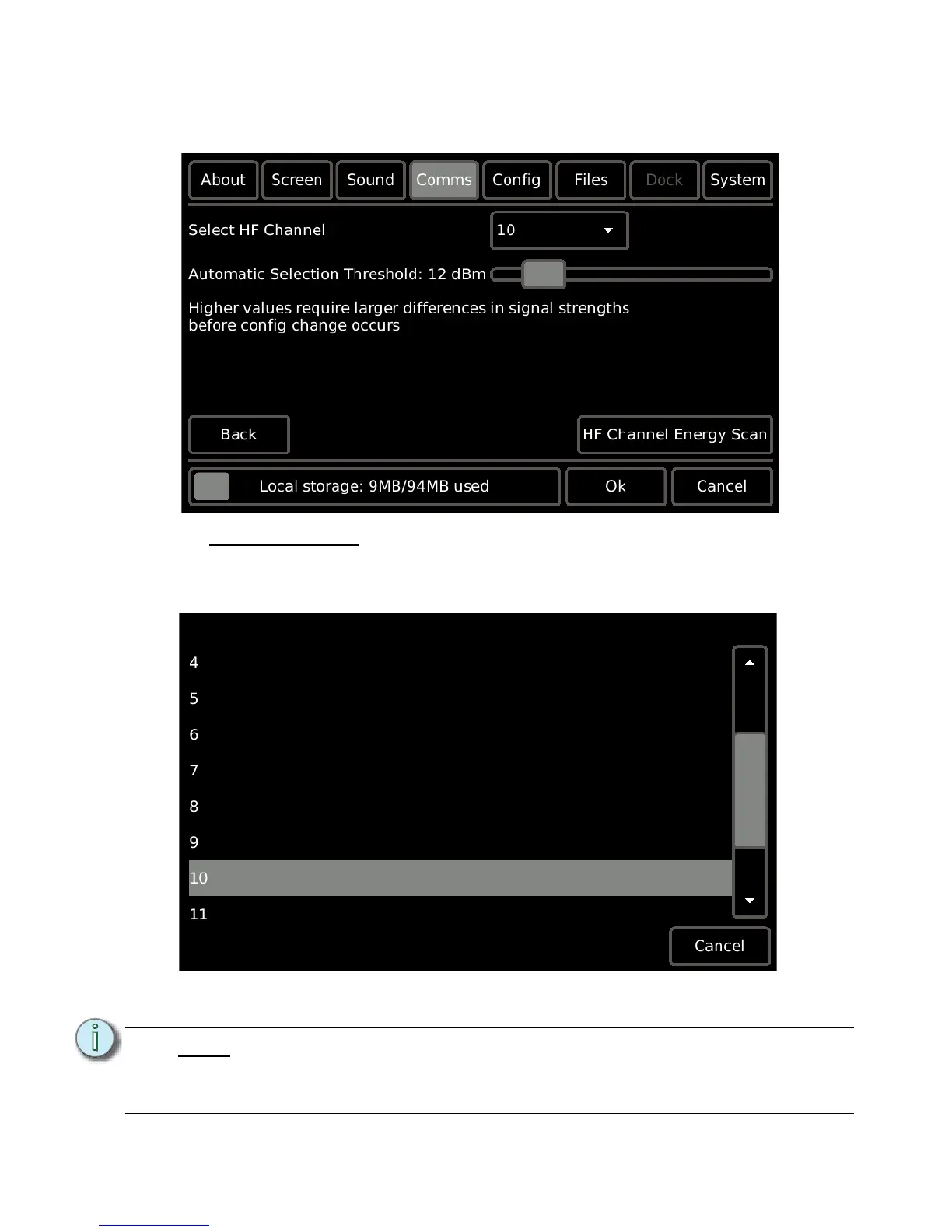
To change the Handheld Touchscreen HF Channel, set the Automatic Selection Threshold,
and access the HF Channel Energy Scan, press the [Radio Options] button.
Select HF Channel
The Paradigm Handheld is set to HF Channel 10 by factory default. To change the
Handheld from its default setting, touch the [10
▼] button in the selection field. Available
options include HF Channels 1 through 12.
Determining which HF Channel to use is simplified when you use the "HF Channel Energy
Scan".
Note:
All wireless devices must be on the same HF Channel to communicate. Reference
the Paradigm LightDesigner online help system or the Paradigm Architectural
Control Processor Configuration Manual for information to change the HF
Channel in Handheld Touchscreen wireless accessory products.



 To Next Page