28 Configuration and User Manual
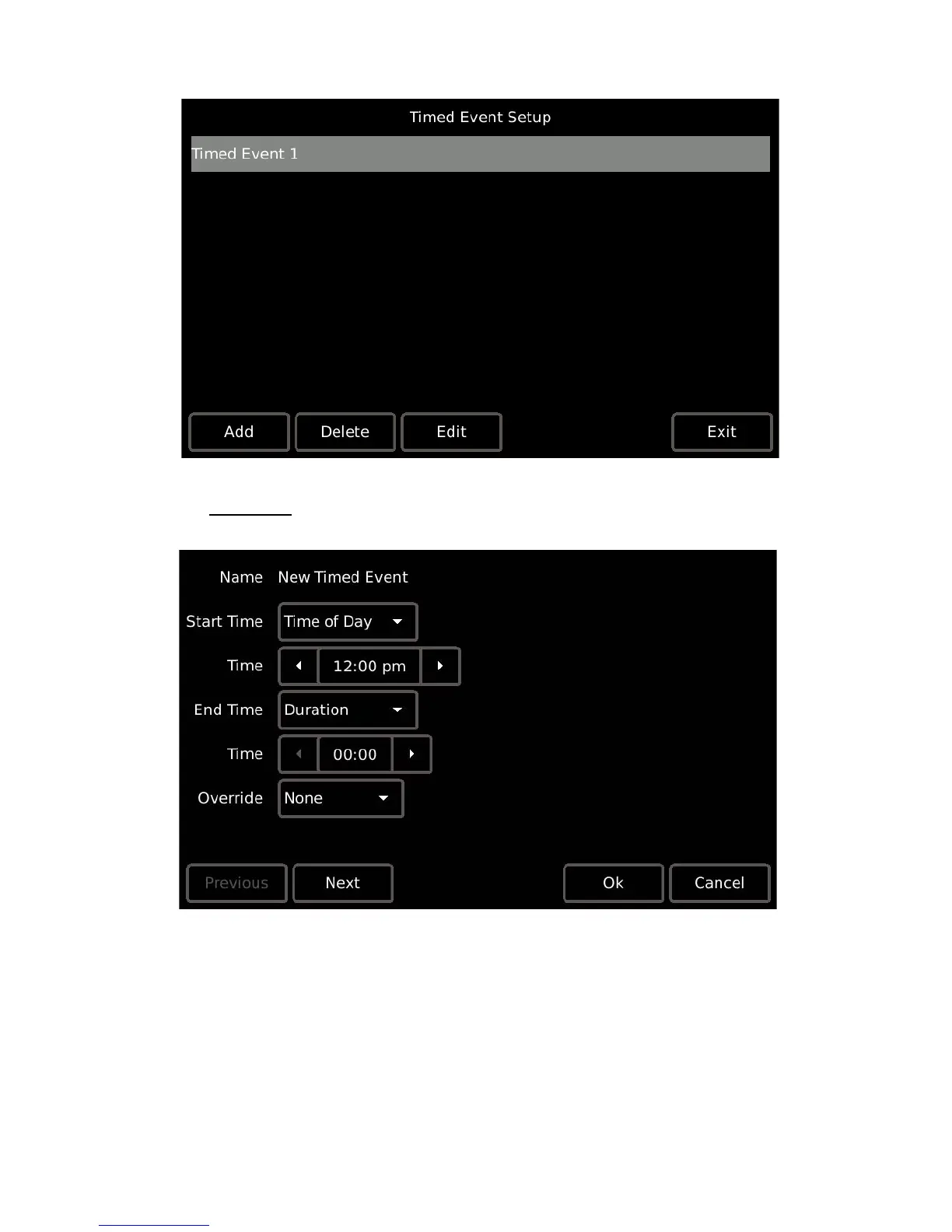
Adding a new event and editing an event are similar in process.
Add Event
Step 1: Press the [Add] button, a “New Timed Event” configurator displays.
Step 2: Specify the “Start Time”. Pressing the default [Time of Day] button displays a list
of available start times including; “Time of Day”, “Sunrise”, and “Sunset”. Press
to select the option. Depending on the selection, additional options may display:
• If “Time of Day” is selected, additional selection for a “Start Time” is required.
• If “Sunrise” or “Sunset” are selected, additional selection for an “Offset” is
required. An offset is specified as an positive (press the [+] button) or
negative (press the [-] button) hour and minutes setting from the
astronomical time.



 To Next Page