Handheld Touchscreen and Wireless Accessories User Manual 29
Step 3: Specify the “End Time”. The options for “End Time” are similar to the “Start Time”
except “Duration” is now an option. When “Duration” is the selected “End Time”,
you will also be required to specify the hours and minutes the event should run
from its start time.
Step 4: If an override has been created for the Timed Event, select the override from the
options. For more information regarding overrides, please reference the
Paradigm LightDesigner online help system or contact ETC Technical Services.
Step 5: Press [Next] to specify the Recurrence settings of the Timed Event.
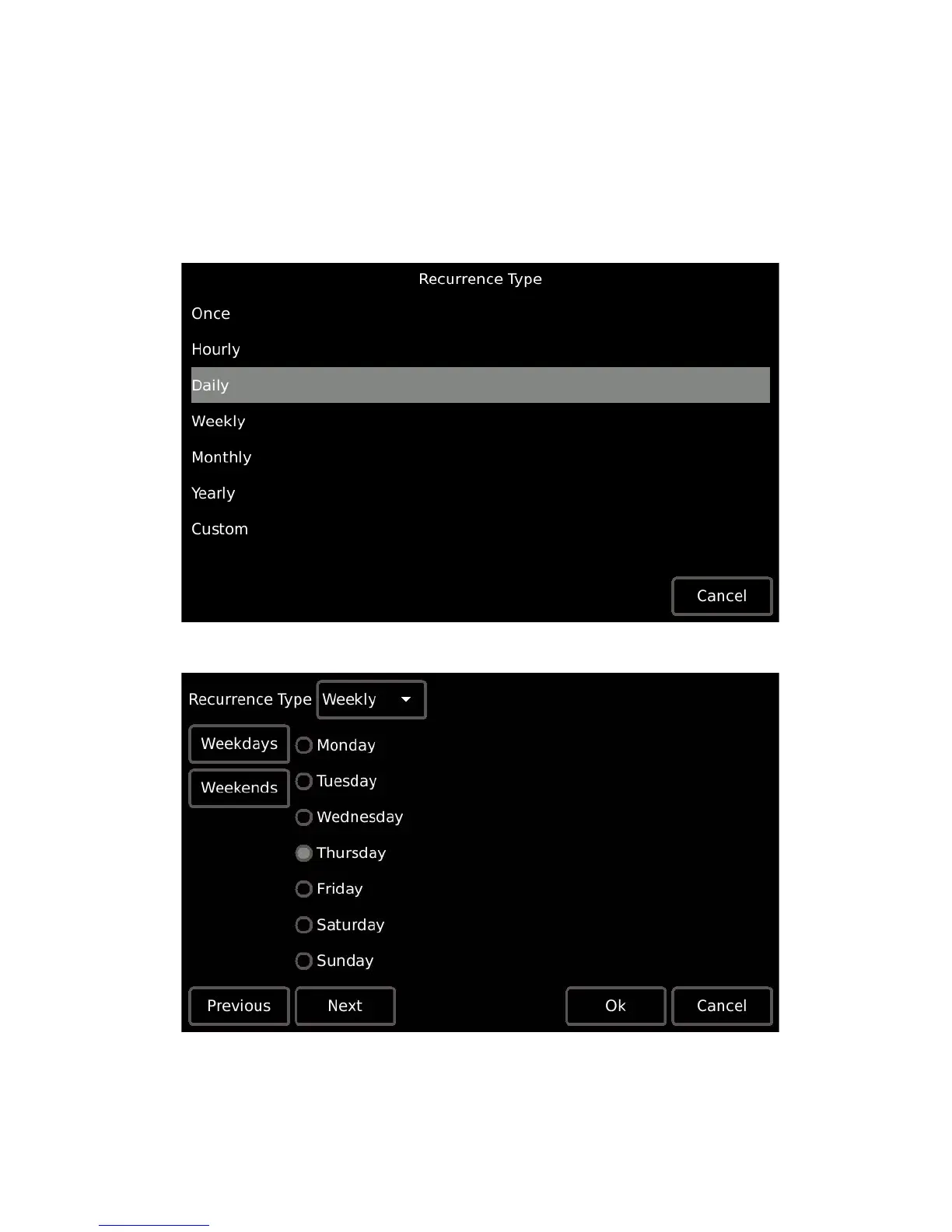
Step 6: Select the “Recurrence Type” from the options available.
• Additional settings are provided depending on the “Recurrence Type” selected. For
example, if “Weekly” is selected, the following options display for selection:



 To Next Page