Handheld Touchscreen and Wireless Accessories User Manual 21
Calibrate Touchscreen
The Screen tab provides a [Calibrate Touchscreen] button that when pressed, launches
the calibration display. This display is provided as a tool for recalibrating the touch
behaviors on the Touchscreen.
Calibration may be required if presses on the Touchscreen are recognized in an area other
than where the screen was pressed.
To calibrate the Touchscreen, simply touch as close to the center of the “+” symbol as it is
displayed. The “+” symbol will move to five separate coordinates on the touchscreen to
complete the calibration.
When all five coordinates have been calibrated, press [Close] to return to the previously
displayed page. If you are unsatisfied with the calibration results, press [Recalibrate] to
start the calibration again or press [Clear] to clear your settings.
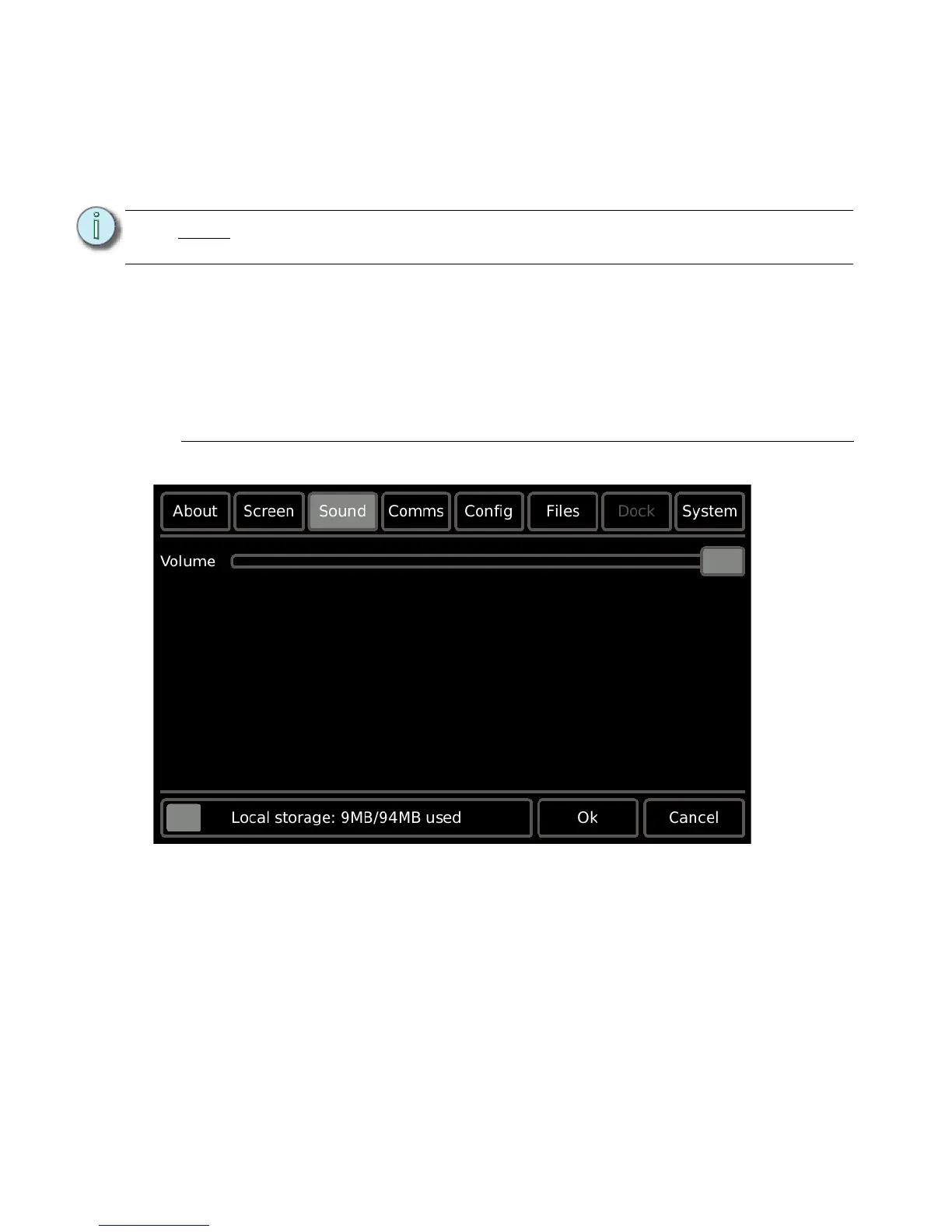
Sound
The Sound tab provides a volume control for the master volume level of the Touchscreen’s
built-in speakers.
Note:
Pressing and holding the [Mode] button (located behind the Access Panel of the
Touchscreen) for four seconds launches the calibration display.



 To Next Page