4 Configuration and User Manual
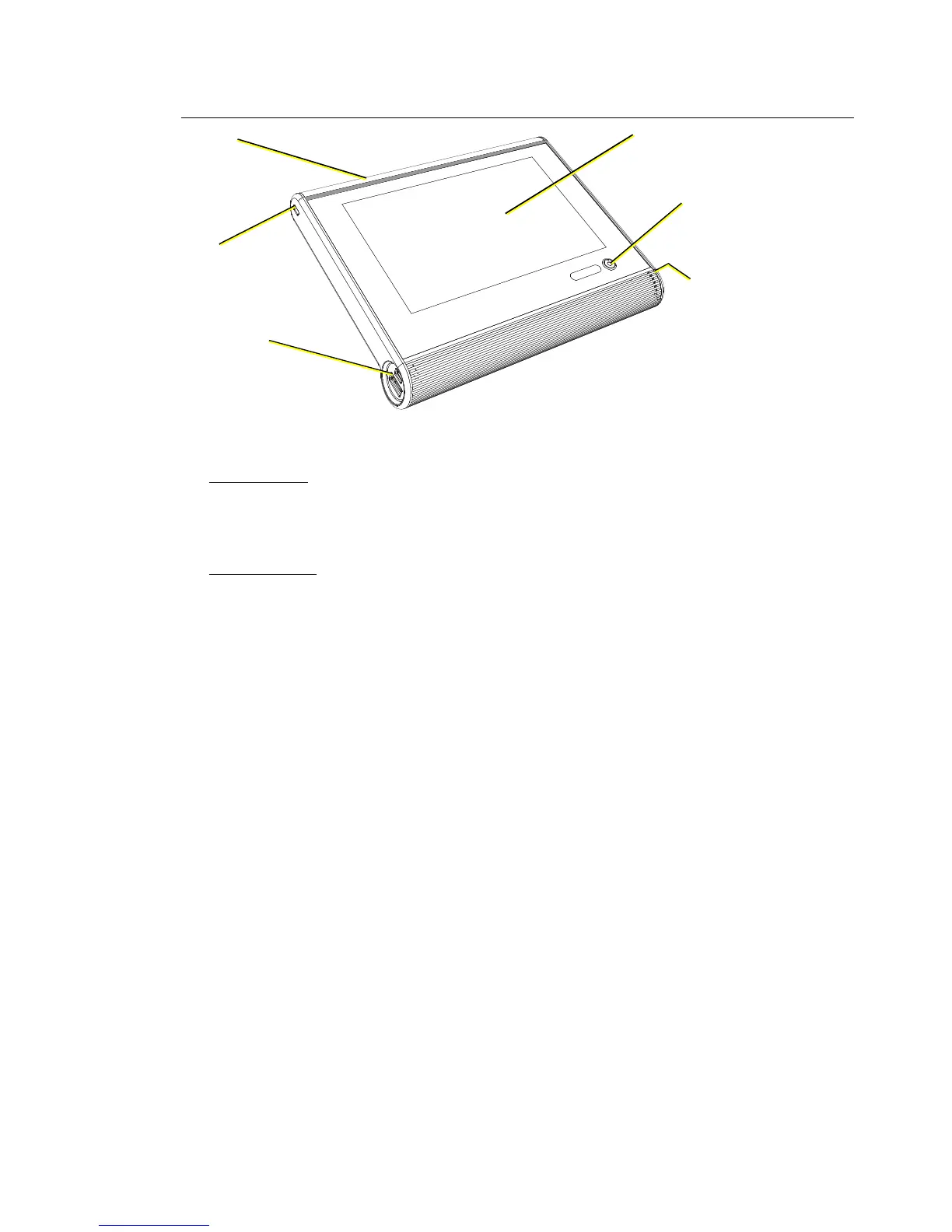
Handheld Touchscreen Overview
Power and Data Connections
LinkConnect
LinkConnect uses Echelon® LonTalk® with LinkPower to connect by cable between the
Handheld Touchscreen and the Paradigm Architectural Control Processor (P-ACP). See
“LinkConnect Overview and Setup” on page 10.
MeshConnect
MeshConnect Uses the Handheld Touchscreen built-in radio to communicate wirelessly
with a Docking Station or Wireless Access Station. See “MeshConnect Overview and
Setup” on page 11.
USB ports
micro USB
USB 2.0
Access Panel
indicators, SD card slot,
MeshConnect, wireless
antenna
7” LCD Touchscreen
WVGA (800x480)
Power /
Navigation
LinkConnect
Portable Cable receptacle
Lock



 To Next Page