30 Configuration and User Manual
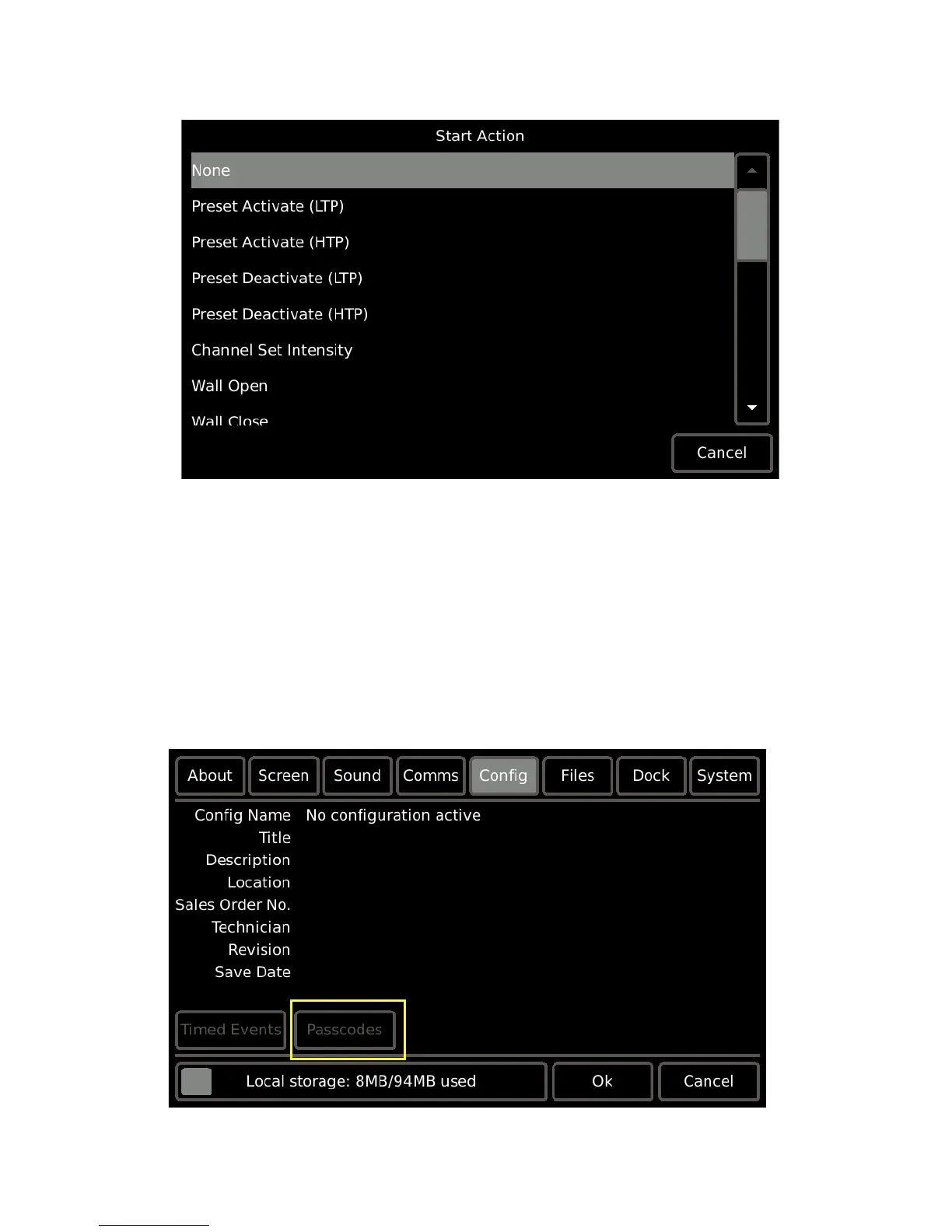
Step 7: Press [Next] then select the drop down selection located next to “Start Action” to
display available options.
Step 8: Press to select the option from the list. Notice the ability to scroll to more options
using the scroll bar on the right. Depending on the selection, more options may
display for setting on the “Start Action” page. Complete the options as required.
Step 9: Press [Next] then select the drop down selection located next to “End Action” to
display available options.
Step 10: Press to select the option from the list. Notice the ability to scroll to more options
using the scroll bar on the right. Depending on the selection, more options may
display for setting on the “End Action” page. Complete the options as required.
Passcodes
Passcodes that are assigned in ControlDesigner software for the active configuration are
available for read-only reference on the Handheld Touchscreen using the [Passcodes]
feature.



 To Next Page