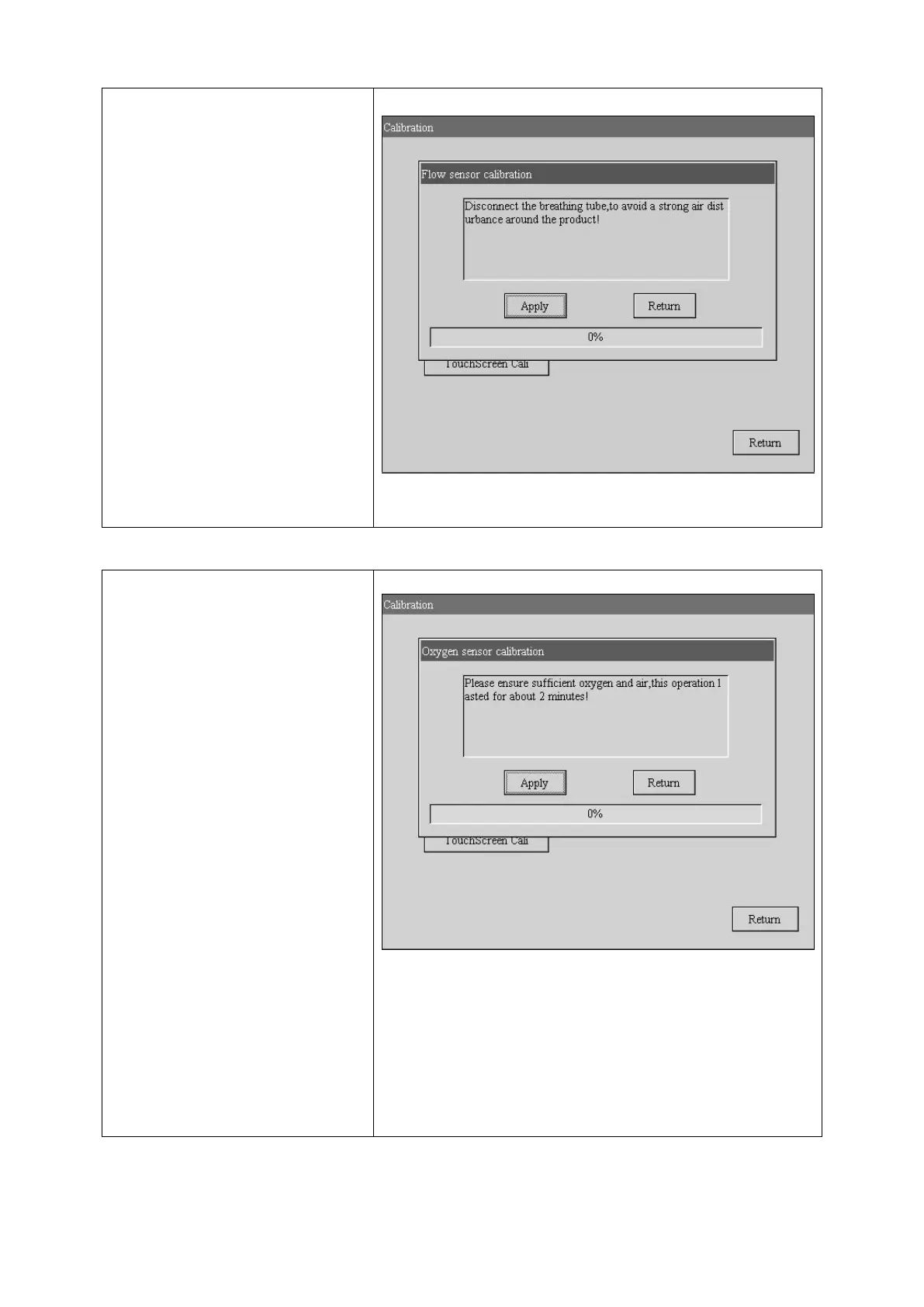
2.Calibrate flow sensor
Turn the Knob to select Flow
sensor and press it, see right
figure.
The other operation like the press
sensor calibrate.
3.Calibrate oxygen sensor
Turn the Knob to select oxygen
sensor and press it, see right
figure.
The other operation like the press
sensor calibrate.
NOTE: Make sure the ventilator
connect enough air and oxygen.



 To Next Page