22
3.19
3.20 Important Application
Setting the Codes (Transmitter)
Make sure that the meter is switched off before setting the codes.
Press the sensitive key continuitly, then press Power key to turn on the meter.
Press the sensitive key to select the code you want, such as 1-7.
After setting and turn off the meter, turn on the meter again, the meter is now
ready for use.
Code selection can be made as follows (1,2,3,4,5,6,7).
5m before the line terminal.
The line terminals must be open. Strip the interrrupted lead at the lead at the
start of the light plastic-sheathed cable and connect it via the measuring leads
(supplied with the instrument) with (1) terminal of the transmitter.
Connect terminal (2) of the transmitter to a suitable ground. All other cable leads
must also be connected to the transmitter and the same ground.
Switch in the transmitter via push button (5). Set the transmitter to “LEVEL I“ via
button (4). The transmitter function is indicated via the flashing of the signal lamp
(3). During the manufacture process, the transmitter has been programmed to
display the letter “7“. Change the Code via Jumper (7).
Switch, on the receiver via pushbutton (10).
All segments are indicated on the display (3)
for a short period of time. This indicates that
the receiver is functional and that the batteries
are full. When switching on the receiver, the
instrument is automaticaly set to ”Automatic
Mode”. To change the sensitivity press the
button 6 or 9. Now, the Manual Mode” is
activated.The sensitively range comprises 8
levels. The respective sensitivity level, betweeen
1 and 8, is changed and briefly displayed (3)
by pressing buttons (6 or 9). If a selective and
position-de-pendant search has to be performed
select the selective mode by pressing the button
7 MODE.
•
•
•
•
•
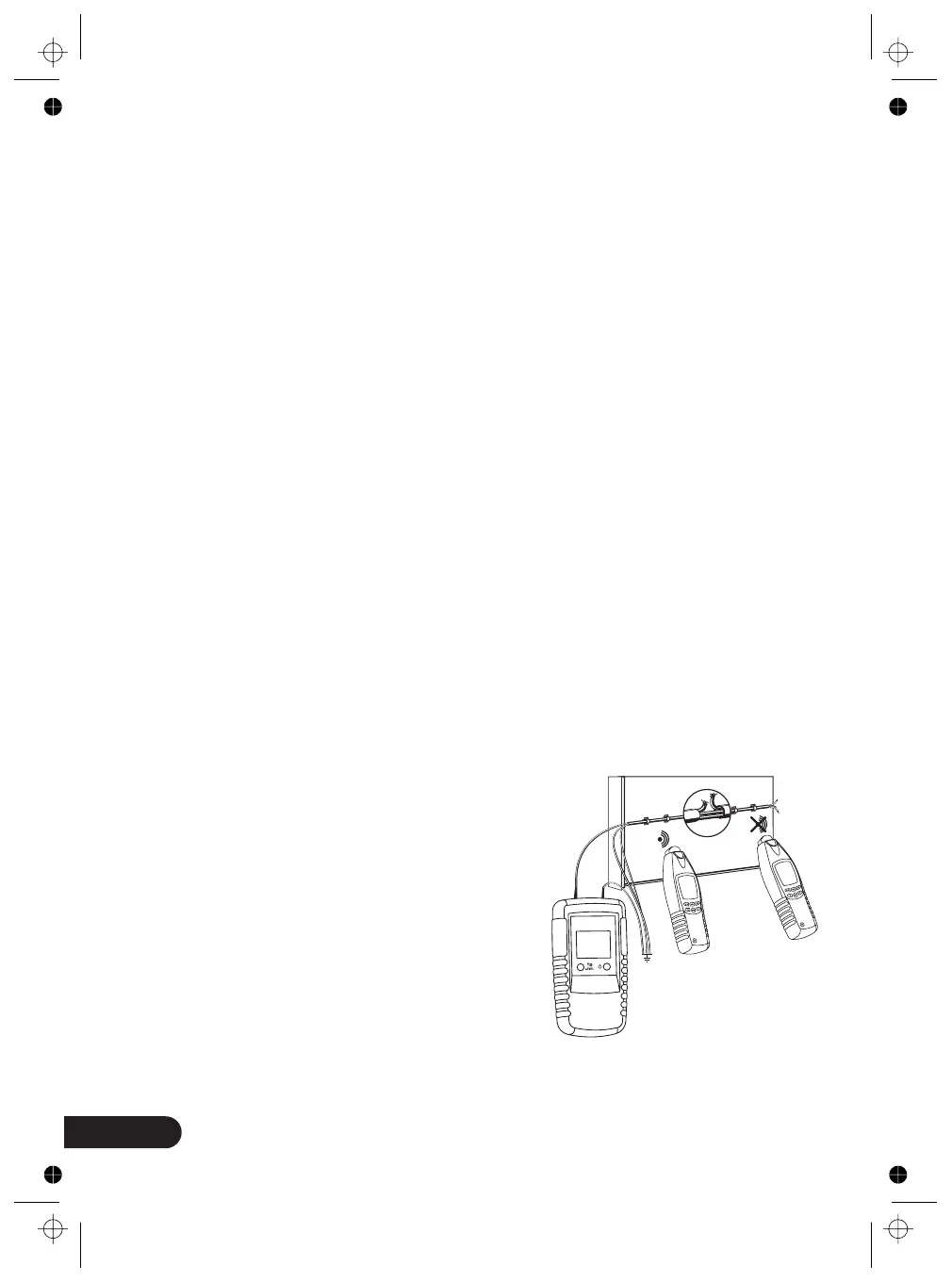
For our example, we advise you to take a piece of a plastic-sheathed cable, for
example. Provisionally install 5m of this cable along the wall with nail clips at eye
level as surface mounting. Make sure that the wall is accessible from both sides.
Create an artificial interruption at a distance of 1.
“
figure 20



 To Next Page