EVCO S.p.A. EVDRIVE03 | User manual ver. 3.7 | Code 144EPDE374
Page 26 of 76
7 CONFIGURATION
7.1 Unit of measurements
Units of measurement used in the internal algorithm are Celsius (ºC) and Kelvin (K) degrees in tenths for
temperatures, and barG in hundreds for pressure.
For the convenience of the user, it is possible to set temperature and pressure parameters in the preferred unit of
measurement, specifying the unit in parameters Pressure unit of measurement (Ph60) and Temperature unit of
measurement (Ph61).
These parameters are acquired only during Initialization (0) phase at the reset , thus any changes to these parameters
will take effect only after a reset.
Setting of the Ph60 and Ph61 parameters affects:
- the limits of certain parameters
- the measurement read from state variables
- the temperature and pressure parameters
The modify of the parameters of measurement unit will trigger automatic conversion of existing temperature and
pressure parameters: the automatic conversion of all the pressure and temperature parameters is performed in the
Initialization (0) at the start-up, and then the board reset is needed after unit of measure parameters change.
The correct procedure should be performed in this order:
- disable the valve
- change parameters Ph60 and/or Ph61
- reset the board
- check Parameters alarm bit in the Alarm status (AlSt)
- if parameters alarm is active, check and correct all the parameters of temperature and pressure,
cancel the alarm leading to 1 bit 0 of the variable Command (Cmd), and then reset the
EVDRIVE03
- if parameters alarm is cleared check ParS variable and if necessary, reset the board again.
It is recommended not to abuse the automatic conversion of the parameters: is a delicate function as its disruption
can lead to the invalidation of all the memory parameters.
In addition, repetitive conversions lead to a subsequent loss of precision in the values.
The Internal unit of measure (UdM) indicates which units of measurements are actually used, since the parameters
Ph60 and Ph61 may have been changed. After the reset and the automatic conversion the Internal unit of measure
(UdM) mirrors the parameters.
Given that, as stated earlier, the internal algorithm work in Kelvin, Celsius and BarA, if the units of measurement
chosen match these, no conversions are performed. If the user's units of measurements are in Fahrenheit and / or Psi,
the following conversions are applied:
Param. in °F/R/Psi → val. in °C/K/Bar → algorithm → val. out °C/K/Bar → var. out °F/R/Psi
7.2 Configuring a built-in version
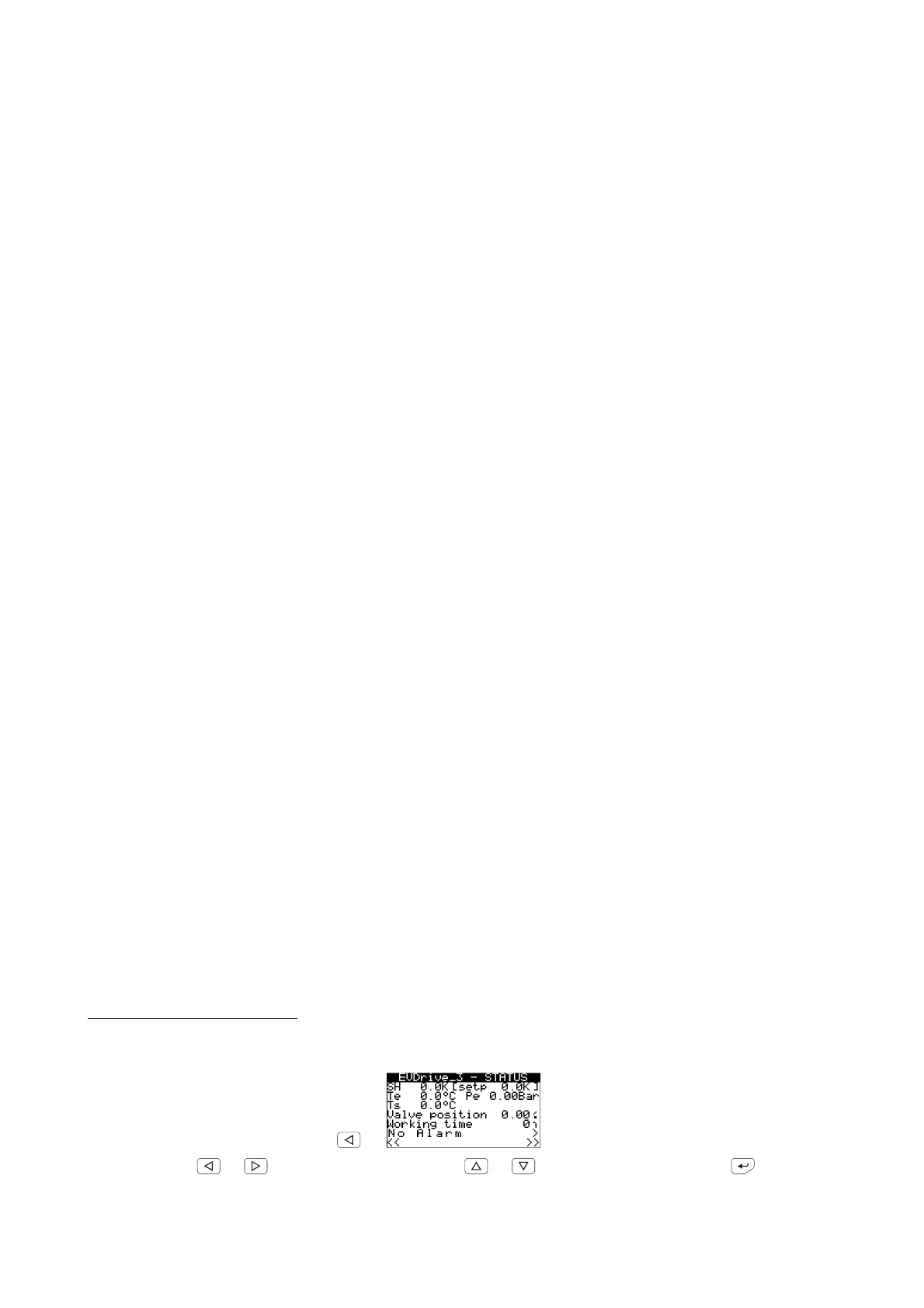
To gain access to the user menu:
1. Make sure the power supply is switched on.
2. Move among the pages using the buttons as shown in the example here below:
to the installer menu page 1
or or to select “Alarm status” and



 To Next Page