12
ENGLISH
9.2.3 Language setting
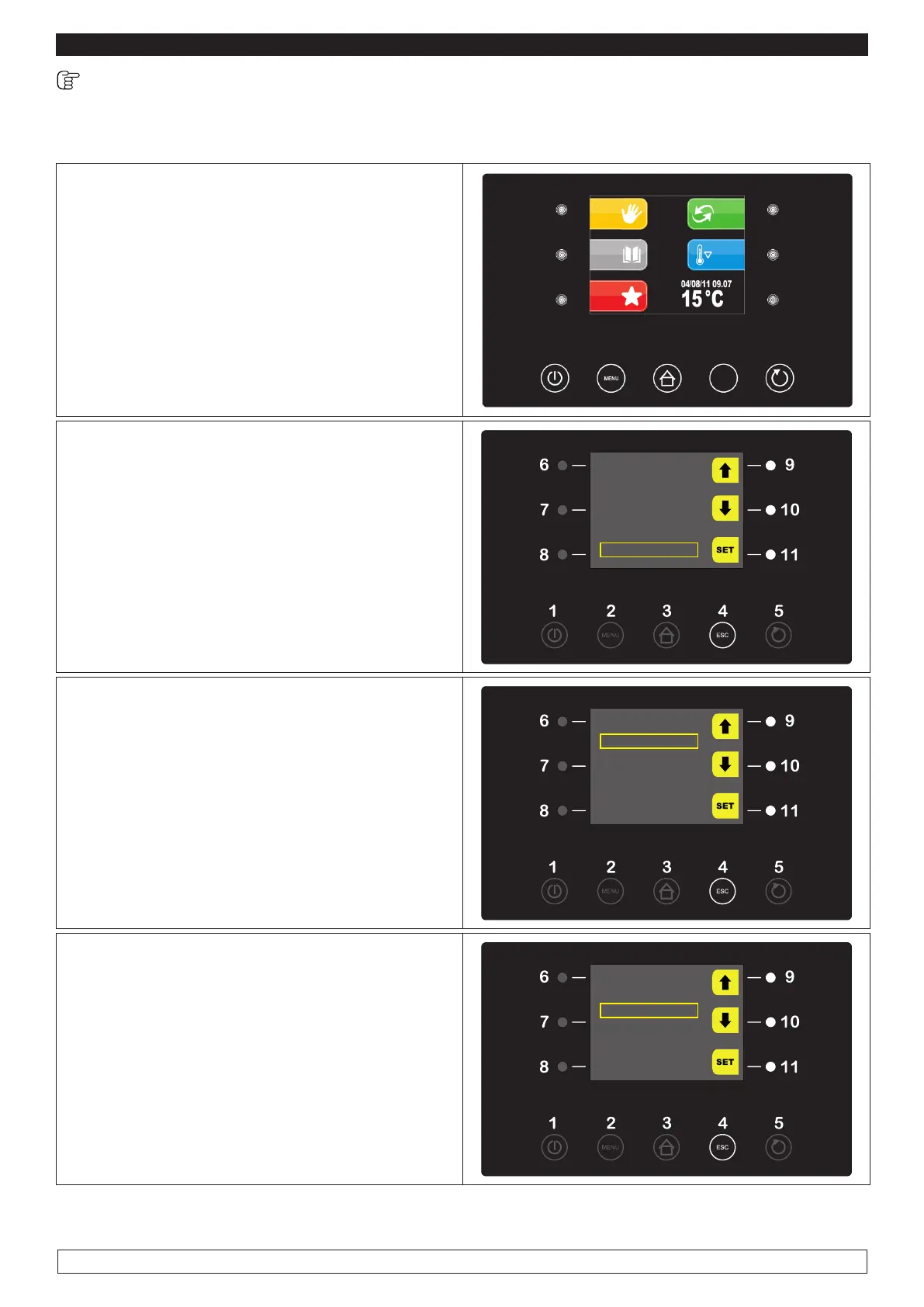
Proceed as follows:
► Press the MENU key (2),
2
ESC
► Select with the UP-DOWN keys (9-10) the
menu SERVICE item and press the SET key (11)
OPTIONS
LIGHT
22/12/14 18:15
MANUAL DEFROST
ALARM LIST
INTERNAL VALUES
SERVICE
► Select with the UP-DOWN keys (9-10) the
menu LANGUAGES item then press the SET
key (11)
SERVICE
LANGUAGES
HISTORICAL DATA
INTERNAL SETTING
►
Select with UP-DOWN keys (9-10) the desired
LANGUAGE
►
Press the SET key (11) to confirm
SERVICE
ITALIANO
ENGLISH
FRANCAIS
DEUTSCH
ESPANOL
►
When the operation is completed either press the ESC button (4) or do not work for 60 seconds.








 To Next Page