18
ENGLISH
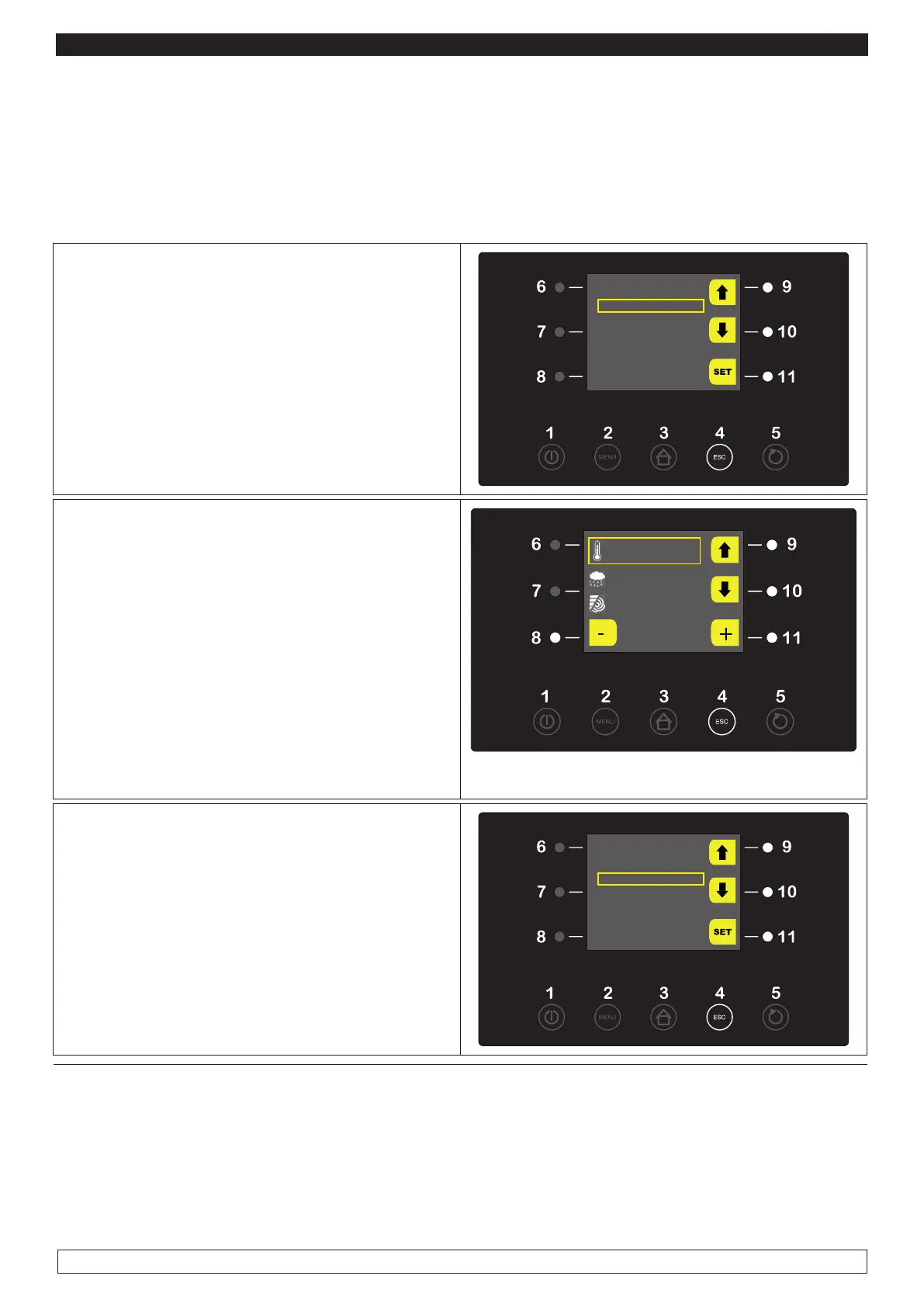
► You may view the following list of OPTIONS by pressing the MENU key (2) during a MANUAL HE-
ATING cycle:
- SETPOINT
- ALARMS LIST
- INTERNAL VALUES
- LIGHT
► Press the MENU key (2) to display the
SETPOINT during a working MANUAL HEATING
cycle.
► Select with the UP-DOWN keys (9-10) the
SETPOINT function then press the SET key (11)
OPTIONS
SETPOINT
ALARM LIST
INTERNAL VALUES
LIGHT
► To modify the defined TEMPERATURE value
press the – and + keys (8-11)
► Press the UP-DOWN keys (9-10) and select the
HUMIDITY parameters. Press the - and + keys
(8-11) to modify its value.
► When the operation is over either press the
ESC button (4) to go back to the OPTIONS menu
PLEASE NOTE: The fans speed adjustment fun-
ction is disabled during all the process steps as it
is automatically set.
25 °C
80 %rH
100 %
► To display the ALARMS LIST during a working
MANUAL HEATING cycle press the MENU key
(2).
► Select with the UP-DOWN keys (9-10) the
ALARMS LIST item then press the SET key (11).
OPTIONS
SETPOINT
ALARM LIST
INTERNAL VALUES
LIGHT








 To Next Page