22
ENGLISH
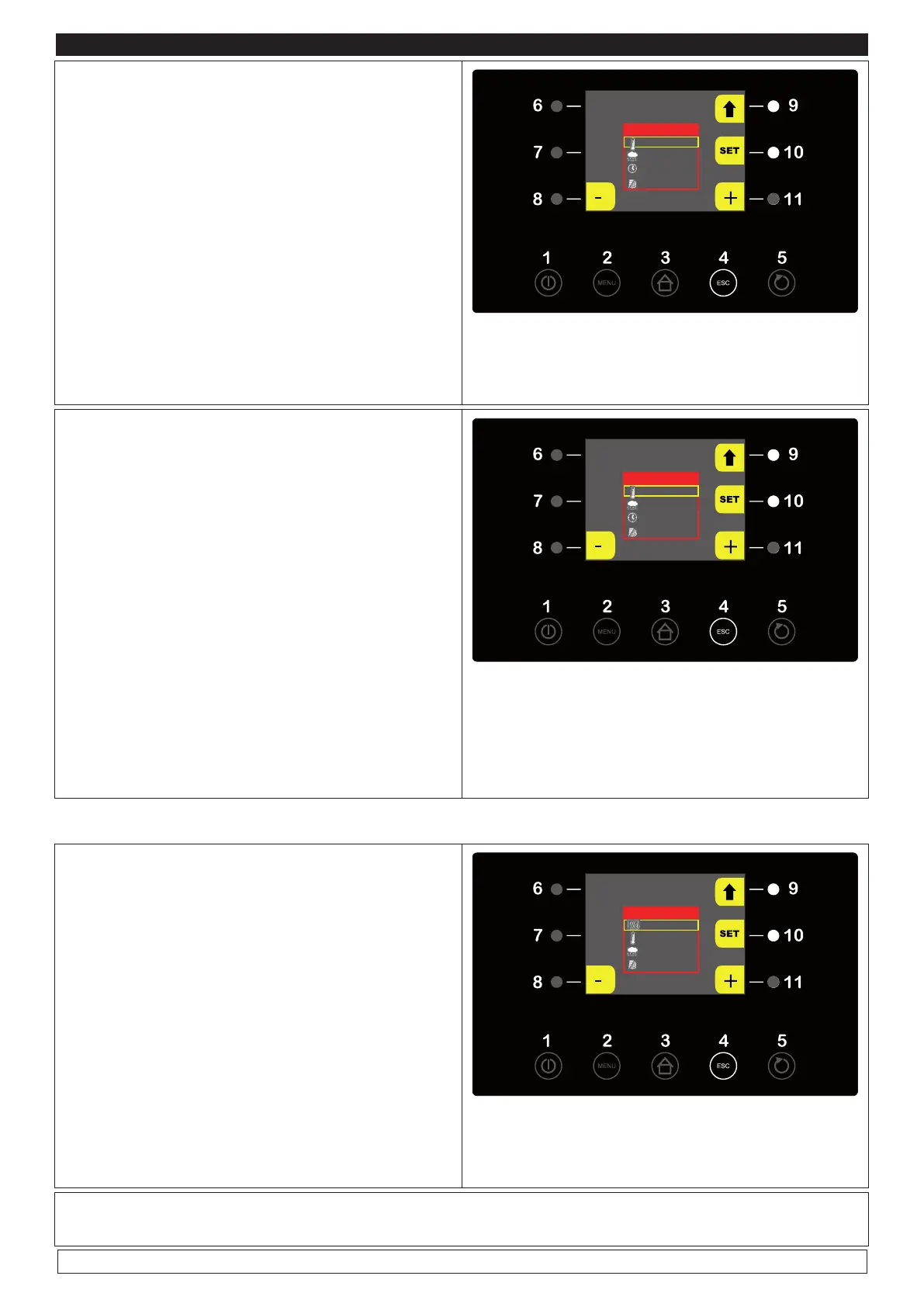
► Press the SET key (10) to modify the parame-
ters relative to the third “PROOFING” phase of
the automatic RETARDED PROOFING cycle.
- Temperature
- Humidity
- Duration
► Press the - and + keys (8-11) to modify values
► Press the SET key (10) to confirm
► When the operation is over press the UP key
(9) to proceed to the next step
PLEASE NOTE: The fans speed adjustment
function is disabled as it is automatically set .
PHASE 3
3 °C
100 %
02:00 h:m
100 %
► Press the SET key (10) to modify the parame-
ters relative to the fourth “LEAVENING” phase
of the automatic RETARDED PROOFING cycle.
- Temperature
- Humidity
- Duration
► Press the – and + keys (8-11) to modify values
► Press the SET keys (10) to confirm
► When the operation is over press the UP key
(9) to proceed to the next step
PLEASE NOTE: The fans speed adjustment
function is disabled as it is automatically set.
PHASE 4
28 °C
100 %
02:00 h:m
100 %
PLEASE NOTE : to skip one or more single step you should set its duration at 00:00 h:m
► Press the SET key (10) to modify the para-
meters relative to the fifth “DELAYED BAKING”
phase of the automatic RETARDED PROOFING
cycle.
- Delay baking
- Temperature
- Humidity
► Press the – and + keys (8-11) to modify values
► Press the SET button (10) to confirm
PLEASE NOTE: The fans speed adjustment
function is disabled as it is automatically set.
PHASE 5
SI
13 °C
85 % rH
100 %
► When all the programming phases of the AUTOMATIC CYCLE have been completed, press the
UP key (9) to review the set values of the different cycle steps.








 To Next Page