EasyManua.ls Logo

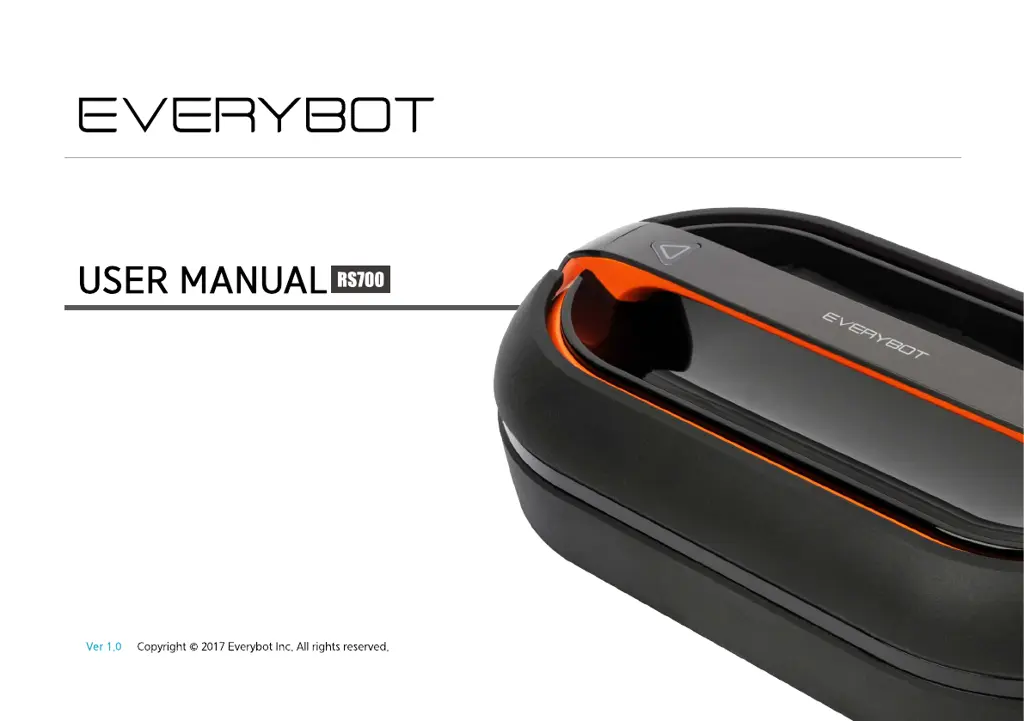
Everybot RS700 - User Manual

Everybot RS700
28 pages
Print Icon
To Next Page IconTo Next Page
Loading...
Dual Spin Mop Robot Cleaner

Other manuals for Everybot RS700

Questions and Answers

  • J
    Justin NolanAug 4, 2025
    What to do if the Everybot Ultrasonic Jewelry Cleaner remote control does not work?
    • T
      Tanya ReynoldsAug 4, 2025
      If the remote control for your Everybot Ultrasonic Jewelry Cleaner isn't working, make sure the system power switch on the main unit is turned on. Note that the remote control will not function while the unit is recharging. If the power switch is on and the unit is not charging, try replacing the remote control batteries with new ones. Also, ensure that you are within the operational range of the remote control, not farther than 5 meters from the main unit.
  • C
    Cory AlvarezAug 11, 2025
    Why is my Everybot Ultrasonic Jewelry Cleaner not charging?
    • A
      Alvin DunlapAug 11, 2025
      If your Everybot Ultrasonic Jewelry Cleaner main unit is not charging, verify that the power adapter you are using meets the device's specifications. Also, double-check that the power adapter is correctly and securely connected to the main unit and the power outlet.
  • R
    Roger CamposAug 27, 2025
    Why is my Everybot RS700 so loud?
    • A
      Aaron GardnerAug 27, 2025
      If the operational noise of your Everybot Ultrasonic Jewelry Cleaner is louder than normal, check the rotating plate of the main unit for any foreign substances that may be caught. Also, a loose screw on the rotating plate may cause increased noise, so inspect and tighten the screw if necessary.
  • A
    Ashley MorganSep 10, 2025
    What to do if my Everybot RS700 main unit does not work?
    • J
      Jessica WalkerSep 12, 2025
      If the main unit of your Everybot Ultrasonic Jewelry Cleaner is not working, check the battery level or look for error indications via the LED lamp. If there are no visible issues, try turning the system power switch off and then on again to restart the main unit.

Summary

Features

Smart Sensor System

Detects obstacles and prevents falls down stairs for efficient and safe cleaning.

Safety and Precautions

Electrical Safety Instructions

Guidelines for safe use of power source, adapter, cord, and avoiding wet conditions.

Getting Started

Charging the Robot

Instructions on connecting the adapter and the charging process.

Installing Water Supply Mop Kit

Detailed instructions on attaching the mop kit, filling water, and securing it.

Operation

Starting the Cleaning Process

Steps to turn on the power switch and initiate cleaning via the unit or remote.

Status and Troubleshooting

Understanding Status Indications

Explains LED lamp and buzzer signals for different operational states.

Troubleshooting Common Issues

Lists common problems like LED off or sound alarms and their checks.

Troubleshooting Table

A table detailing problems and their corresponding solutions for various issues.

Specifications and Warranty

Product Warranty Information

Details warranty service, compensation, and conditions for the product.

Everybot RS700 Specifications

General IconGeneral
BrandEverybot
ModelRS700
CategoryUltrasonic Jewelry Cleaner
LanguageEnglish