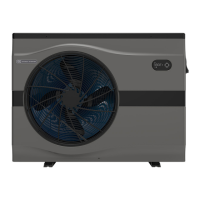
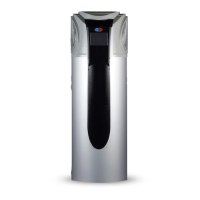
EvoHeat Evo270 Hot Water Heat Pump Manual
6.3 Turning the Unit ON & OFF
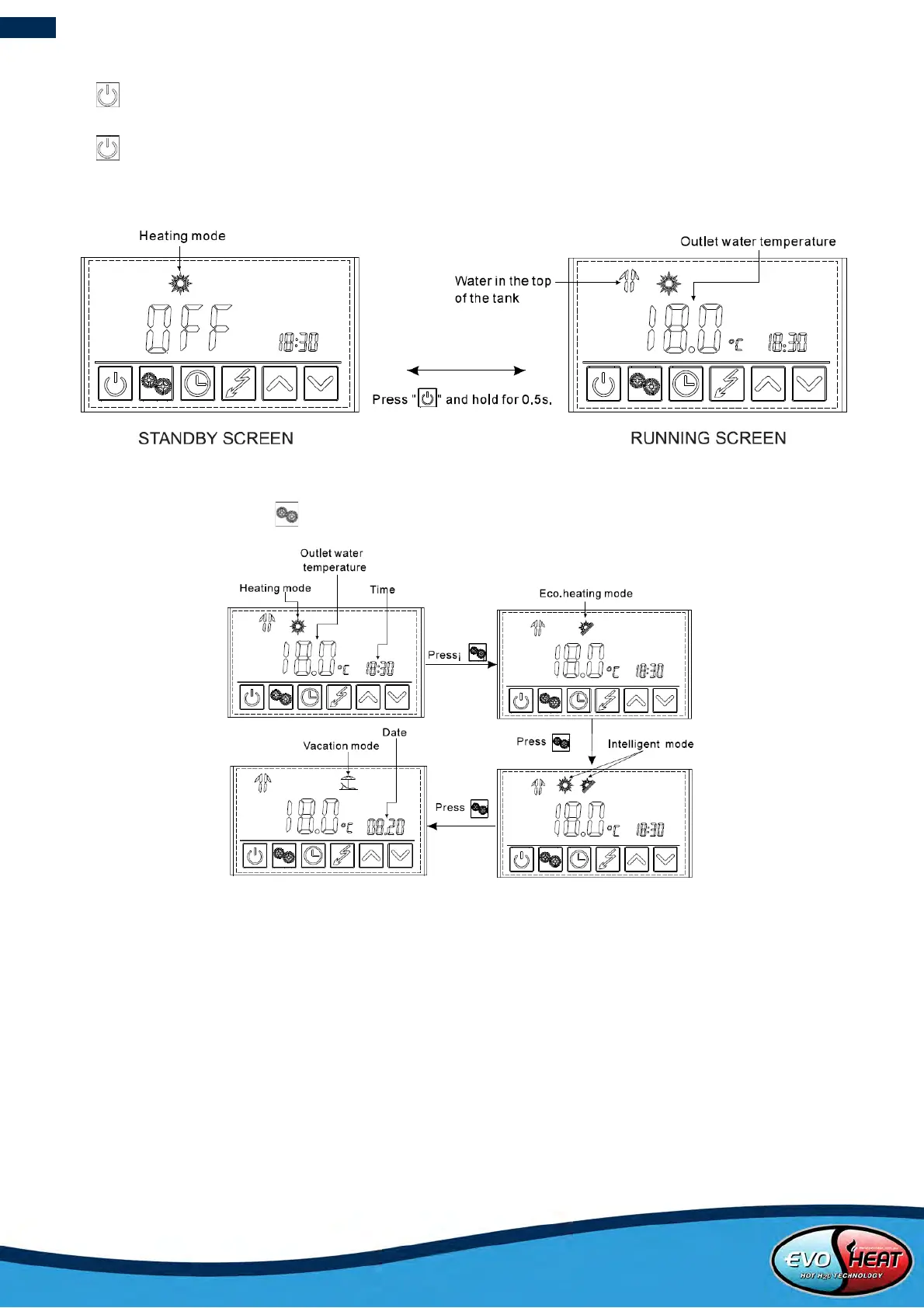
Press and hold for 0.5 seconds in the standby screen of the controller to turn the unit on. The main display will
now show the water outlet temperature.
Press and hold for 0.5 seconds in the running screen of the controller to turn the unit off. The main display will
now show “OFF”.
Note: The ON/OFF button can only be used to turn the unit on/off in standby or on the running screen of the controller.
6.4 Mode Selection
From the running screen, press to select one of the modes: Heating, Eco Heating, Intelligent or Vacation
This mode does not use the
Hydropower element boost and is
the most economical option. It is
recommended to start with this
mode initially unless you encounter
cold or warm water, then switch to
This mode will analyse the
ambient temperature at 10am
each day and decides the best
operating mode from Eco or
Heating.
This mode uses the heat pump and the
main heat source. The Hydroboost starts
after a 40-minute delay to give high
recovery rates. Use this mode if you have
very high hot water usage. The
Hydroboost start times and
temperatures are fully customisable.
You can also manually switch on the Hydroboost element at any time by pressing the Hydroboost button on the
controller.
Setting the timer to allow the unit to run for longer periods will also help ensure you never run out of hot water.


 To Next Page