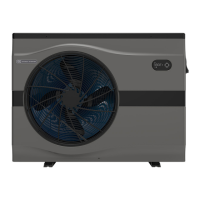
EvoHeat Evo270 Hot Water Heat Pump Manual
6.5 Target Temperature Checking & Setting
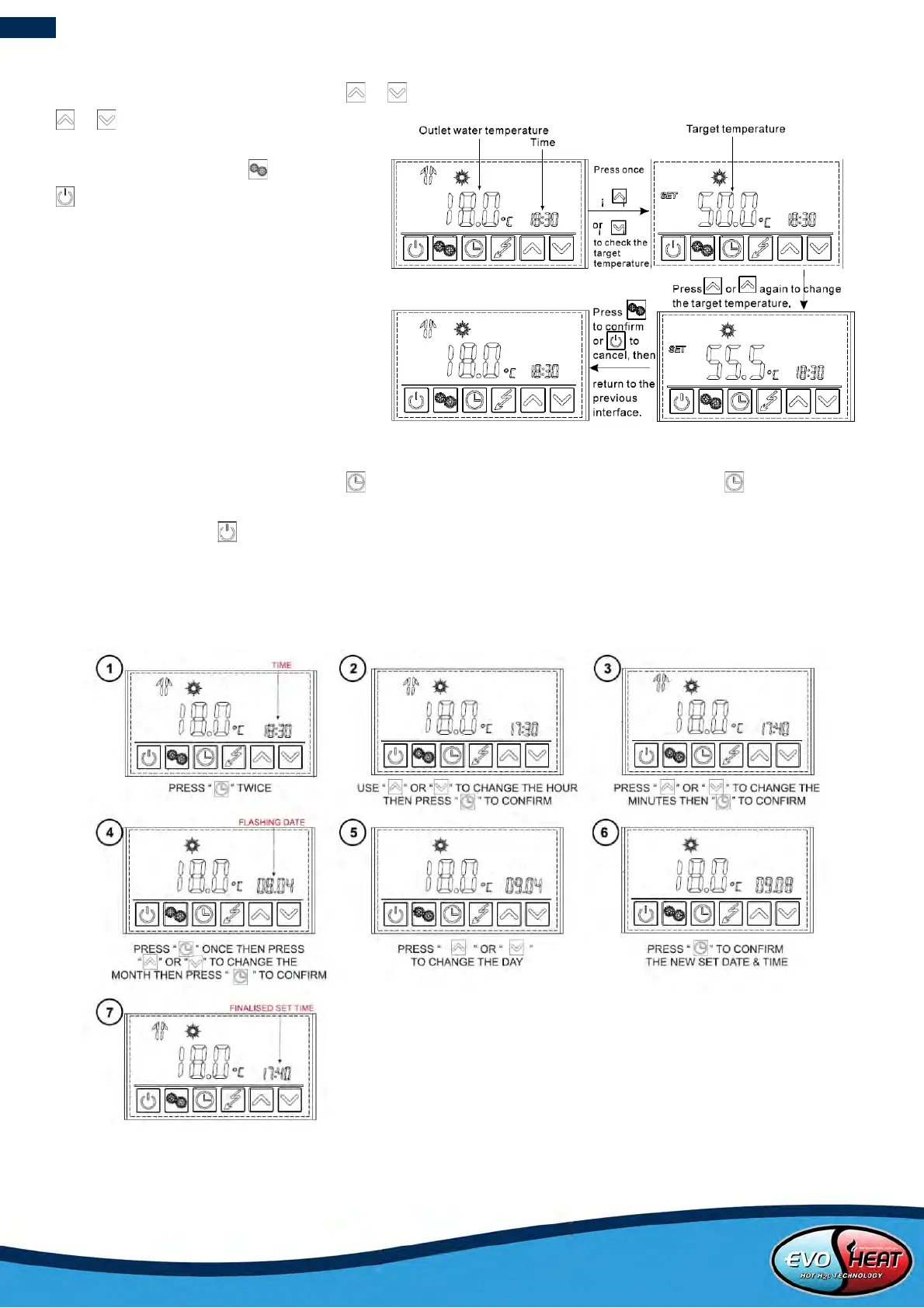
In the standby or running interface, press or once to check the target temperature of the outlet water. Press
or again to change the target
temperature. After making changes to the
desired temperature, press to confirm or
to cancel, then return to the previous
screen. If the keypad is left idle for 5
seconds, the controller will exit the menu
automatically and apply any changes that
were made.
Example: Changing the target temperature from 50°C
to 55.5°C when the actual outlet water temperature is
18°C.
6.6 Setting the Time
In the standby or running interface, press once, the time setting will begin flashing. Press the again to make
the hour setting begin flashing which indicates it is selected. Press the up or down arrows to adjust the hour time as
desired and then press to confirm the setting. Once confirming the previous setting, the flashing selection will
then move to the next setting (minutes, then date: mm/dd) where you will need to adjust and confirm your changes.
If the keypad is left idle for 10 seconds, the controller will exit the menu automatically and apply any changes that
were made. Set the date in the same way when in Vacation mode.
Example: Changing the time & date from 18:30 on August 4
th
to 17:40 on September 8
th
.


 To Next Page