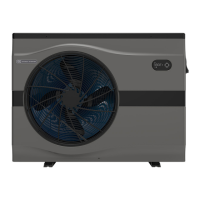
EvoHeat Evo270 Hot Water Heat Pump Manual
6.7 Using the Timer
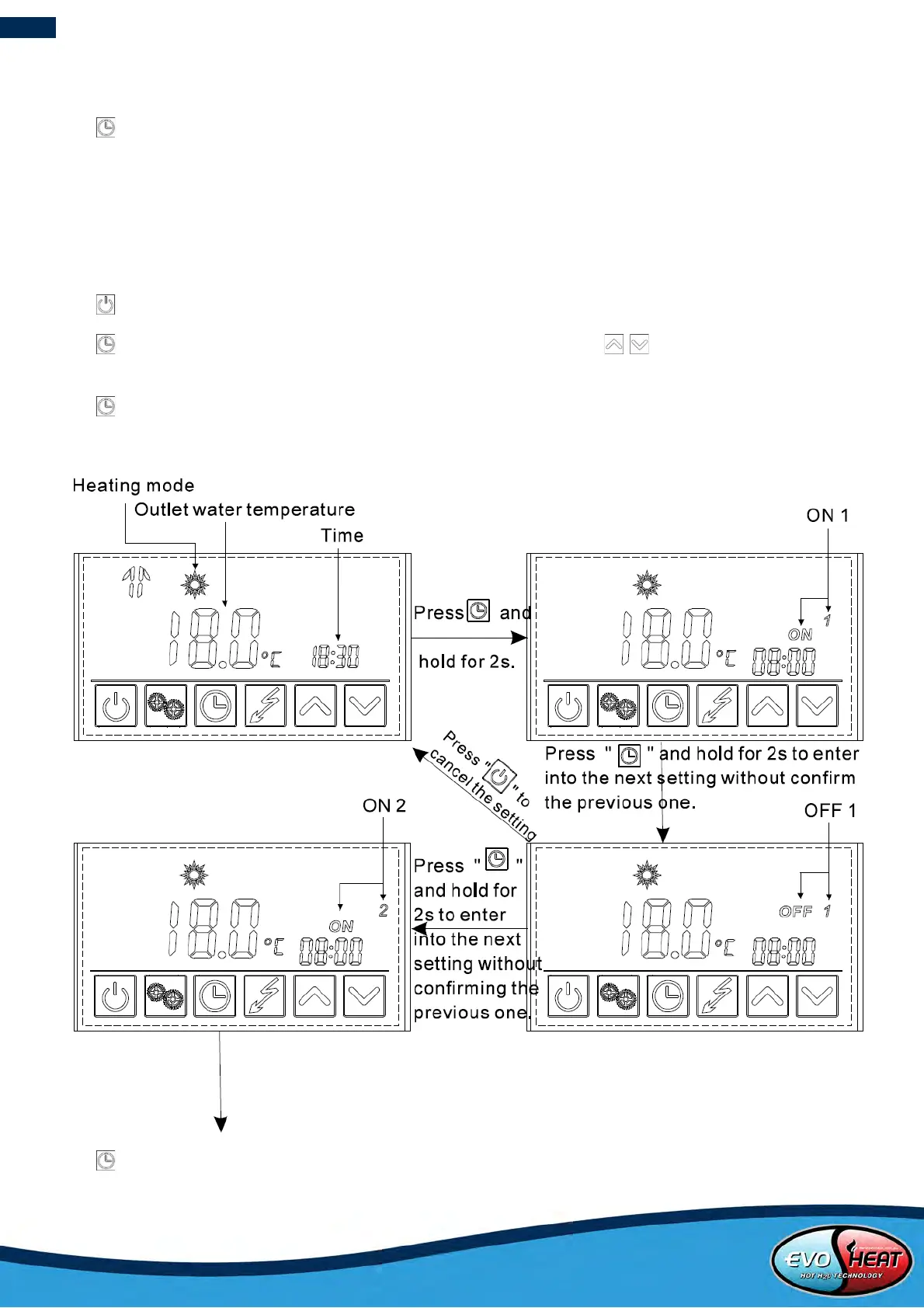
In heating mode, two running periods can be set.
Press and hold for 2 seconds to enter the timer setting menu.
Running Period 1: The symbol “ON 1” on the right side of the screen and the time setting will be flashing. Set the
time and confirm. The ‘OFF 1” and the time setting will flash allowing you to adjust it. Set the time as you would in
previous steps.
Running Period 2: After Running Period 1 is set, the controller will enter the Running Period 2 settings menu. Set the
start-up and shut down times as in the previous steps.
Press to cancel any modifications during the setting changes.
Press and hold for 2 seconds twice to set the “OFF 1” time directly, or press / when the unit is already
running.
Press to cancel the setting when the hour parameter is flashing.
Press and hold for 2 seconds to enter the next setting without confirming the previous one.


 To Next Page