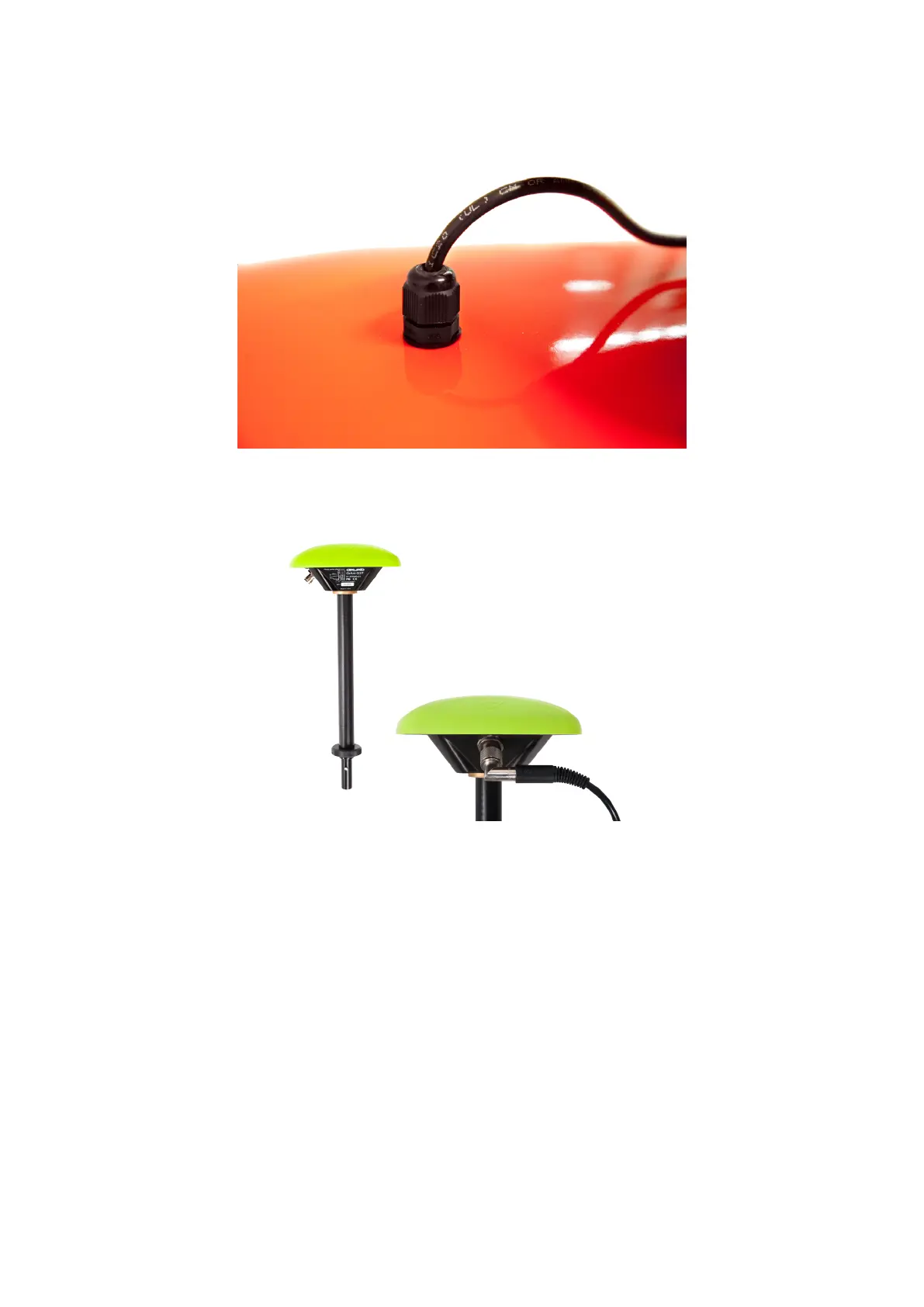
Fasten the GPS antenna:
• Loosen the GPS cable holder on the main body and pull out the GPS connecting cable.
Figure 7: The GPS antenna
• Connect the GPS connecting cable to the GPS antenna.
Figure 8: The GPS antenna
• Put the antenna into the corresponding slot on the main body, fasten it by turning clockwise until you feel it lock.
• Push the loose GPS cable into the main body and fasten the cable holder.
• Raise the WLAN antenna (3 in Fig.6) on the main body.
9



 To Next Page