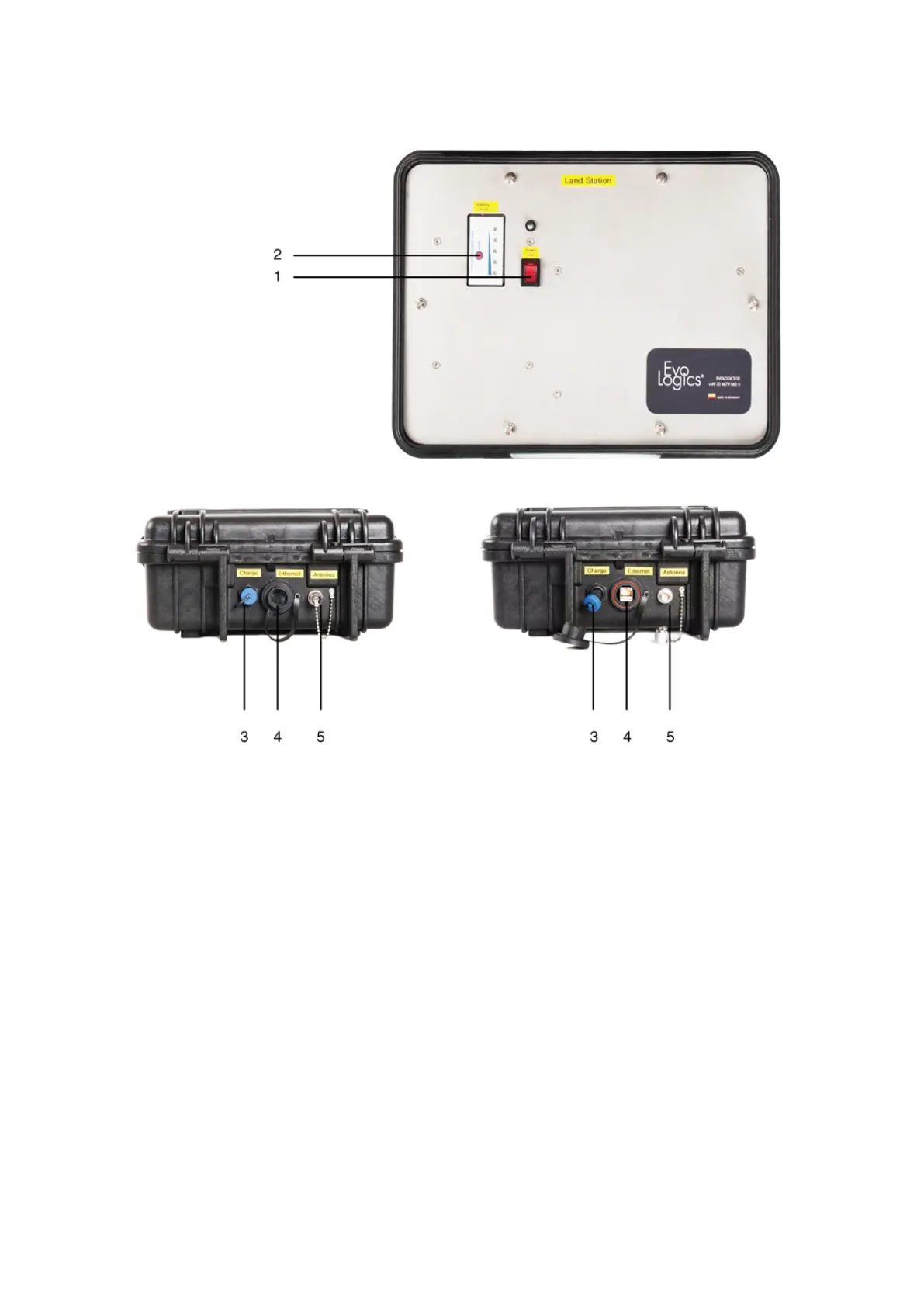
Controls and connectors of the WLAN box are pictured below:
Figure 12: WLAN box controls and connectors
• The On/Off switch (1) turns the WLAN box on/off.
• Press the Battery level button (2) to see the battery level on the light indicator to the right.
• The charging (3), Ethernet (4) and the antenna (5) connectors are protected with screw caps on the back of the
WLAN box.
13



 To Next Page