To set up the WLAN station:
• Take the tripod out of the transport case, spread its legs and set it on even ground.
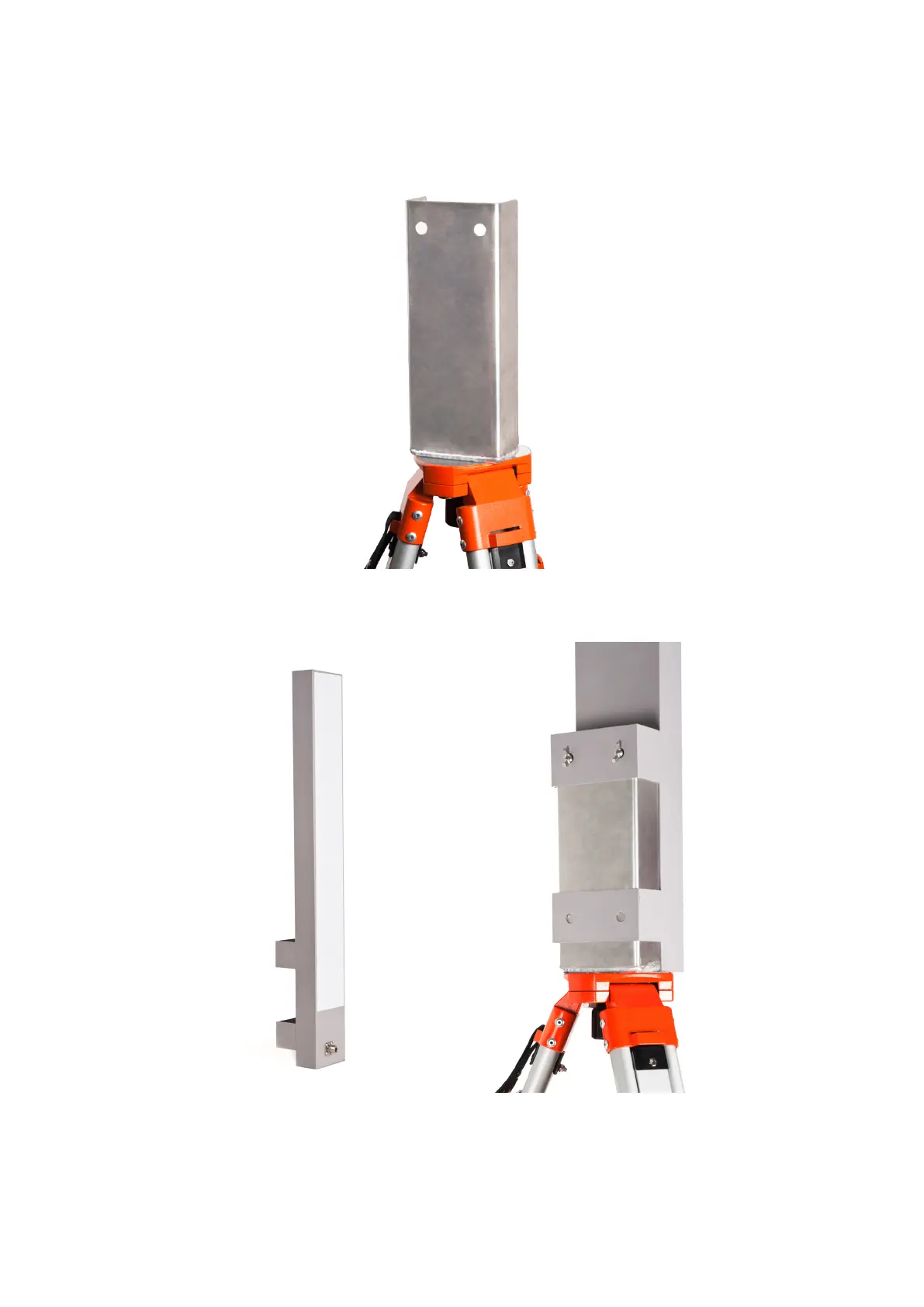
Screw the antenna holder onto the tripod, as shown below:
Figure 13: WLAN station: antenna holder
• Put the antenna onto the holder. With two wing screws supplied, attach it as shown below:
Figure 14: WLAN station: assemble the antenna
14



 To Next Page