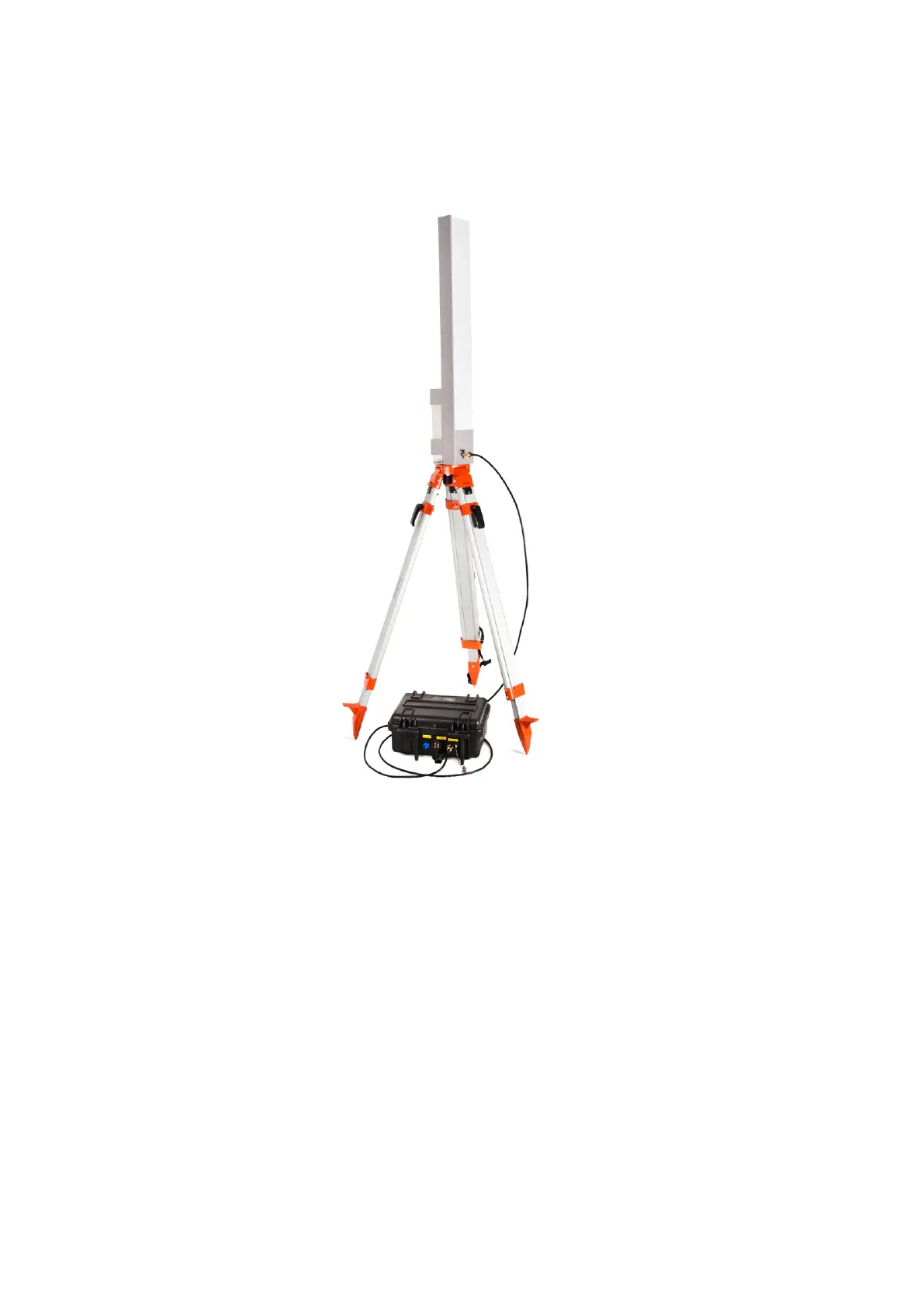
• Adjust the tripod height and push its legs into the ground for a secure stand. The wider tripod legs are spread, the
more stable is the WLAN station - make sure it is stable enough to withstand eventual wind gusts etc.
• Connect the antenna to the WLAN box with the cable supplied:
Figure 15: WLAN station: connect the antenna
• Connect the WLAN box to the Field PC with the 5 m Ethernet cable supplied.
• Open the WLAN box and turn on the station with the On/Off switch. Make sure you close the box after powering
up the station.
15



 To Next Page