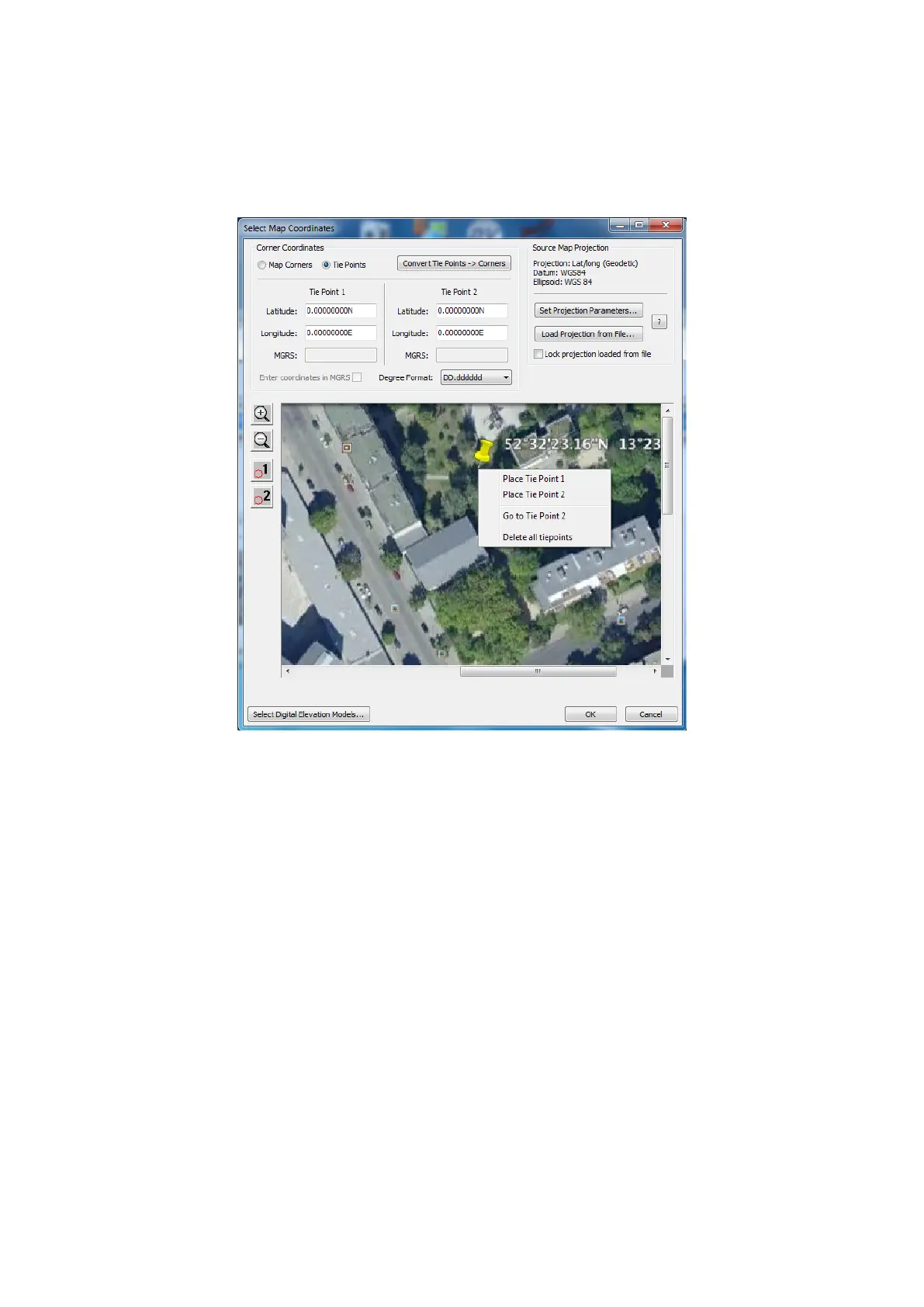
• In the Select Map Coordinates dialog, choose Map Corners to enter coordinates of map corners or Tie Points to
enter coordinates of two points on the map. Enter the coordinates into the corresponding fields.
• If you are using two tie points to reference the map, you must first place the tie points on it: click 1 or 2 in the left
panel of the dialog or right-click on the map and select Place Tie Point 1 or Place Tie Point 2 from the drop-down
menu.
Figure 31: Horizon: place Tie Points
You can zoom in/out, scroll and drag the map view to place the points.
If needed, use click-and-drag to move the tie point you placed on the map.
27



 To Next Page