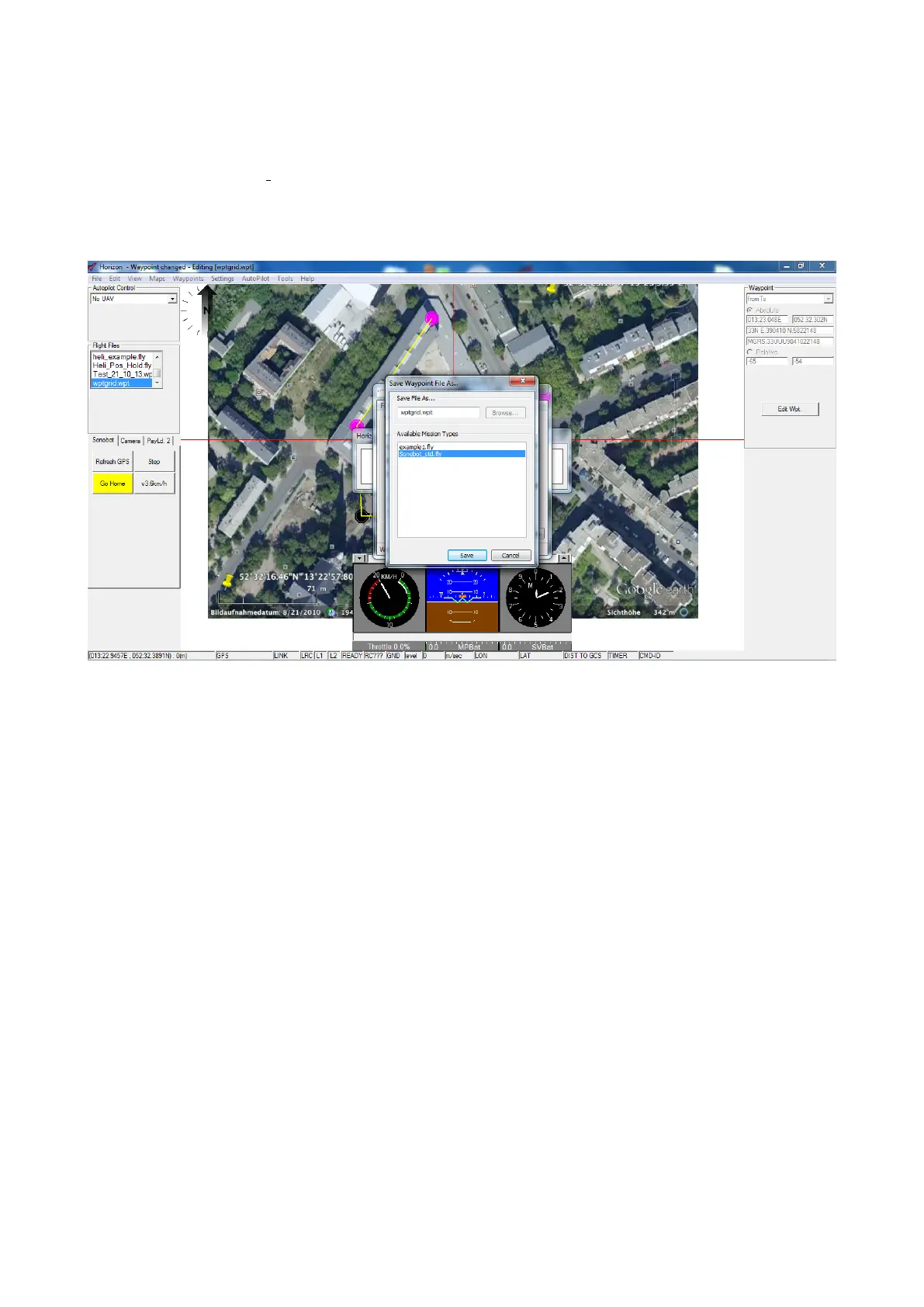
• Press Generate waypoints to create the waypoints grid within the boundary. You will be prompted to save the
waypoints file:
– Enter the file name into the corresponding field.
– Choose Sonobot std.fly from the list of available Wission Types and press Save.
The waypoint file will be saved to the default saving location (C:\Program Files\Horizon3.4\fly). We recommend
to save the file to the default folder.
Figure 41: Horizon: generate a grid
35



 To Next Page