21
www.evolutionpowertools.com
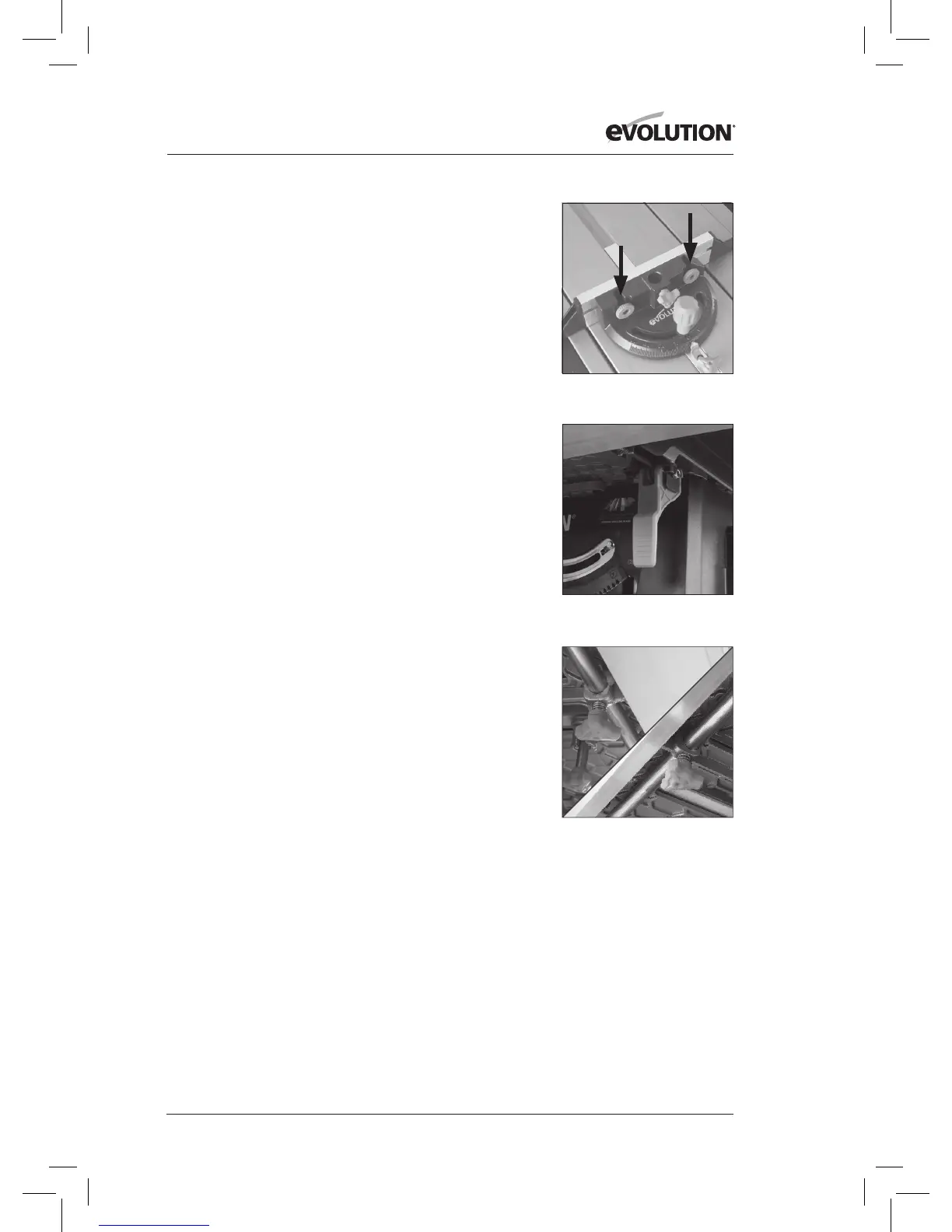
Note: The face plate of the mitre gauge should be adjusted so
that it passes close to, but does not touch the blade guard as it
slides past during a cut.
Adjust by loosening the nger nuts and sliding the
faceplate to the required position. Securely tighten the
nger nuts (Fig. 33).
Note: The Mitre Gauge can be set at any angle between 60˚
Left and 60˚ Right.
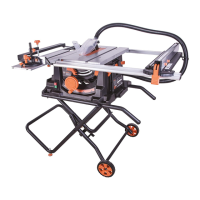
MULTIFUNCTION TABLE TOP
This Table Saw is equipped with a versatile and adaptable
table top. The various adjustments are designed to aid
operator eciency and safety.
TABLE EXTENSIONS
The table top can be extended to the RH and to the LH sides
creating valuable extra work-piece support when cutting
large or wide boards etc. Both sides of the table can be
extended at the same time, or just one side at a time as
required operationally.
To extend the table to the RH side:
• PulluptheRipFencelockingleverandensurethattheRip
Fence is free to move.
• Alternativelyitmaybeconvenienttotemporarilyremove
the Rip Fence from the machine.
• Pullupthetableextensionlockingleverfoundunderthe
table on the right. (Fig. 34).
• Deploythetableextensiontogivetherequired
work-piece support.
• Pushthelockingleverdowntolockthetableinthe
required position.
• Re-attachand/oradjusttheRipFenceasrequired.
• Whencuttingiscompletedreturnthetabletoits
original setting.
To extend the table to the LH side:
• Loosenthetwolockingscrews(onetothefrontandone
to the rear of the machine) underneath the LH side of the
machines table (Fig. 35).
• Deploythetableextension.
• Tightenthelockingscrews.
• Whencuttingiscompletedreturnthetabletoits
original setting.
Fig. 35
Fig. 34
Fig. 33





 To Next Page